
UPS Battery Backup for a Router, Modem or PC: Runtime, Sine Wave and APC vs. CyberPower Picks
How to size a UPS by watts, how long it runs a modem and router, when pure sine wave matters, and APC BE600M1, BR1500MS2 and CyberPower picks.
When the power blinks, the first thing most households lose isn't the lights. It's the internet. The modem and router reboot, video calls drop, security cameras go dark, and a desktop computer shuts off mid-save. A small uninterruptible power supply (UPS) bridges that gap: it sits between the wall and the equipment, runs everything from a battery the instant power fails, and gives either enough time to ride out a short outage or enough time to shut down cleanly.
This guide explains how to size a UPS by watts rather than the big VA number on the box, how long a typical network setup can run, when pure sine wave output matters, and which APC and CyberPower models fit a router, a home office or a gaming PC.
As an Amazon Associate, Best Utah Real Estate earns from qualifying purchases.
Quick verdict: which UPS to buy
- Modem and router only: APC Back-UPS BE600M1. 600VA/330W, five battery outlets, and APC lists roughly 23 minutes at a 100-watt load, much longer at the lower draw of typical network gear.
- Budget unit with voltage regulation: CyberPower CP685AVRG. 685VA/390W with automatic voltage regulation (AVR) that corrects brownouts without draining the battery.
- Desktop PC or home office with a monitor: CyberPower CP1500PFCLCD. 1500VA, pure sine wave, AVR and an LCD that shows estimated runtime.
- Gaming PC or a larger network closet: APC Back-UPS Pro BR1500MS2. 1500VA/900W, pure sine wave, six battery outlets and USB-C charging.
Spec comparison
| Model | Shop | Rating | Output waveform | Outlets (battery / surge only) | AVR | Listed runtime |
|---|---|---|---|---|---|---|
| APC BE600M1 |  Buy on Amazon Buy on Amazon
| 600VA / 330W | Stepped approximation | 5 / 2, plus USB charging | No | About 23 min at 100 W |
| CyberPower CP685AVRG | 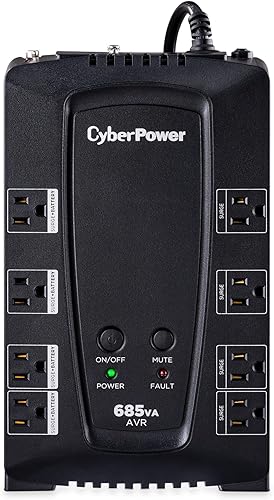 Buy on Amazon Buy on Amazon
| 685VA / 390W | Simulated sine | 4 / 4 | Yes | About 11 min at half load, 2 min full |
| CyberPower CP1500PFCLCD |  Buy on Amazon Buy on Amazon
| 1500VA / 1000W | Pure sine | 6 / 6, plus USB-A and USB-C | Yes | About 10 min at half load, 2.5 min full |
| APC BR1500MS2 |  Buy on Amazon Buy on Amazon
| 1500VA / 900W | Pure sine | 6 / 4, plus USB charging | Yes | About 14.5 min at half load, 4 min full |
Ratings and runtimes come from manufacturer and retailer spec listings. Runtime depends on the load and the battery's age, so treat these as starting points. Check the current listing, since both brands sell variants with very similar names.
Size by watts, not VA
Every UPS carries two ratings. The bigger one, in volt-amps (VA), is mostly marketing. The one that matters is watts, the real power the inverter can deliver. A "1500VA" unit may be rated anywhere from 900 to 1,000 watts. Add up the watts of everything plugged into the battery outlets and keep the total well below the rated watts; ENERGY STAR notes that going one size up extends runtime.
Finding the watts is easy for most gear. The power adapter label lists output volts and amps (multiply them for a ceiling), and a plug-in watt meter shows the real draw. Network equipment usually draws far less than its adapter's maximum, which is why a small UPS can keep a modem and router online much longer than its full-load runtime suggests.
Runtime is not linear
Halving the load more than doubles runtime, because lead-acid batteries deliver more total energy when drained slowly. APC's figures for the BE600M1 show it: about 3 minutes at its full 330 watts, about 23 minutes at 100 watts, and listings cite around 50 minutes at 50 watts. For a modem and router drawing a fraction of that, runtime stretches well past an hour. That is the main reason to keep the PC, monitor and printer off a small network UPS: they shrink the minutes available to the equipment that matters most in an outage.
Battery outlets vs. surge-only outlets
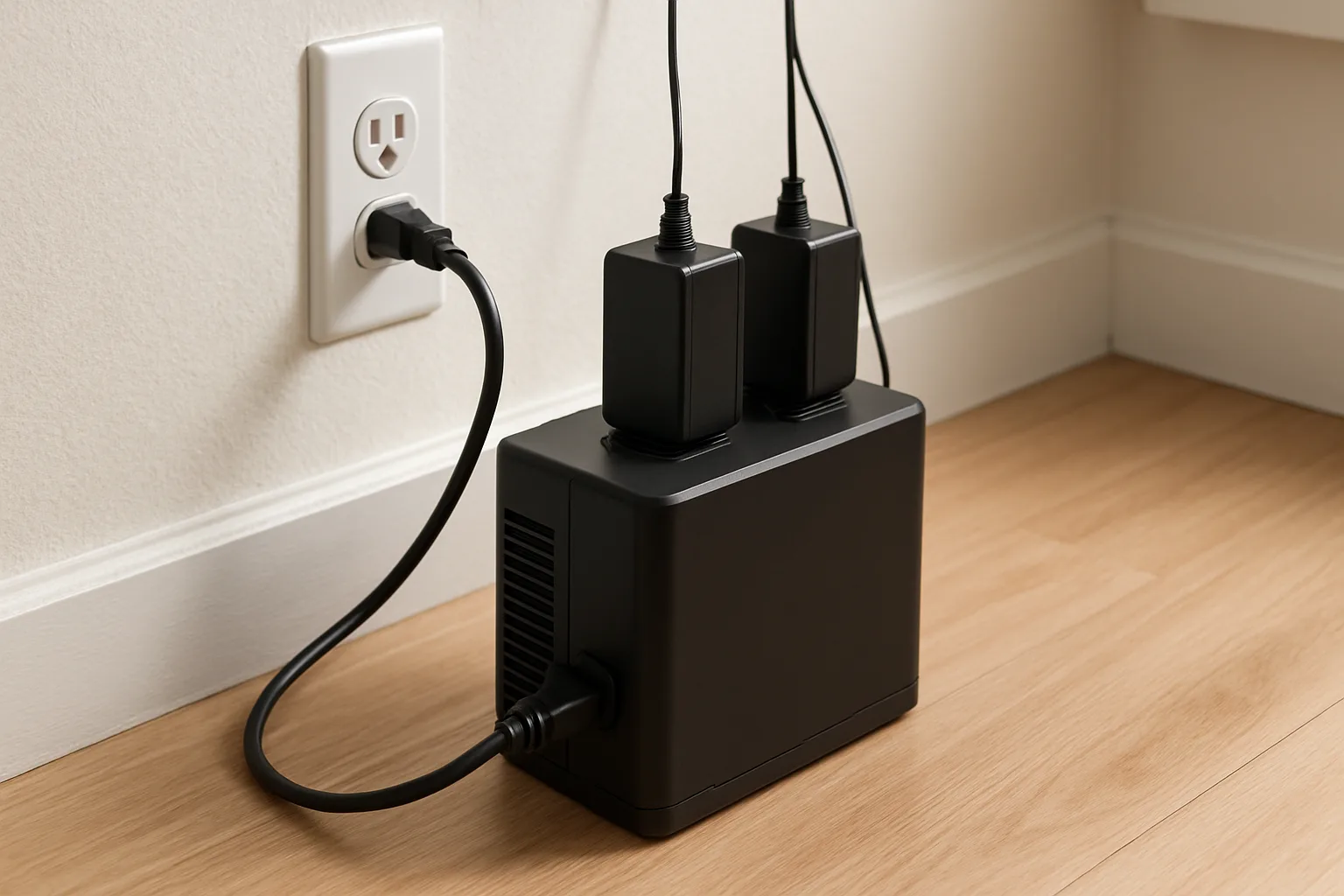
Every model here has two kinds of outlets. Battery outlets stay on during an outage; surge-only outlets protect against spikes but go dark when the power fails. Plug the modem, router, mesh nodes, an ONT or fiber box (if it has a plug), a network video recorder or the PC tower into the battery side. Put printers, speakers, desk lamps and chargers on the surge side. Laser printers in particular draw a large surge when warming up and shouldn't be on a battery outlet.
Pure sine wave: when it matters
When running on battery, a UPS builds AC power with an inverter. Budget units like the APC BE600M1 produce a stepped approximation of a sine wave. That is fine for modems, routers, small adapters and most electronics. Many modern desktop power supplies use active power factor correction (PFC), and UPS makers market pure sine wave models like the CP1500PFCLCD and BR1500MS2 specifically as compatible with active PFC power supplies. For a desktop, workstation or gaming PC, the pure sine wave models are the safer pick.
AVR: fixing brownouts without the battery
Automatic voltage regulation corrects sags and swells in utility voltage without switching to battery. In homes or neighborhoods with frequent brownouts, or where large motors cause dips, AVR keeps the battery from cycling constantly, which extends its life. The CyberPower CP685AVRG, CP1500PFCLCD and APC BR1500MS2 include it; the BE600M1 does not.
The picks in detail
APC Back-UPS BE600M1: for the network
The BE600M1 is a compact standby unit rated at 600VA/330W, with five battery-backed outlets, two surge-only outlets and a USB charging port. APC lists a typical transfer time of 6 milliseconds, which is quick enough that network gear keeps running. The battery is user-replaceable (APC's replacement is the APCRBC154), and APC backs it with a 3-year warranty.
APC Back-UPS BE600M1Check today’s price on AmazonBuy on Amazon →
CyberPower CP685AVRG: budget with AVR
The CP685AVRG is a line-interactive unit rated at 685VA/390W with four battery outlets and four surge-only outlets. Its AVR is the main step up from the APC at a similar size. CyberPower's warranty is three years and includes the battery; the replacement cartridge is the RB1270B. It has no display, so runtime has to be estimated from the load.
CyberPower CP1500PFCLCD: the home office standard
The CP1500PFCLCD is a mini-tower rated at 1500VA/1000W with pure sine wave output, AVR, 12 outlets (six on battery), and USB-A and USB-C charging ports. The LCD shows load and estimated runtime, and PowerPanel software can shut a computer down automatically before the battery runs out. CyberPower lists about 10 minutes at half load. Its 3-year warranty covers the battery.
CyberPower CP1500PFCLCD Sinewave UPSCheck today’s price on AmazonBuy on Amazon →
APC Back-UPS Pro BR1500MS2: more runtime at 1500VA
The BR1500MS2 is rated at 1500VA/900W with pure sine wave output, AVR, an LCD, six battery outlets and four surge-only outlets, plus USB-C charging. Listed runtime is about 14.5 minutes at half load and about 4 minutes at full load, a bit longer than the CyberPower at half load. APC lists the battery life at up to five years depending on use; the replacement is the APCRBC163.
APC Back-UPS Pro BR1500MS2Check today’s price on AmazonBuy on Amazon →
Setup and upkeep
- Keep it cool. ENERGY STAR's UPS guidance notes that battery life drops by half with every 15-degree rise in temperature, so a hot closet or garage shortens it fast.
- Use the shutdown software for any computer, so it closes files and shuts down on its own during a long outage.
- Plan on new batteries. Sealed lead-acid batteries in these units typically last a few years. Self-tests and alarms warn when replacement is due, and the batteries in all four picks are replaceable.
- Don't daisy-chain. Plugging a power strip or second UPS into a UPS battery outlet is against most manufacturers' instructions.
What a UPS won't do
A small UPS keeps internet and computers running through short outages and gives time to shut down during long ones. It won't run a refrigerator, sump pump or furnace for hours. For that, a portable power station or a standby generator is the right tool. A UPS also can't help if the outage takes down the internet provider's own equipment in the neighborhood. In homes with a mesh Wi-Fi system or security cameras that record to a local hub, it is worth putting the main router node and the recorder on battery power, since those keep the network and footage alive during an outage.
Who should buy which
- Keep the internet up through outages: APC BE600M1.
- Frequent brownouts, small budget: CyberPower CP685AVRG.
- Home office desktop with one or two monitors: CyberPower CP1500PFCLCD.
- Gaming PC, NAS or network closet that needs more runtime: APC BR1500MS2.
Posted by Kristopher Larson
Frequently asked questions
How long will a UPS run a modem and router?
It depends on the combined draw, which for a modem and router is usually small. APC lists its 600VA/330W BE600M1 at about 23 minutes at a 100-watt load and roughly 50 minutes at 50 watts, so lighter network loads typically run well over an hour. Measuring the actual draw with a plug-in watt meter gives the best estimate.
What size UPS is needed for a router and modem?
Size by watts, not VA. A modem and router together usually draw far less than 100 watts, so a compact 600VA unit rated around 330 watts is plenty. Choosing a larger unit adds runtime, which ENERGY STAR notes is a reasonable way to extend backup time.
Does a gaming PC need a pure sine wave UPS?
A pure sine wave unit is the safer choice. Many desktop power supplies use active power factor correction, and UPS makers market pure sine wave models such as the CyberPower CP1500PFCLCD and APC BR1500MS2 as compatible with active PFC supplies. Budget units with stepped or simulated sine output are fine for network equipment and small electronics.
What is the difference between VA and watts on a UPS?
VA (volt-amps) is apparent power and is the larger number on the box. Watts is the real power the UPS can deliver, and it is the rating to compare against the equipment's draw. A 1500VA unit is typically rated around 900 to 1,000 watts.
How often does a UPS battery need replacing?
The sealed lead-acid batteries in home UPS units typically last a few years; APC lists up to five years for the BR1500MS2 depending on use. Heat shortens battery life sharply, and ENERGY STAR notes it falls by half for every 15-degree rise in temperature, so keep the unit in a cool room and replace the battery when self-test alarms say so.
Can a power strip be plugged into a UPS?
Manufacturers generally advise against plugging power strips, surge protectors or another UPS into a UPS battery outlet. Plug each device directly into the UPS, putting essential equipment on the battery outlets and accessories such as printers on the surge-only outlets.
Keep reading
More from the blog
Whole-House Surge Protectors: Type 1 vs. Type 2, What They Can't Stop, and Square D vs. Siemens vs. Eaton

Propane vs. Electric Patio Heaters: Mushroom vs. Infrared vs. Tabletop, and How Much Heat a Patio Needs
How to Measure Home Electricity Use: Kill A Watt vs. Smart Plugs vs. Emporia Vue vs. Sense