Find the Perfect Jackery Power Station for Your Home and Lifestyle Needs
How to size a Jackery for home backup: watts vs. watt-hours, typical appliance loads, and which model fits, from the Explorer 1000 v2 to the HomePower 3000 and Explorer 5000 Plus.
Jackery sells power stations from small 300-watt-hour units that charge phones and laptops up to 5,000-watt-hour systems that can wire into a home's breaker panel. For home backup, the right one depends on two numbers: how many watts the appliances draw at the same moment, and how many watt-hours they use over the length of an outage. Buying on brand or capacity alone is how people end up with a unit that cannot start the refrigerator or runs flat by midnight.
This guide explains how to size a power station for a home, then matches each current Jackery model to the outages it can realistically cover, with one competitor for comparison.
As an Amazon Associate, Best Utah Real Estate earns from qualifying purchases.
Quick verdict: which Jackery for home backup
- Internet, laptops, phones and lights for a few hours: Explorer 1000 v2 (1,070 Wh, 1,500 W).
- Refrigerator plus essentials through an overnight outage: Explorer 2000 v2 (2,042 Wh, 2,200 W).
- Kitchen essentials for one to two days: HomePower 3000 (3,072 Wh, 3,600 W).
- Circuits through a transfer switch, including 240-volt loads: Explorer 5000 Plus (5,040 Wh, 7,200 W, expandable).
- Phones, a CPAP or a router only: the Explorer 300 (292 Wh) is enough, but it is a grab-and-go unit, not home backup.
How to size a power station: watts vs. watt-hours
Every power station carries two ratings, and both matter.
- Output (watts) is how much power it can deliver at once. The total of everything running at the same time must stay under the continuous rating, and motor-driven appliances (refrigerators, pumps, compressors) briefly pull two to three times their running watts when they start, which is what the surge rating covers.
- Capacity (watt-hours) is the size of the fuel tank. A 1,000 Wh battery can, in theory, run a 100 W load for 10 hours. In practice, inverter and conversion losses mean roughly 80 to 90 percent of the rated capacity reaches AC devices.
A simple sizing method: list the appliances to keep running, note each one's watts from its nameplate or manual, estimate how many hours each will actually run during an outage, and add up the watt-hours. Then add about 15 to 20 percent for losses. A refrigerator's yellow EnergyGuide label lists its yearly kWh; dividing by 365 gives a daily figure, and ENERGY STAR's refrigerator listings show typical consumption for current models.
Typical household loads
| Appliance | Typical running watts | Notes |
|---|---|---|
| Modem and Wi-Fi router | 15 to 30 W | Runs all day; often 0.5 kWh or less per day |
| Laptop | 45 to 100 W while charging | USB-C ports avoid inverter losses |
| LED light bulb | 8 to 12 W each | Several bulbs barely move the total |
| CPAP | 30 to 60 W | Higher with a heated humidifier |
| Full-size refrigerator | 100 to 250 W when the compressor runs | Cycles on and off; starting surge several times higher |
| Chest freezer | 50 to 100 W when running | Very efficient if kept closed |
| Microwave | 1,000 to 1,500 W | Short runs; needs a high-output unit |
| Space heater | Up to 1,500 W | Drains any portable unit quickly |
| Sump pump | About 800 W or more for a 1/3 hp pump | Large starting surge; check the motor label |
| Well pump, central AC, electric dryer | Often 240 V | Needs a 240 V-capable system such as the 5000 Plus |
These are typical ranges, not specs for any particular model. The nameplate on the appliance is the number to use.
A worked example
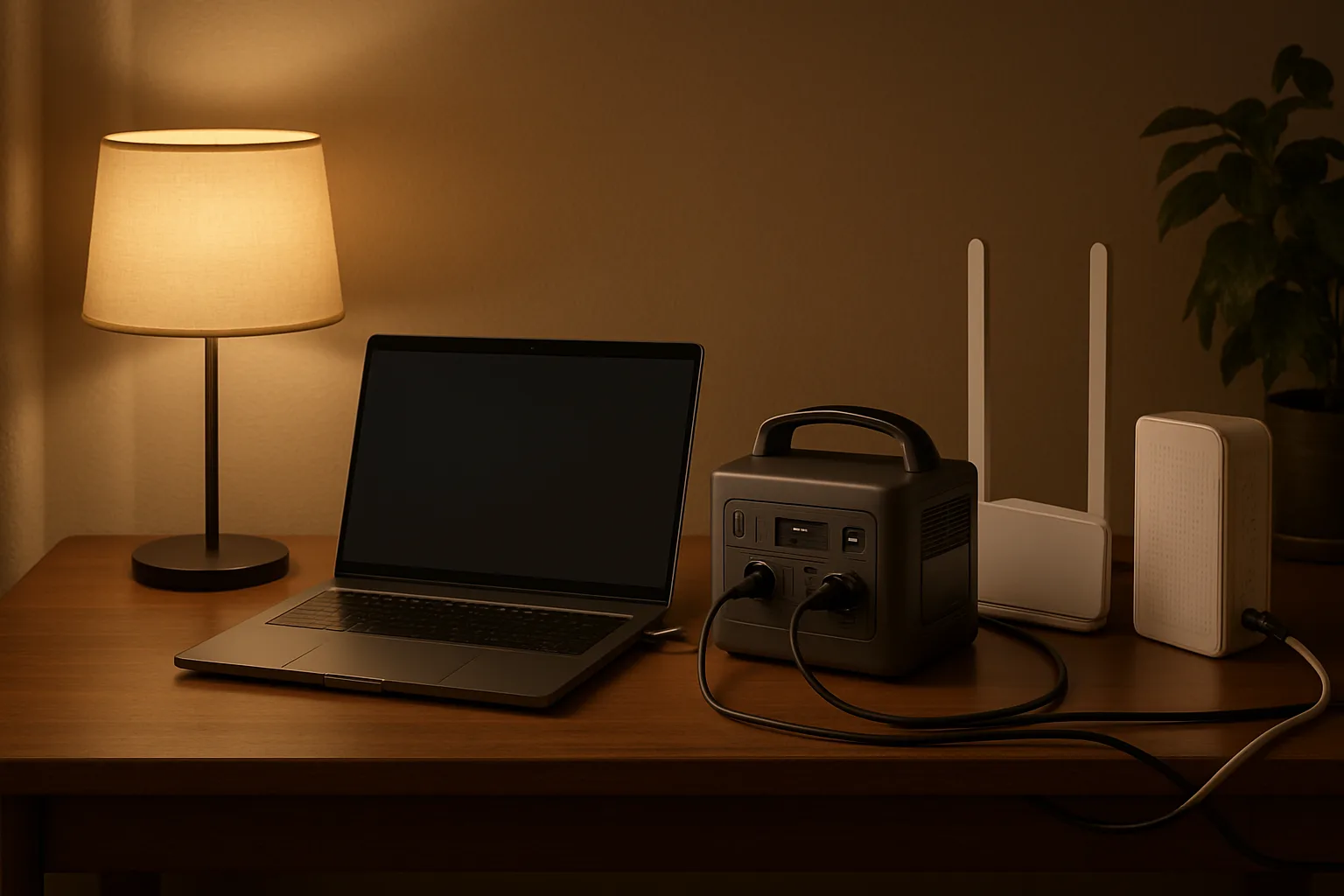
A household wants to keep a refrigerator (about 1.5 kWh per day), the internet (about 0.5 kWh per day) and a few lights going through a 24-hour outage. That is roughly 2.1 kWh, or about 2.5 kWh after losses. An Explorer 1000 v2 would cover a bit less than half of that day. An Explorer 2000 v2 gets close to a full day if the refrigerator door stays shut, and a HomePower 3000 covers it with margin. Adding a microwave or coffee maker changes the output requirement more than the capacity, because those draw 1,000 W or more for a few minutes.
The Jackery lineup compared
| Model | Shop | Capacity | Continuous output (surge) | Weight | Home backup role |
|---|---|---|---|---|---|
| Explorer 300 | 292 Wh | 300 W (600 W) | 7.5 lb | Phones, CPAP, router for a few hours | |
| Explorer 1000 v2 | 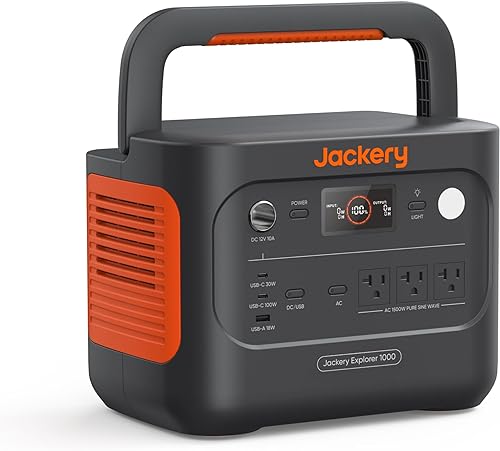 Buy on Amazon Buy on Amazon
| 1,070 Wh | 1,500 W (3,000 W) | 23.8 lb | Home office and internet; short fridge runs |
| Explorer 2000 v2 | 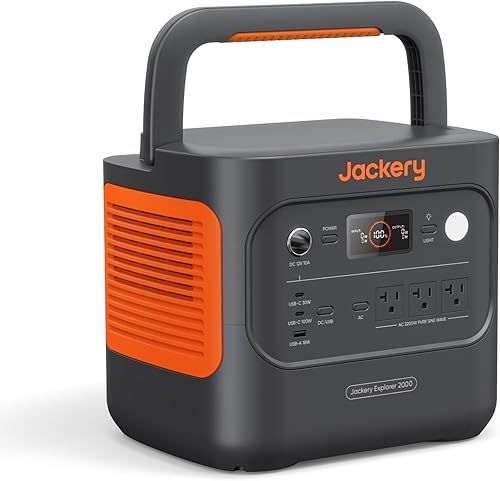 Buy on Amazon Buy on Amazon
| 2,042 Wh | 2,200 W | 39.5 lb | Fridge plus essentials overnight; 20 ms UPS |
| HomePower 3000 |  Buy on Amazon Buy on Amazon
| 3,072 Wh | 3,600 W (7,200 W) | About 60 lb | Kitchen essentials for one to two days; 20 ms UPS |
| Explorer 5000 Plus |  Buy on Amazon Buy on Amazon
| 5,040 Wh (expandable to 60 kWh) | 7,200 W, 120/240 V | 134.5 lb | Selected circuits through a transfer switch |
All current models in this list use LiFePO4 (lithium iron phosphate) batteries, which are rated for thousands of charge cycles. Specs above come from the Amazon listings; check the listing for current bundles, since several models are also sold with solar panels or transfer switches.
Explorer 1000 v2: the home office pick
The 1000 v2 stores 1,070 Wh and puts out 1,500 W continuous with a 3,000 W surge, in a 23.8-pound case with three AC outlets, two USB-C ports (100 W), a USB-A port and a car port. Jackery's app enables a one-hour emergency recharge; the default is about 1.7 hours to protect the battery. It keeps a modem, router and laptop running for many hours, and can carry a refrigerator for part of a day. It is the size most households can lift and move from room to room.
Jackery Explorer 1000 v2Check today’s price on AmazonBuy on Amazon →
Explorer 2000 v2: the overnight refrigerator pick
Doubling capacity to 2,042 Wh and output to 2,200 W, the 2000 v2 handles a refrigerator plus internet, lights and phone charging through an overnight outage. The listing gives 0 to 80 percent in 66 minutes on AC, a silent charging mode under 30 dB, and a 20 ms switchover with UL 1778 certification for uninterruptible power use, which lets it sit between the wall and a refrigerator or network gear and take over automatically. At 39.5 pounds it is still portable, though not something to carry far.
Jackery Explorer 2000 v2Check today’s price on AmazonBuy on Amazon →
HomePower 3000: one to two days of kitchen essentials
The HomePower 3000 is Jackery's 3 kWh unit aimed squarely at home backup. It delivers 3,600 W continuous with a 7,200 W surge, enough for a microwave or coffee maker alongside the refrigerator. Jackery rates it to keep a refrigerator running for one to two days, with a UL-certified UPS that switches in 20 ms or less, a TT-30 port for RVs, and a full AC recharge in about 2.2 hours (1.7 hours combining AC and solar). It is sold in several bundles, including with a transfer switch.
Jackery HomePower 3000Check today’s price on AmazonBuy on Amazon →
Explorer 5000 Plus: circuit-level backup
The 5000 Plus is a different class of product. It stores 5,040 Wh, outputs 7,200 W at 120 or 240 volts (14,400 W surge), and expands with extra battery packs up to 60 kWh. Paired with Jackery's 60 A Smart Transfer Switch, it can power up to 12 circuits at 120 V or 6 at 240 V, which covers loads a portable unit cannot, such as a well pump. It weighs 134.5 pounds on wheels and accepts up to 4,000 W of solar input. Installing a transfer switch is a job for a licensed electrician and usually needs a permit.
Jackery Explorer 5000 PlusCheck today’s price on AmazonBuy on Amazon →
How it compares: Anker SOLIX C1000 Gen 2
The closest rival to the Explorer 1000 v2 is the Anker SOLIX C1000 Gen 2. It stores slightly less (1,024 Wh) but outputs more (2,000 W continuous, 3,000 W peak) across 10 ports, recharges in about 49 minutes, accepts 600 W of solar, and lists a sub-10 ms UPS switchover plus a time-of-use mode in its app. Buyers choosing between the two should decide whether higher output or Jackery's ecosystem of panels and larger home units matters more.
Connecting a power station to the house
- Extension cords: the simplest option for a refrigerator, freezer or internet gear. Use cords rated for the load and keep them out of walkways.
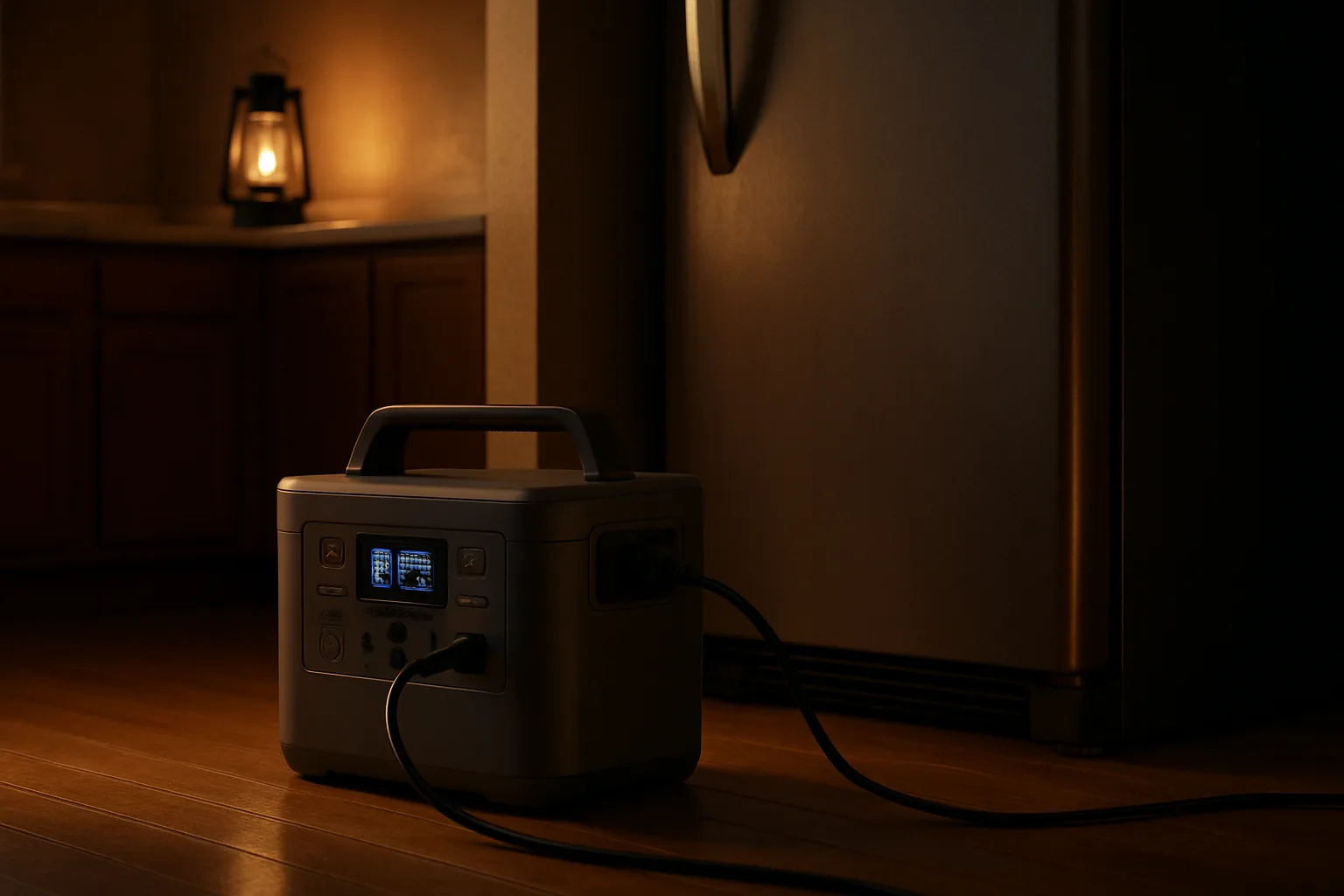
- UPS mode: models with a fast switchover can stay plugged in full time, so a refrigerator or network keeps running when the grid drops without anyone being home.
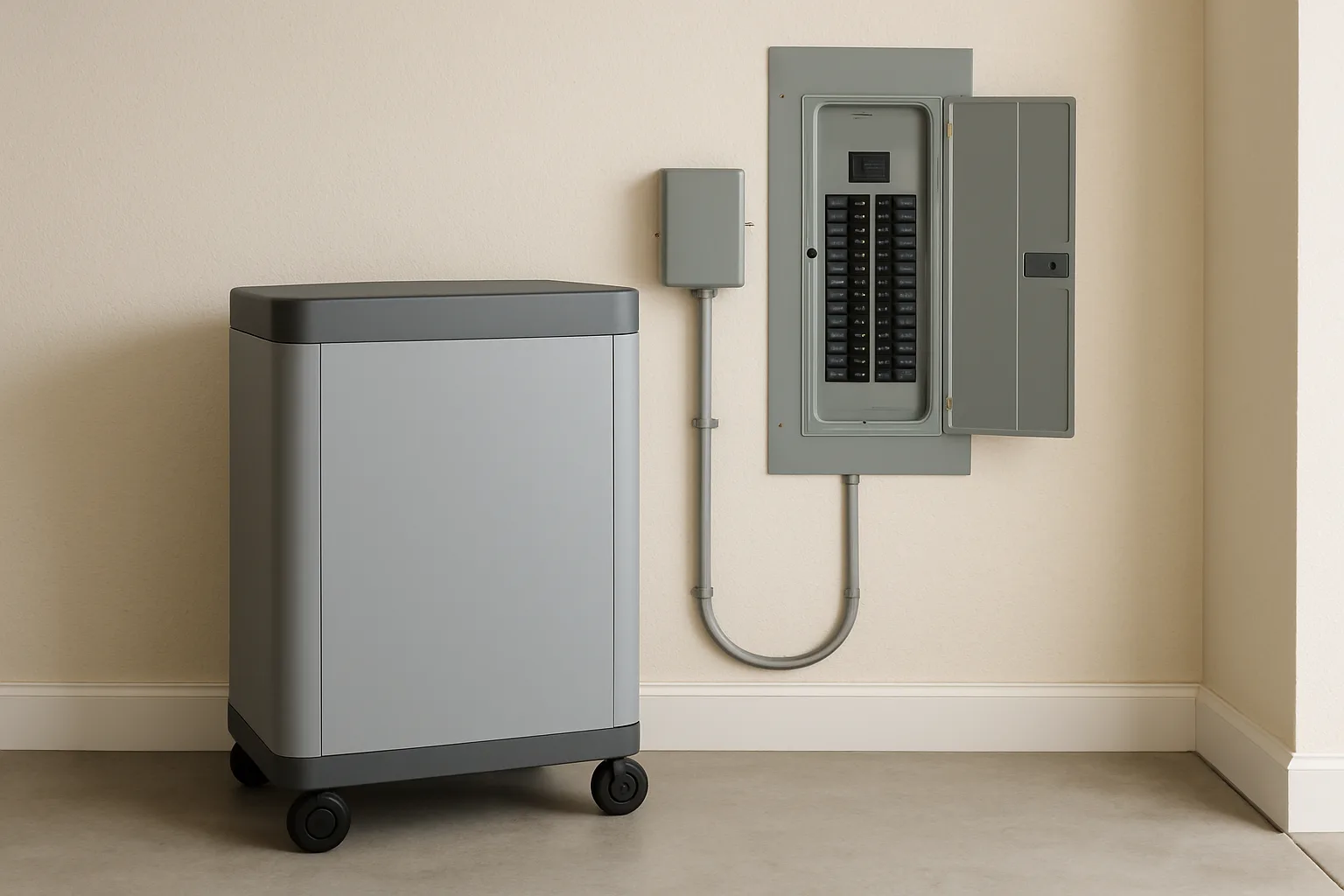
- Transfer switch: the only safe way to feed household circuits. Never plug a power station into a wall outlet to backfeed the house; it can endanger utility workers and damage equipment.
Power stations run without fumes, which is their main advantage over gas generators. A fuel generator must always run outdoors, far from windows and doors, because of carbon monoxide; Ready.gov's power outage guidance covers generator safety and outage planning. For longer or more frequent outages, the guide to home standby generators compares a permanent generator's cost and coverage with battery backup.
Recharging with solar during a long outage
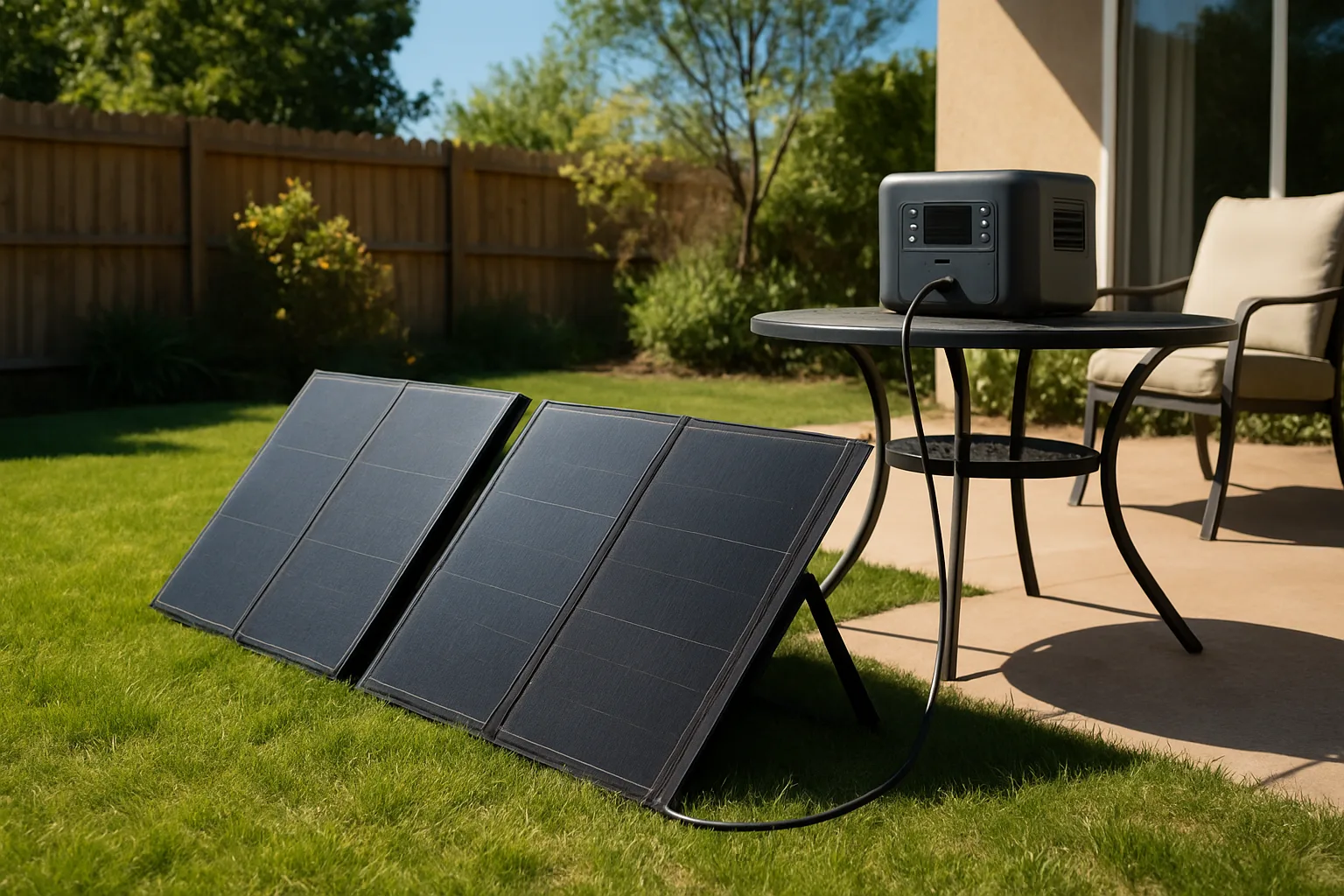
A power station only lasts as long as its battery unless something refills it. Solar panels turn a one-day battery into a multi-day setup in good weather. Jackery's listings put the 2000 v2 at about six hours to charge from 400 W of panels, and the HomePower 3000 at about nine hours to 80 percent from two 200 W panels. Cloud cover, panel angle and season cut those numbers. The 1000 v2 listing notes it charges from Jackery's own panels only, so check panel compatibility before mixing brands.
Tips for getting the most runtime
- Keep the refrigerator closed. A full, closed refrigerator cycles less, which stretches every watt-hour.
- Charge devices over USB-C rather than through an AC adapter to skip inverter losses.
- Store the unit charged. Top it up every few months so it is ready when an outage starts.
- Keep the network up. A modem and router use little power and keep phones, cameras and smart home alerts working; the mesh Wi-Fi comparison covers router systems by home size.
- Prioritize leak and freeze protection. If a sump pump is on the list, size for its starting surge; a water leak sensor or shutoff valve on battery power adds an early warning.
Bottom line
For most homes, the best Jackery for backup is the one sized to the refrigerator. The Explorer 1000 v2 covers internet and devices, the 2000 v2 carries a refrigerator overnight, the HomePower 3000 covers one to two days of kitchen essentials, and the 5000 Plus is for households ready to install a transfer switch and back up whole circuits. Adding up watts and watt-hours before buying is the step that decides which one fits.
Posted by Kristopher Larson
Frequently asked questions
Which Jackery is best for home backup?
It depends on the loads. The Explorer 1000 v2 (1,070 Wh) covers internet, laptops and lights for several hours. The Explorer 2000 v2 (2,042 Wh) can carry a refrigerator plus essentials overnight. The HomePower 3000 (3,072 Wh) is rated to keep a refrigerator running for one to two days, and the Explorer 5000 Plus powers selected household circuits through a transfer switch, including 240-volt loads.
How many watt-hours does it take to run a refrigerator?
A typical full-size refrigerator uses roughly 1 to 2 kWh per day; the yellow EnergyGuide label lists the yearly kWh, and dividing by 365 gives a daily figure. Add about 15 to 20 percent for inverter losses. A unit around 2,000 Wh covers most refrigerators for close to a day, while a 1,000 Wh unit covers roughly half a day.
Can a Jackery power a whole house?
A portable unit cannot run an entire house on its own, but the Explorer 5000 Plus comes close for selected circuits. It outputs 7,200 W at 120 or 240 volts, expands up to 60 kWh with extra batteries, and with Jackery's Smart Transfer Switch can power up to 12 circuits at 120 V or 6 at 240 V. Central air, electric ranges and dryers still need careful load planning.
Can a Jackery be plugged into a wall outlet to power the house?
No. Feeding power into a home through a wall outlet, called backfeeding, is dangerous for utility workers and can damage equipment. Household circuits should only be connected through a properly installed transfer switch, which a licensed electrician should install. Otherwise, run appliances directly from the power station with suitable extension cords.
Is it safe to use a Jackery power station indoors?
Yes. Battery power stations produce no exhaust, so they can run indoors, unlike gas generators, which must run outdoors away from windows and doors because of carbon monoxide. Keep the unit on a stable surface with space around its vents and follow the manufacturer's temperature limits for charging and use.
Jackery Explorer 1000 v2 or Anker SOLIX C1000 Gen 2?
The two are close. The Jackery Explorer 1000 v2 stores 1,070 Wh with 1,500 W continuous output and a 3,000 W surge. The Anker SOLIX C1000 Gen 2 stores 1,024 Wh but outputs 2,000 W continuous (3,000 W peak), recharges in about 49 minutes and lists a sub-10 ms UPS switchover. Buyers who need higher output lean Anker; those planning to grow into Jackery panels or larger home units lean Jackery.
Keep reading
More from the blog
Costway Christmas Inflatables Reviewed: Snow Globe, Nativity, Santa on a Dinosaur and More
Best Christmas Tree Stand for a Real Tree: Steel vs. Plastic vs. Ratchet (Cinco, Jack-Post, Krinner)
C3 vs. C6 vs. C7 vs. C9 Christmas Lights: Which Bulb Size for Rooflines, Trees and Bushes