
How to Measure Home Electricity Use: Kill A Watt vs. Smart Plugs vs. Emporia Vue vs. Sense
Plug-in meters, energy-monitoring smart plugs and panel monitors compared, with Kill A Watt, Kasa, Tapo, Emporia Vue and Sense picks for each job.
An electric bill shows one number for the whole month. It doesn't say whether the old garage freezer, the gaming PC, the hot tub or a water heater element stuck on is behind a high reading. Measuring use device by device answers that, and the tools range from a simple plug-in meter to a sensor kit that clamps inside the breaker panel and tracks every circuit in real time.
This guide compares the three ways to measure home electricity use (plug-in meters, energy-monitoring smart plugs and whole-home panel monitors), explains what each can and can't see, and names the models worth buying in each group.
As an Amazon Associate, Best Utah Real Estate earns from qualifying purchases.
Quick verdict: which energy monitor to buy
- Checking one appliance at a time: P3 Kill A Watt P4400. Plug it in between the outlet and the device; it shows watts, kilowatt-hours and cost estimates with no app or Wi-Fi.
- Tracking and scheduling a few plug-in devices: Kasa KP125M Matter smart plug (works with Apple Home, Alexa, Google Home and SmartThings) or the Tapo P110M.
- Seeing every circuit in the house, including 240-volt loads: Emporia Vue 3. Two mains sensors plus up to 16 circuit sensors.
- Whole-home view with automatic device detection: Sense Energy Monitor. Two sensors on the mains and software that learns individual appliances over time.
The three approaches compared
| Tool | What it measures | Install | App / history | Can it switch the device? | Best for |
|---|---|---|---|---|---|
| Plug-in meter (Kill A Watt P4400) | One plug-in device, up to 15 A | Plug in | No app; on-screen readings | No | Spot checks, standby draw |
| Energy-monitoring smart plug (Kasa KP125M, Tapo P110M) | One plug-in device, up to 15 A | Plug in, connect to 2.4 GHz Wi-Fi | Yes, usage history in the brand's app | Yes, on/off and schedules | Ongoing tracking of a few devices |
| Circuit-level panel monitor (Emporia Vue 3) | Whole home plus up to 16 individual circuits | Sensors in the breaker panel | Yes, real-time and history | No (pairs with Emporia plugs and chargers) | Finding which circuits use the most |
| Device-detection panel monitor (Sense) | Whole home; identifies devices by their electrical signature | Sensors on the mains, wired to a 240 V breaker | Yes, real-time and history | No | Whole-home view without a sensor per circuit |
Specs come from each manufacturer's listing. Check the current model and kit contents before buying, since panel monitors are sold in several sensor bundles.
The math every monitor is doing
All of these tools turn power (watts) into energy (kilowatt-hours), which is what the utility bills for. The formula is simple: watts × hours of use ÷ 1,000 = kWh. A 100-watt device that runs 10 hours a day uses 1 kWh a day, or about 30 kWh a month. Multiply by the per-kWh rate on the bill, including delivery charges, to get cost.
Two things make real numbers harder than the formula suggests:
- Cycling loads. Refrigerators, freezers, dehumidifiers and HVAC equipment switch on and off. A single wattage reading means little; what matters is kWh measured over at least a full day, ideally a week.
- Standby draw. TVs, game consoles, cable boxes, chargers and appliances with clocks or Wi-Fi draw a few watts all the time. A meter that resolves low wattages shows how much of that "always on" use adds up across a house.
Plug-in meters: the cheapest answer
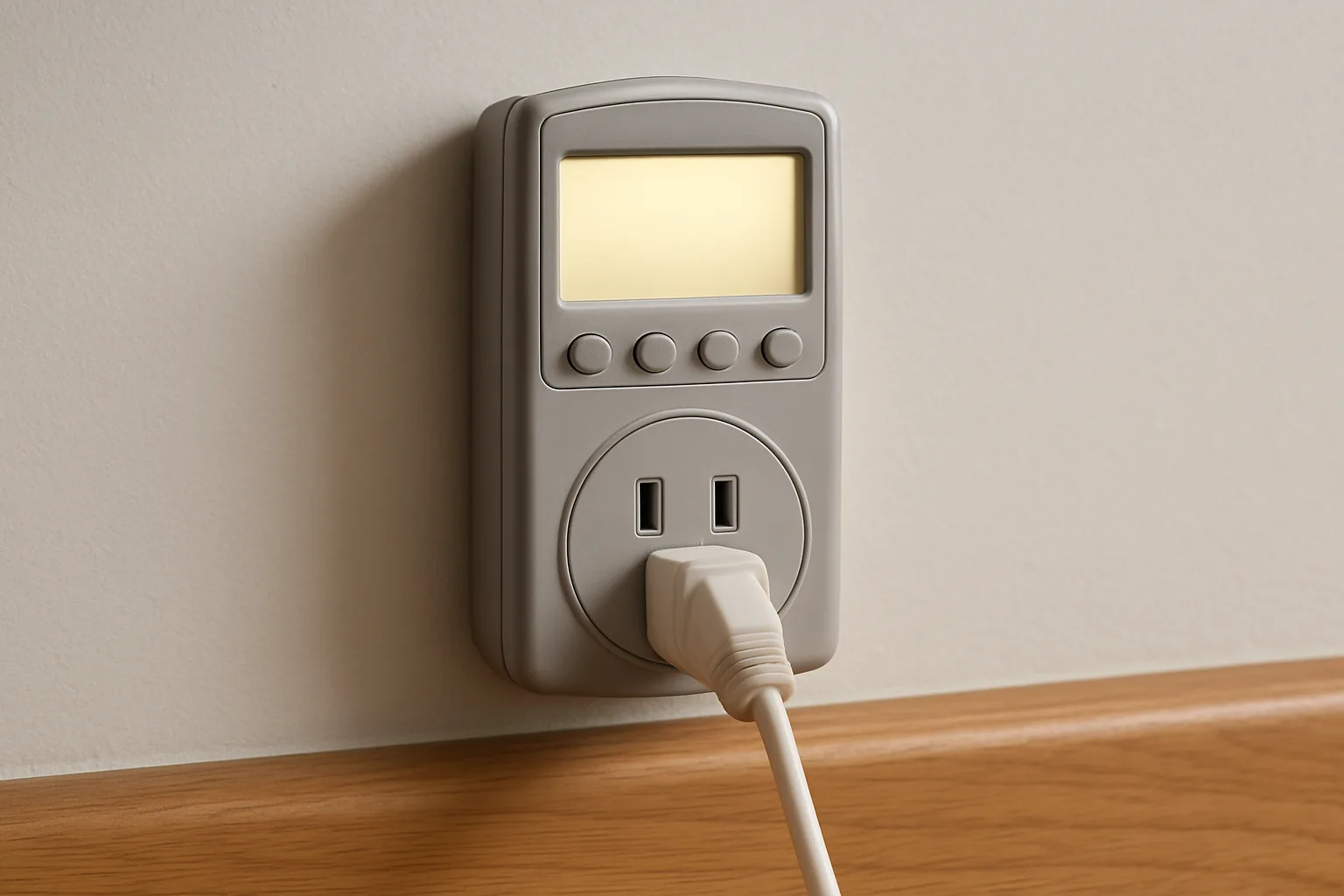
The Kill A Watt P4400 has been the standard plug-in meter for years. It plugs into a standard 120-volt outlet, the device plugs into it, and the LCD cycles through volts, amps, watts, line frequency, power factor, volt-amps and accumulated kWh. It is rated for up to 15 amps (1,875 VA), and the listing puts accuracy at about 0.2 percent. Entering the electricity rate lets it project cost per day, week, month or year.
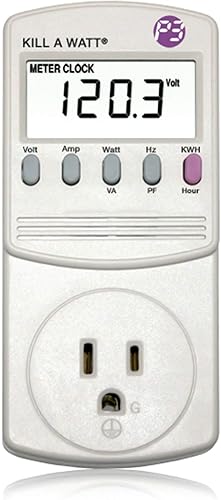 P3 Kill A Watt P4400 Electricity Usage MonitorCheck today’s price on AmazonBuy on Amazon →
Its limits are the flip side of its simplicity. It can't measure hardwired or 240-volt appliances like an electric range, dryer, water heater or central air conditioner, it keeps no long-term history in an app, and it has to sit at the outlet for the whole measurement. Some retailer listings note that it loses its accumulated reading when unplugged, so a week-long freezer test should be left alone until it's done.
Energy-monitoring smart plugs: tracking plus control
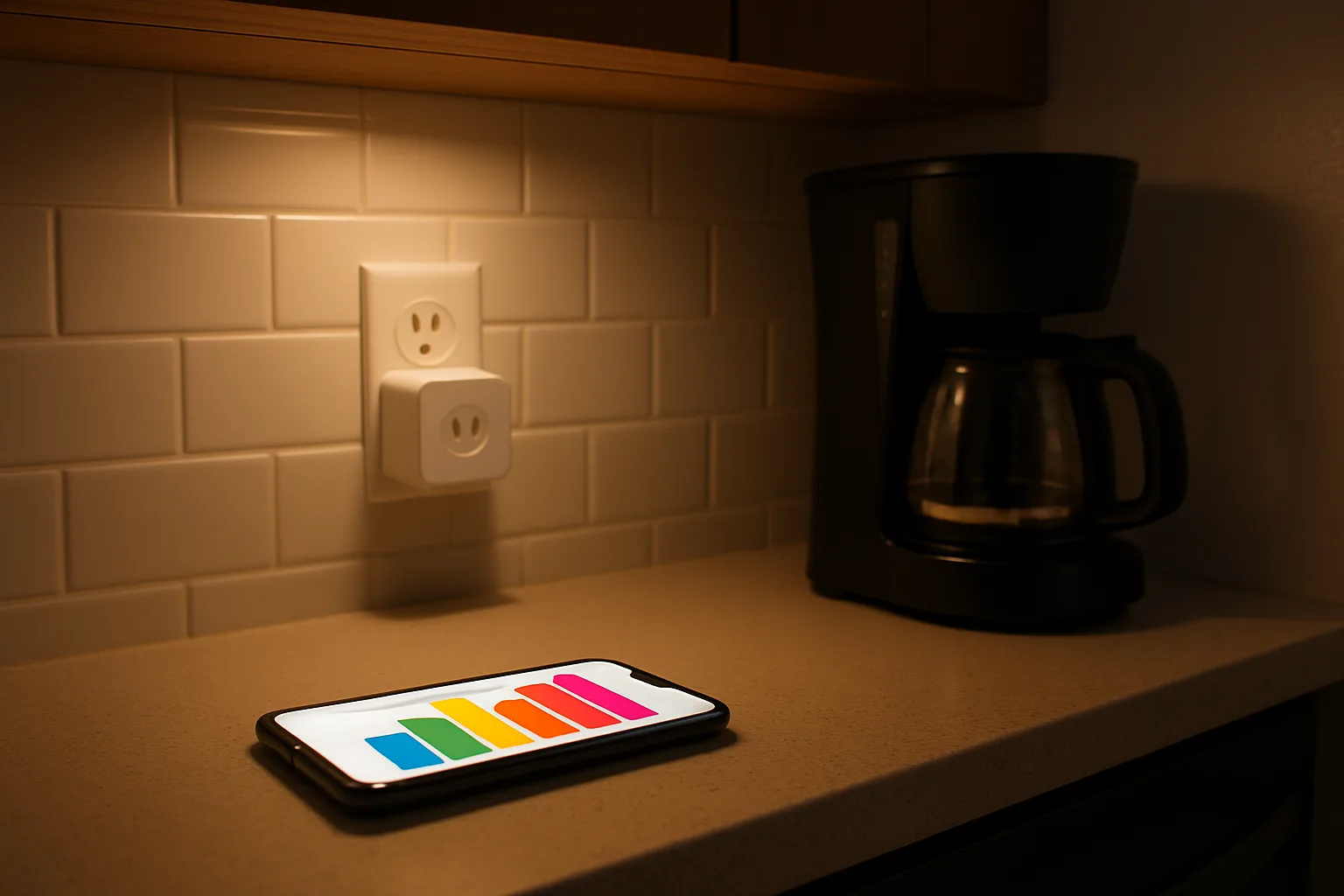
A smart plug with energy monitoring measures the same single-outlet load, logs it to an app over Wi-Fi, and can switch the device off on a schedule. That last part is what makes it useful long term: a space heater in a home office, a dehumidifier, an aquarium heater, holiday lights or a hot-water dispenser can be measured for a week, then scheduled off overnight, and the app shows whether the change made a difference.
Kasa KP125M
The KP125M is a compact Matter-certified plug rated at 15 A and 1,800 W, with energy monitoring in the Kasa app. Matter support means it works with Apple Home, Amazon Alexa, Google Home and Samsung SmartThings. Like most smart plugs it connects only to 2.4 GHz Wi-Fi, which matters in homes where the router or mesh Wi-Fi system combines bands under one network name.
 Kasa KP125M Matter Smart Plug with Energy MonitoringCheck today’s price on AmazonBuy on Amazon →
Tapo P110M
The Tapo P110M is TP-Link's other Matter plug with energy monitoring, also rated at 15 A, also 2.4 GHz only. TP-Link lists it for Alexa, Google Home and SmartThings, and the Tapo app can estimate cost from an entered electricity rate. Buyers who need Apple Home should confirm current support on the listing before choosing it over the Kasa model.
A smart plug shares the plug-in meter's blind spots: hardwired and 240-volt loads are out of reach, and each plug watches only one outlet.
Whole-home monitors: seeing the big loads
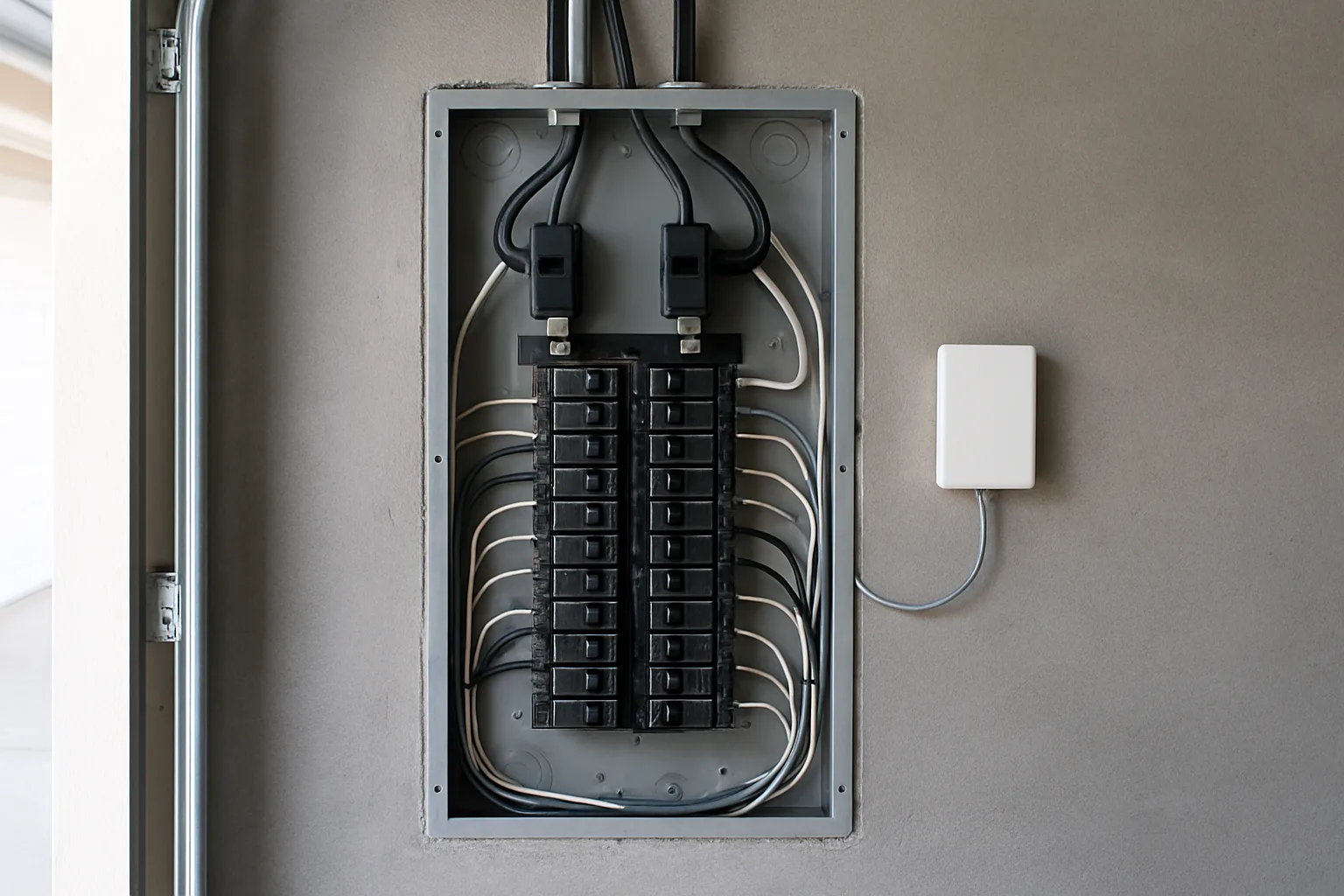
The appliances that dominate most bills, including the HVAC system, water heater, electric dryer, range, well pump, EV charger and pool or spa equipment, are hardwired or on 240-volt circuits. Only a panel monitor sees them. Both options here mount current sensors inside the breaker panel and report over Wi-Fi.
Emporia Vue 3
The Vue 3 clamps two 200-amp sensors around the main service conductors and accepts up to 16 smaller 50-amp sensors on individual circuits, sold in bundles or add-on packs. Emporia rates its measurement accuracy at plus or minus 2 percent. The circuit sensors are the key advantage: the app shows exactly what the furnace blower, the heat pump, the dryer or the basement freezer circuit is using, minute by minute, with no guessing. It supports standard single-phase and split-phase 120/240 V service and can track solar production and net metering. It needs a 2.4 GHz Wi-Fi signal at the panel.
 Emporia Vue 3 Home Energy MonitorCheck today’s price on AmazonBuy on Amazon →
Sense Energy Monitor
Sense takes a different approach. Instead of a sensor on each circuit, it clamps two sensors on the mains, connects to a 240-volt breaker, and samples the electrical signal at a very high rate. Sense explains that it samples at 1 MHz and uses those patterns to learn individual devices over time. Sense says it recognizes most devices that draw more than about 60 watts, while low-wattage LED bulbs and variable-speed motors may not be detected. Detection takes time to build up, and some devices never get identified. Sense is built for U.S. and Canadian panels and isn't designed for parallel-feed or three-phase setups; the Sense Flex version adds a second sensor set for solar or dedicated circuits.
Emporia or Sense?
- Emporia gives certain, per-circuit numbers the day it's installed, as long as the panel has room for the sensors and the circuits are labeled correctly.
- Sense needs only two clamps and fewer wires in the panel, and can separate devices that share a circuit, but its device list depends on how well the software learns that home.
Installation and safety
Both panel monitors require removing the panel's dead-front cover, where the main service conductors stay energized even with the main breaker off. Sense recommends a licensed electrician for installation, retailers selling the Vue advise the same, and that is the right call for most homeowners.
Where measurement usually pays off
Monitoring doesn't save power by itself; it shows where to act. Common findings include:
- Old second refrigerators and chest freezers in garages, which run harder in heat.
- Always-on loads such as entertainment centers, PCs left in sleep and network gear, which a smart plug schedule can trim.
- Heating and cooling patterns, where a panel monitor shows how much a thermostat schedule change actually moves the bill. This Nest vs. Ecobee comparison covers the scheduling side.
- Failing equipment, like a water heater element or a well pump running far longer than it used to.
For buyers comparing houses, a year of monitor data or utility history says more than a listing description, and it pairs well with the checklist of things to look for in an energy-efficient home.
Who should buy which
- Curious about one appliance, no app wanted: Kill A Watt P4400.
- A few plug-in devices to track and schedule: Kasa KP125M or Tapo P110M.
- Wants exact numbers for HVAC, water heater, dryer or EV charging: Emporia Vue 3 with circuit sensors.
- Wants a whole-home picture with fewer sensors and doesn't mind a learning period: Sense.
Posted by Kristopher Larson
Frequently asked questions
How can a homeowner see how much electricity an appliance uses?
For a plug-in appliance, a plug-in meter such as the Kill A Watt P4400 or an energy-monitoring smart plug shows watts and accumulated kilowatt-hours. Leave it in place for at least a full day, longer for cycling appliances like refrigerators. Hardwired and 240-volt appliances need a panel-mounted monitor such as Emporia Vue or Sense.
How is the cost to run an appliance calculated?
Multiply the device's watts by the hours it runs and divide by 1,000 to get kilowatt-hours, then multiply by the per-kWh rate on the electric bill, including delivery charges. A 100-watt device running 10 hours a day uses about 1 kWh a day. For devices that cycle on and off, measure kWh over several days instead of using a single wattage reading.
Is Emporia Vue or Sense better?
Emporia Vue uses a sensor on each monitored circuit, so it gives exact per-circuit numbers right away, up to 16 circuits plus the mains. Sense uses two sensors on the mains and software that learns individual devices by their electrical signature over time; it needs less hardware but may never identify some low-wattage or variable-speed devices. Buyers who want certainty usually prefer Emporia.
Can a smart plug measure energy use?
Many can. Models such as the Kasa KP125M and Tapo P110M include energy monitoring and log use in the brand's app, and they can also switch the device off on a schedule. They are limited to plug-in devices on a standard 15-amp outlet and connect only to 2.4 GHz Wi-Fi.
Does a home energy monitor need an electrician to install?
Plug-in meters and smart plugs need no installation. Whole-home monitors like Emporia Vue and Sense are installed inside the breaker panel, where the main service conductors stay energized even with the main breaker off, and Sense connects to a 240-volt breaker. A licensed electrician is recommended for these.
Can a Kill A Watt measure a dryer or air conditioner?
Not a central air conditioner, electric dryer, range or water heater. The Kill A Watt P4400 plugs into a standard 120-volt outlet and is rated for up to 15 amps, so it only measures 120-volt plug-in devices. Large hardwired and 240-volt loads require a panel monitor with sensors on those circuits.
Keep reading
More from the blog

Best Christmas Tree Stand for a Real Tree: Steel vs. Plastic vs. Ratchet (Cinco, Jack-Post, Krinner)

Costway Christmas Inflatables Reviewed: Snow Globe, Nativity, Santa on a Dinosaur and More

Smart Christmas Tree Lights Compared: Govee String Lights 2 vs. Govee Tree Lights vs. Twinkly