
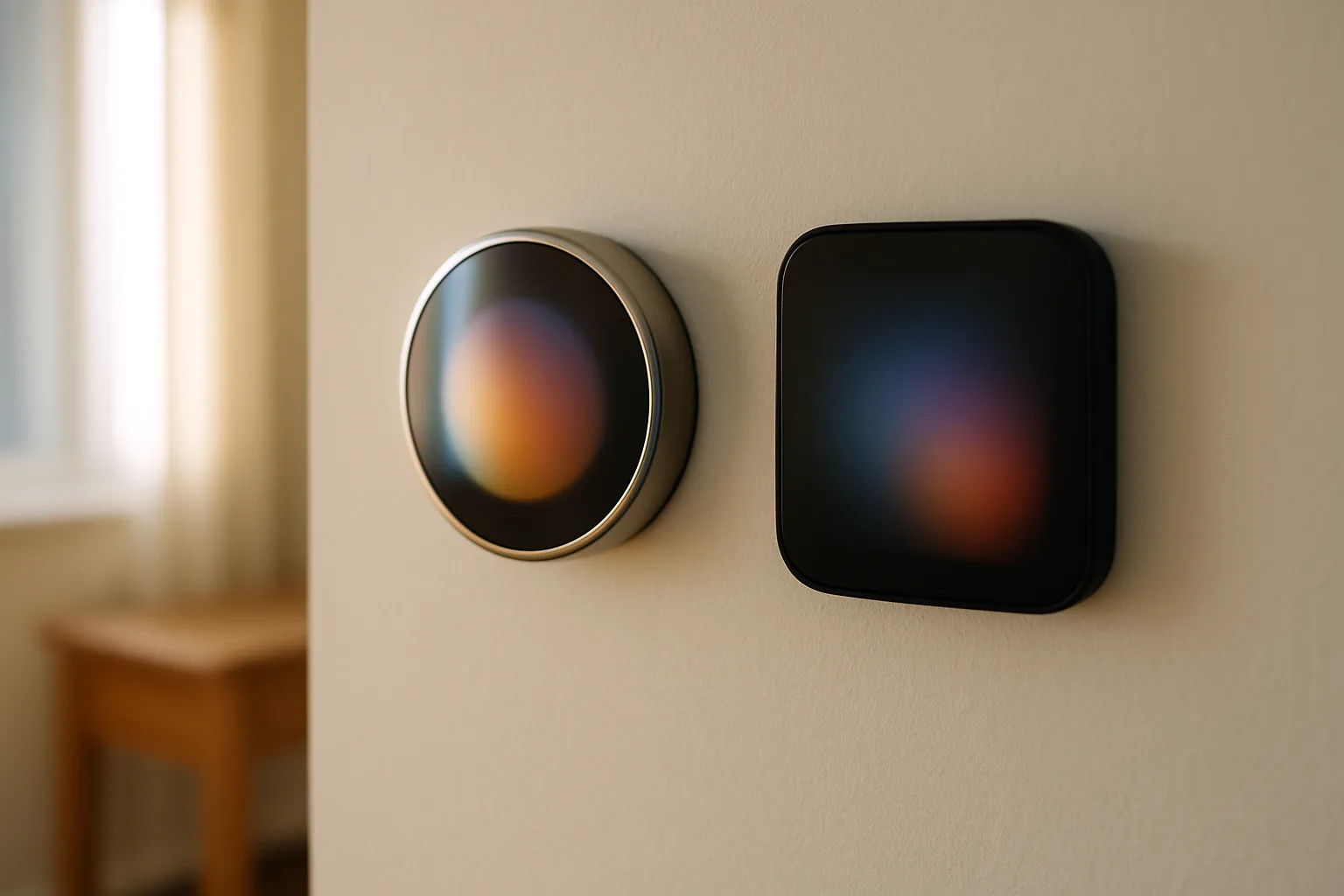
Nest vs Ecobee: Which Smart Thermostat Is the Best Choice?
Nest Learning Thermostat (4th gen) vs ecobee Premium: screen, scheduling, sensors, C-wire needs and smart home support compared side by side.
The Google Nest Learning Thermostat (4th gen) and the ecobee Smart Thermostat Premium are the two thermostats most shoppers end up choosing between, with the ecobee Smart Thermostat Enhanced sitting just below the Premium in ecobee's lineup. All three learn a household's patterns, run on a phone app, and work with remote room sensors. They differ in how they sense who is home, how they look on the wall, which smart home platforms they work best with, and what the box includes.
This comparison covers the Nest 4th gen, the ecobee Premium and the ecobee Enhanced side by side: screens, sensors, wiring, apps, smart home support and which one fits which house. A few simpler alternatives are listed near the end for anyone who doesn't need a flagship.
Quick verdict
- Best for most homes: the ecobee Smart Thermostat Premium. It has the easiest screen to read, a remote sensor that detects occupancy, a built-in speaker for Alexa or Siri, an air quality monitor and the deepest Apple Home support.
- Best for Google Home households and homes without a C-wire: the Google Nest Learning Thermostat (4th gen). It is the better-looking device, it works without a common wire in nearly every system, and it ships with a temperature sensor.
- Best ecobee without a speaker: the ecobee Smart Thermostat Enhanced. It has the same touchscreen, app and occupancy sensing as the Premium, without the speaker, the air quality monitor or a sensor in the box.
Nest 4th gen vs. ecobee Premium vs. ecobee Enhanced: specs compared
| Feature | Nest Learning Thermostat (4th gen) | ecobee Smart Thermostat Premium | ecobee Smart Thermostat Enhanced |
|---|---|---|---|
| Display | Round, curved glass with Farsight | Flat color touchscreen | Flat color touchscreen |
| Controls | Rotating ring and press | Touch | Touch |
| Remote sensor in box | Yes, Nest Temperature Sensor (2nd gen) | Yes, SmartSensor | No (sold separately) |
| Sensor detects occupancy | No, temperature only | Yes, temperature and occupancy | Yes, with an added SmartSensor |
| Occupancy sensing on the thermostat | Presence detection for the display | Yes, radar | Yes, radar |
| Built-in voice assistant | No | Alexa and Siri | No |
| Air quality monitor | No | Yes | No |
| Common wire (C-wire) | Not needed in most systems | Needed; Power Extender Kit included | Needed; Power Extender Kit included |
| App | Google Home | ecobee | ecobee |
| Apple Home | Through Matter, basic controls | Native HomeKit | Native HomeKit |
| Body | Metal ring, glass face | Zinc and glass | Plastic |
| Shop |  View on Amazon View on Amazon
|  View on Amazon View on Amazon
|  View on Amazon View on Amazon
|
Many utilities offer instant rebates on qualifying smart thermostats, so check the local utility's rebate page before buying.
Best for Google Home
Google Nest Learning Thermostat (4th gen)
Works without a C-wire in nearly every system and ships with a temperature sensor, in the best-looking design of the three.
- No C-wire needed in most homes
- Temperature sensor included
- Matter-certified
Good for
- Google Home households
- Older homes with two- or three-wire thermostat cable
Skip it if
- You want sensors that detect which rooms are occupied
- You want every feature in Apple Home or SmartThings (Matter gives basic controls)
Google Nest Learning Thermostat (4th gen)
The fourth-generation Nest keeps the round shape and rotating ring that made the original famous, but the display now runs edge to edge under curved glass. Its Farsight screen shows the temperature, time or weather when someone walks into the room, then switches to more detail up close. Google's spec and wiring page lists the display, sensors and supported HVAC systems, and it is worth reading before buying.
The biggest practical advantage is power. Google says the 4th gen is designed to work whether or not a home has a C-wire, and that only a small share of systems need one or the Nest Power Connector. For older houses with two- or three-wire thermostat cable, that can save a wiring job.
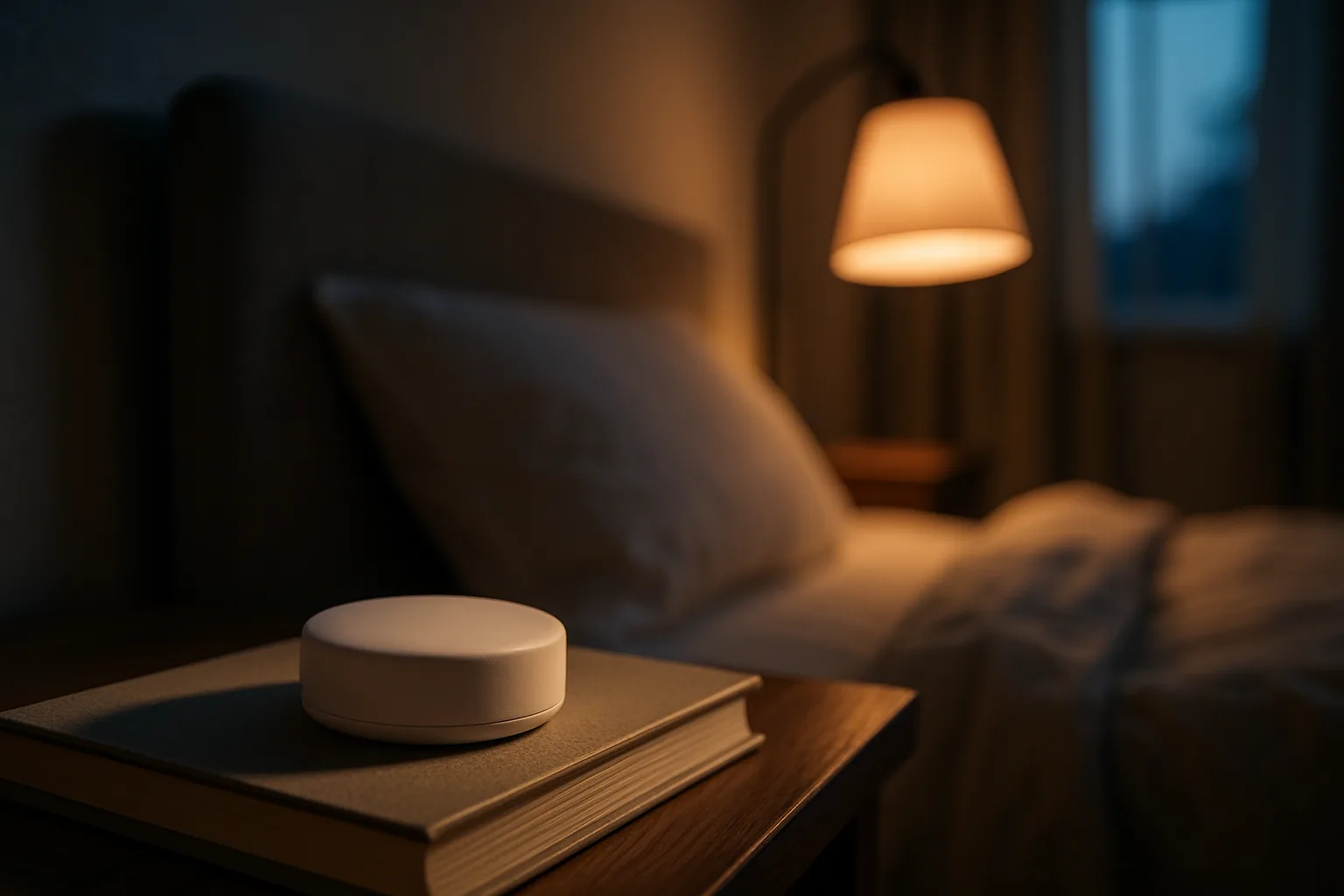
The Nest also ships with a Nest Temperature Sensor (2nd gen). The thermostat can average its own reading with one or more sensors, and different sensors can be assigned to different parts of the schedule, such as a bedroom sensor overnight. The sensor reads temperature only, so it cannot tell which rooms are occupied.
Setup and control run only through the Google Home app; the old Nest app does not support this model. The thermostat is Matter-certified, so it can appear in Apple Home, SmartThings or Home Assistant, but those platforms get basic controls such as mode and set temperature rather than every Nest feature.
For people who don't want to build schedules, the Nest can suggest schedule changes based on manual adjustments. The trade-offs: the curved glass picks up reflections in bright rooms, the ring is slower than a touchscreen for digging through menus, and the temperature swing (how far the room drifts before heating or cooling starts) is not user-adjustable the way it is on ecobee.
Best for Google Home
Google Nest Learning Thermostat (4th gen)
Works without a C-wire in nearly every system and ships with a temperature sensor, in the best-looking design of the three.
- No C-wire needed in most homes
- Temperature sensor included
- Matter-certified
Good for
- Google Home households
- Older homes with two- or three-wire thermostat cable
Skip it if
- You want sensors that detect which rooms are occupied
- You want every feature in Apple Home or SmartThings (Matter gives basic controls)
ecobee Smart Thermostat Premium
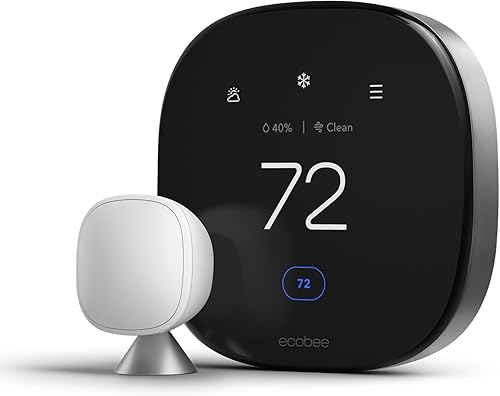
The ecobee Premium is a rounded-square thermostat with a flat touchscreen, which is easier to read from an angle and in a sunny room than curved glass. Temperature changes, schedules and settings are all a tap or two away on the device itself.
The box includes an ecobee SmartSensor, and that sensor detects occupancy as well as temperature. With Follow Me turned on, the thermostat weights the rooms where people actually are, which is useful in a two-story home where the upstairs bedrooms and the downstairs office are occupied at different times. The thermostat itself also uses radar to sense when someone is nearby, which feeds the home-and-away logic.
The Premium adds three things the Enhanced lacks. It has a built-in speaker and microphones with Alexa and Siri, so it can act as a voice assistant on the wall. It has an air quality monitor that tracks volatile organic compounds and an estimated CO2 level, and it suggests running the fan or opening a window when readings climb. And with ecobee's paid Smart Security plan it can listen for smoke alarm sounds and send an alert.
The ecobee Premium needs a C-wire, but ecobee includes its Power Extender Kit for homes without one. Apple users get native HomeKit with local control, and the ecobee app is detailed: run-time history, indoor and outdoor temperature graphs, and comfort settings that are easy to edit.
Best for most homes
ecobee Smart Thermostat Premium
The easiest screen to read, a room sensor that detects occupancy, Alexa or Siri built in and an air quality monitor.
- Flat touchscreen
- SmartSensor included
- Native HomeKit
Good for
- Two-story homes where the busy rooms change through the day
- Apple Home and Home Assistant users
Skip it if
- You don't need a voice assistant or air quality readings (the Enhanced covers the rest)
ecobee Smart Thermostat Enhanced
The Enhanced is the ecobee for buyers who want the ecobee app, touchscreen and sensor system but not the extras. It keeps the radar occupancy sensing, works with SmartSensors (sold separately) and supports Follow Me once a sensor is added. It drops the built-in speaker and voice assistant, the air quality monitor and the zinc body, which is plastic here.
For a home that already has smart speakers in most rooms, the missing voice assistant costs very little. The more meaningful gap is the sensor: a single-thermostat house with hot and cold rooms gets the most from ecobee's system with at least one SmartSensor, so plan on adding one when comparing it with the Premium, which includes one.
Best ecobee without a speaker
ecobee Smart Thermostat Enhanced
The same touchscreen, app and occupancy sensing as the Premium, without the speaker, air quality monitor or a sensor in the box.
- Radar occupancy sensing
- Works with SmartSensors
- Plastic body
Good for
- Homes that already have smart speakers
- The ecobee app and sensor system without the Premium's speaker and air quality monitor
Skip it if
- You won't add a SmartSensor (sold separately)
Sensors and comfort in hot and cold rooms
Remote sensors are the main reason to pick one of these thermostats over a basic programmable one. Both brands let the thermostat read temperature somewhere other than the hallway, which is often the least-used room in a house.
- Nest: sensors are assigned to times of day. That works well for predictable routines, such as using the nursery sensor from 8 p.m. to 6 a.m.
- ecobee: sensors also report occupancy, so the thermostat can follow people around the house and ignore empty rooms. That suits homes where schedules change day to day.
Neither system can move heat from one room to another. A thermostat sensor changes when the furnace or air conditioner runs, not where the air goes, so rooms that are always too hot or too cold may still need duct, damper or insulation work.
Best for most homes
ecobee Smart Thermostat Premium
The easiest screen to read, a room sensor that detects occupancy, Alexa or Siri built in and an air quality monitor.
- Flat touchscreen
- SmartSensor included
- Native HomeKit
Good for
- Two-story homes where the busy rooms change through the day
- Apple Home and Home Assistant users
Skip it if
- You don't need a voice assistant or air quality readings (the Enhanced covers the rest)
Apps, scheduling and smart home support
Day to day, both apps handle the basics well: remote temperature changes, schedules, away modes and energy history. The Google Home app is the better fit for a house already built around Nest cameras, doorbells and speakers. The ecobee app gives more detail and more knobs to turn, including comfort settings for Home, Away and Sleep that can each use different sensors.
For Apple Home and Home Assistant users, ecobee is the stronger choice. Its HomeKit support exposes sensors, occupancy and comfort settings and runs locally on the home network. The Nest reaches those platforms through Matter, which works but exposes far fewer controls. Alexa and Google Assistant can control all three.
Installation and wiring
All three are low-voltage (24-volt) thermostats meant for forced-air furnaces, central air conditioners, heat pumps and many boiler systems. None of them is for line-voltage electric baseboard heaters. Both brands have online compatibility checkers that ask for a photo of the wires behind the old thermostat.
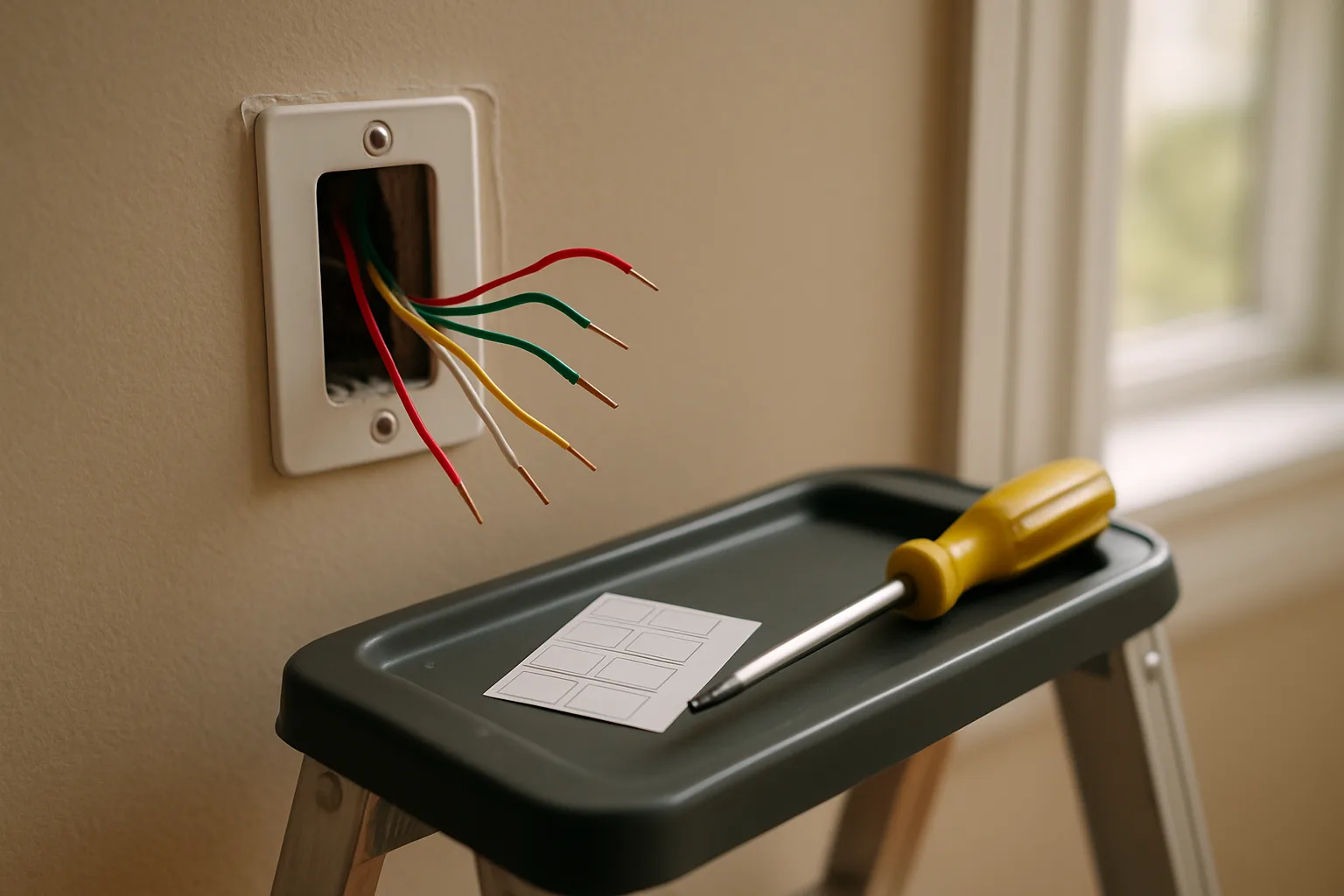
A typical swap takes under an hour: turn off power to the HVAC system at the breaker or furnace switch, photograph the existing wiring, label each wire, mount the new base and connect the wires to the matching terminals. The Nest's main advantage here is that it rarely needs a C-wire. The ecobee models need one but include the Power Extender Kit, which is installed at the furnace control board. Pairing a professional install with a seasonal tune-up is worth considering. There is more on that in essential HVAC maintenance every homeowner should prioritize.
Temperature swing and equipment wear
The temperature swing, or differential, controls how far the room temperature drifts from the setpoint before the system turns on. A tight swing holds a steadier temperature but makes the system start more often, while a slightly wider swing means fewer, longer cycles. ecobee lets owners change this in its installation settings. Nest manages it automatically and doesn't offer a manual swing setting.
For HVAC companies, keeping a customer's system running longer means more chances to sell tune-ups and maintenance visits down the line, and reaching the right customers through digital marketing is a big part of what makes that possible, which is where an hvac marketing agency comes in handy.
Heat pump owners should check auxiliary heat settings on whichever thermostat they choose. Both brands can lock out backup electric heat above a set outdoor temperature, which matters for running costs. See cold-climate heat pumps: what changed and what still matters for the background.
Best ecobee without a speaker
ecobee Smart Thermostat Enhanced
The same touchscreen, app and occupancy sensing as the Premium, without the speaker, air quality monitor or a sensor in the box.
- Radar occupancy sensing
- Works with SmartSensors
- Plastic body
Good for
- Homes that already have smart speakers
- The ecobee app and sensor system without the Premium's speaker and air quality monitor
Skip it if
- You won't add a SmartSensor (sold separately)
Other smart thermostats worth a look
Not every house needs a flagship. These cover the basics:
- ecobee Smart Thermostat Essential: ecobee's simplest model with the same app and HomeKit, Alexa and Google Assistant support. It skips the occupancy sensing and doesn't include a sensor or the Power Extender Kit, so confirm the home has a C-wire.
- Amazon Smart Thermostat: a basic, ENERGY STAR-certified thermostat controlled through the Alexa app. It needs a C-wire, uses 2.4 GHz Wi-Fi only and doesn't support remote room sensors.
- Honeywell Home T9 with Smart Room Sensor: a touchscreen thermostat whose sensors read both temperature and occupancy, which makes it the closest non-ecobee match to Follow Me. It needs a C-wire.

Simplest Alexa pick
Amazon Smart Thermostat
A basic ENERGY STAR-certified thermostat run from the Alexa app.
- ENERGY STAR certified
- 2.4 GHz Wi-Fi
- Alexa app
Good for
- Alexa households that want the basics
Skip it if
- You want remote room sensors
- Your home has no C-wire
- Your Wi-Fi can't serve 2.4 GHz

Simplest ecobee
ecobee Smart Thermostat Essential
ecobee's simplest model, with the same app and HomeKit, Alexa and Google Assistant support.
- HomeKit, Alexa, Google Assistant
- No sensor included
Good for
- Homes that already have a C-wire
- The ecobee app without the extras
Skip it if
- You want occupancy sensing
- Your home has no C-wire (no Power Extender Kit in the box)
How much a smart thermostat saves
Savings depend on climate, the HVAC system and how consistent the old schedule was. ENERGY STAR certifies smart thermostats on measured field data, and its smart thermostat page lists certified models and how the program works. Google and ecobee both list ENERGY STAR certification for their current models; the ENERGY STAR product finder confirms the exact model number. The biggest gains come from setbacks while the house is empty and overnight, which any of them handles well once the schedule or occupancy sensing is set up.
Simplest Alexa pick
Amazon Smart Thermostat
A basic ENERGY STAR-certified thermostat run from the Alexa app.
- ENERGY STAR certified
- 2.4 GHz Wi-Fi
- Alexa app
Good for
- Alexa households that want the basics
Skip it if
- You want remote room sensors
- Your home has no C-wire
- Your Wi-Fi can't serve 2.4 GHz
Which one should you buy?
- Choose the ecobee Premium for a multi-room home where occupancy changes through the day, for Apple Home or Home Assistant users, or for anyone who wants a voice assistant and air quality readings on the wall.
- Choose the Nest Learning Thermostat (4th gen) for a Google Home household, for a home without a C-wire where adding one would be a hassle, or for buyers who prefer the Nest design and its schedule suggestions.
- Choose the ecobee Enhanced for the ecobee app and sensor system without the Premium's speaker and air quality monitor, especially if the house already has smart speakers, and plan on adding one SmartSensor.
A smart thermostat is also one of the upgrades buyers notice when touring a home. For more on how these devices fit into a sale, see smart home investments that attract modern buyers.
Posted by Kristopher Larson
Frequently asked questions
Is the ecobee Premium better than the Google Nest Learning Thermostat (4th gen)?
For most homes, yes. The ecobee Premium has a flat touchscreen that is easier to read, a remote sensor that detects occupancy, built-in Alexa and Siri, an air quality monitor and deeper Apple Home support. The Nest 4th gen is the better pick for Google Home households, for homes without a C-wire, and for buyers who prefer its design and schedule suggestions.
What is the difference between the ecobee Premium and the ecobee Enhanced?
Both have the same touchscreen, app and radar occupancy sensing. The Premium adds a built-in speaker with Alexa and Siri, an air quality monitor, a zinc body and a SmartSensor in the box. The Enhanced has a plastic body, no speaker or air quality monitor, and its SmartSensor is sold separately.
Does the Nest Learning Thermostat (4th gen) need a C-wire?
Usually not. Google says the 4th gen is designed to work whether or not a home has a C-wire, and only a small share of systems need one or the Nest Power Connector for steady power. The ecobee Premium and Enhanced do need a C-wire, but both include ecobee's Power Extender Kit for homes without one.
Do Nest and ecobee remote sensors detect occupancy?
The ecobee SmartSensor detects both temperature and occupancy, which powers the Follow Me feature that weights occupied rooms. The Nest Temperature Sensor (2nd gen) reads temperature only, so Nest sensors are assigned to times of day rather than following people around the house.
Which thermostat works better with Apple Home and Home Assistant?
ecobee. Its native HomeKit support runs locally and exposes sensors, occupancy and comfort settings. The Nest 4th gen joins Apple Home, Home Assistant and other platforms through Matter, but only basic controls such as mode and set temperature come across. Setup for the Nest still requires the Google Home app.
Can these smart thermostats be installed without an electrician?
Most homeowners can swap a low-voltage thermostat in under an hour by turning off HVAC power, photographing and labeling the old wires, and connecting them to the matching terminals. Installing ecobee's Power Extender Kit means working at the furnace control board, so an HVAC technician is a good idea for anyone uncomfortable with that. None of these models work with line-voltage electric baseboard heat.
Keep reading
More from the blog
Which Govee LED Strip to Buy: H6125 vs H617A vs H618A

Best Socks to Wear Around the House: Warm Wool, Alpaca and Art Socks
Best Walking Pad for a Standing Desk: UREVO E4W vs CyberPad vs Goplus