Best Outdoor Security Cameras Without a Monthly Fee: eufy vs. Reolink vs. Wyze vs. Tapo
Local vs. cloud storage, what solar really delivers, and subscription-free outdoor camera picks from eufy, Reolink, Wyze and Tapo, plus a wired PoE kit.
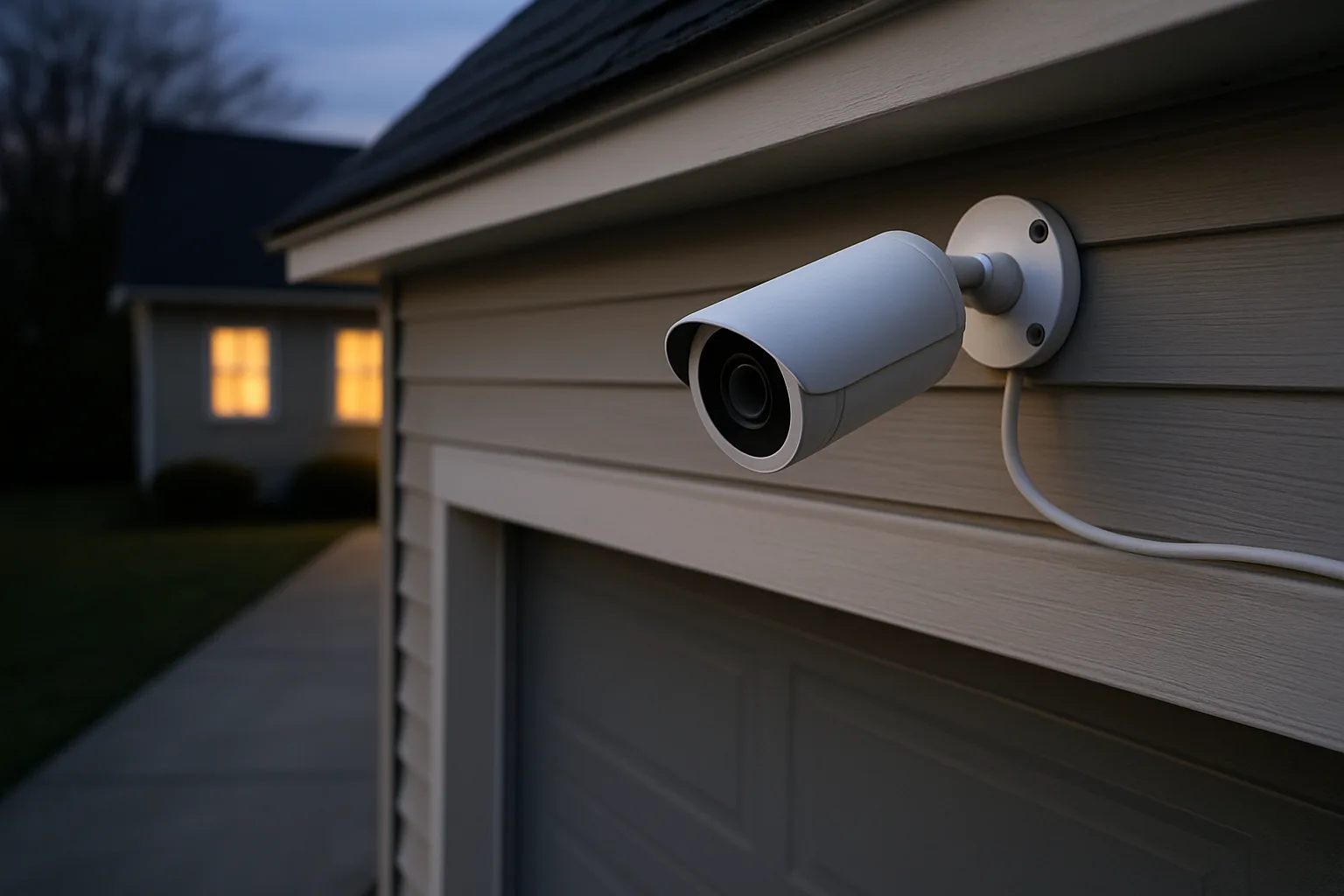
Most big-name outdoor cameras are cheap to buy and expensive to own, because saved video, smart alerts and history all sit behind a monthly plan. A growing group of cameras skips that model entirely. They record to a memory card, to storage built into the camera, or to a recorder inside the house, and the person, vehicle and package detection runs on the device rather than in the cloud. This guide explains how local and cloud storage really differ, what solar power can and can't do, and which outdoor cameras work fully without a subscription.
As an Amazon Associate, Best Utah Real Estate earns from qualifying purchases. Product picks are based on published specs and independent testing data, not paid placement.
Quick verdict: best outdoor cameras with no monthly fee
- Best overall: the eufyCam S4, a solar camera that pairs a fixed 4K lens with a 2K pan-tilt camera that follows people, plus 32GB of built-in storage.
- Best wide view on a single camera: the Reolink Argus 4 Pro, which stitches two lenses into a 180° 4K image and connects over dual-band Wi-Fi 6.
- Best budget pan-and-tilt: the Wyze Solar Cam Pan, with 360° pan, 70° tilt and a built-in solar panel.
- Best low-cost solar starter: the Tapo SolarCam C402 Kit, a 1080p camera with a separate solar panel and microSD support up to 512GB.
- Best for 24/7 recording of a whole property: the Reolink RLK8-800B4 PoE system, four wired 4K cameras and an 8-channel recorder with a 2TB hard drive.
Comparison table
| Model | Video | Power | Local storage | Notable feature |
|---|---|---|---|---|
| eufyCam S4 | 4K fixed (130°) + 2K pan-tilt | Battery with 5.5W solar panel | 32GB built-in, microSD up to 256GB | Pan-tilt lens auto-tracks people |
| Reolink Argus 4 Pro | 4K, 180° dual-lens | Battery, solar panel optional or bundled | microSD; optional Reolink Home Hub | Color night vision, Wi-Fi 6 |
| Wyze Solar Cam Pan | 2K, 360° pan / 70° tilt | Built-in 1.8W solar panel, 6,400 mAh battery | microSD up to 512GB | Person tracking, siren, spotlight |
| Tapo SolarCam C402 Kit | 1080p, 125° | Battery with separate solar panel | microSD up to 512GB | Lowest cost of entry |
| Reolink RLK8-800B4 | 4K on four wired cameras | Power over Ethernet | 2TB hard drive in the recorder | Continuous 24/7 recording |
Specs come from manufacturer pages and listings, and bundles change often. Check the current model, what is in the box and whether a memory card is included before buying.
Local storage vs. cloud storage
Cloud storage uploads each clip to the camera maker's servers. Its strengths are real: footage survives if the camera is stolen or smashed, and it's easy to review from anywhere. The costs are the monthly fee, a dependence on the home's upload speed, and trusting a company with video of the home. On many cloud-first cameras, features such as person detection or more than a few hours of history also require the plan.
Local storage keeps video at the house, on one of three places:
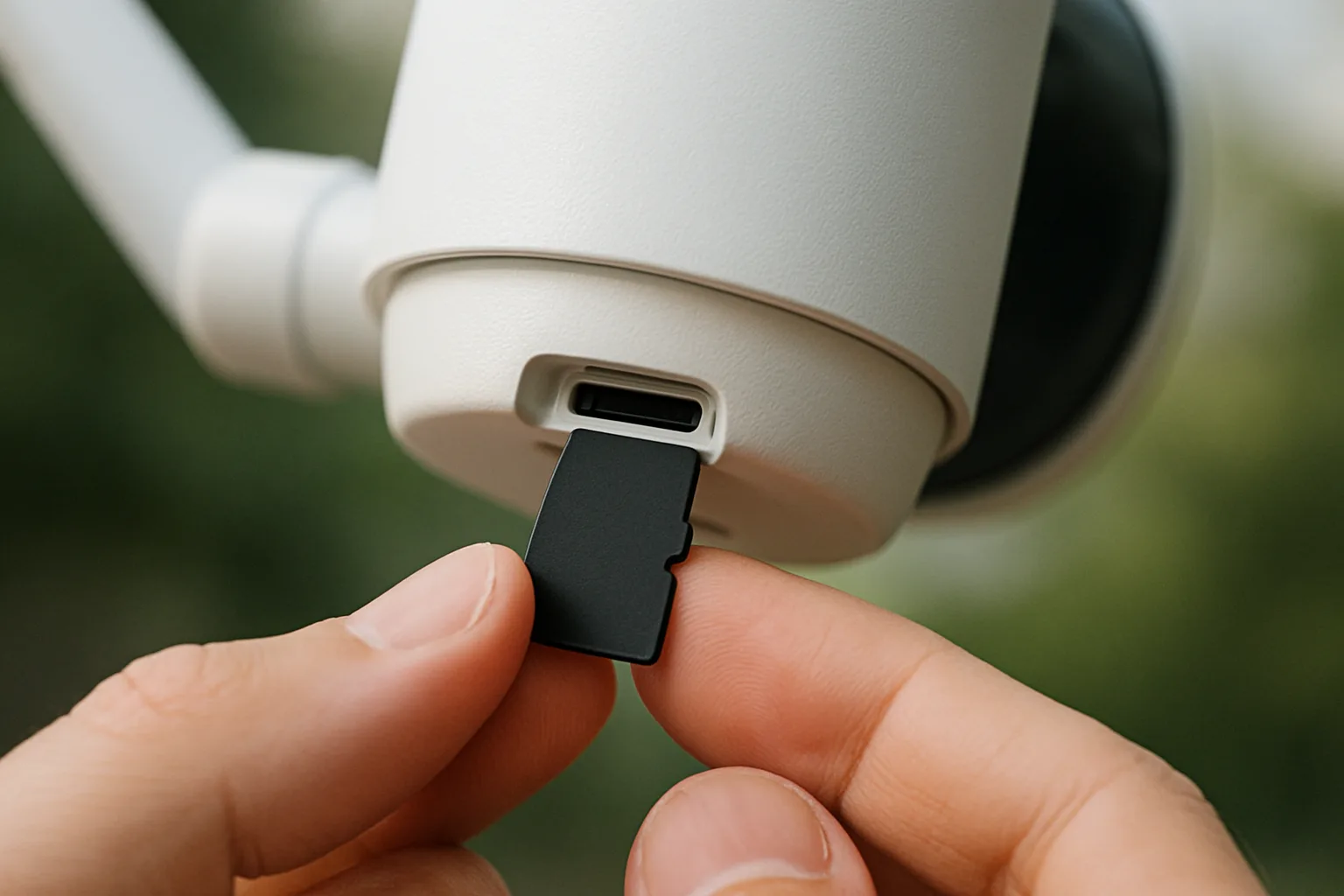
- A microSD card in the camera. Cheapest and simplest, but a thief who takes the camera takes the card.
- Storage built into the camera. The eufyCam S4 has 32GB on board. It can't be pulled out like a card, but it still leaves with the camera.
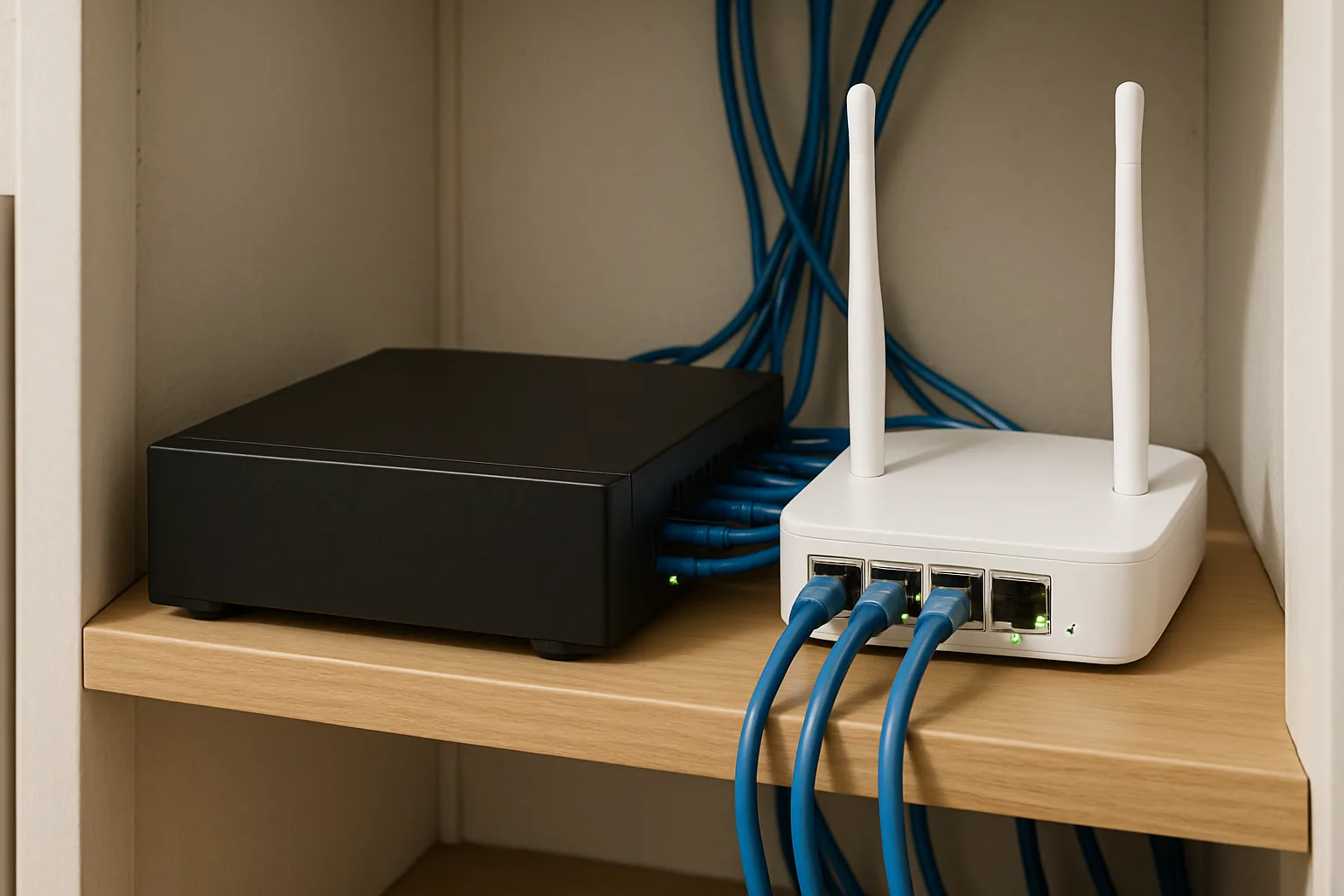
- A hub or recorder inside the house. The safest local option. eufy's HomeBase, Reolink's Home Hub and network video recorders like the one in the Reolink RLK8 kit keep footage indoors, out of reach.
Several of these cameras offer optional cloud plans as a backup, which gives the best of both: no required fee, plus an off-site copy for anyone who wants one. Pairing local storage with a recorder or hub indoors gets most of that protection without the subscription.
What solar power can and can't do
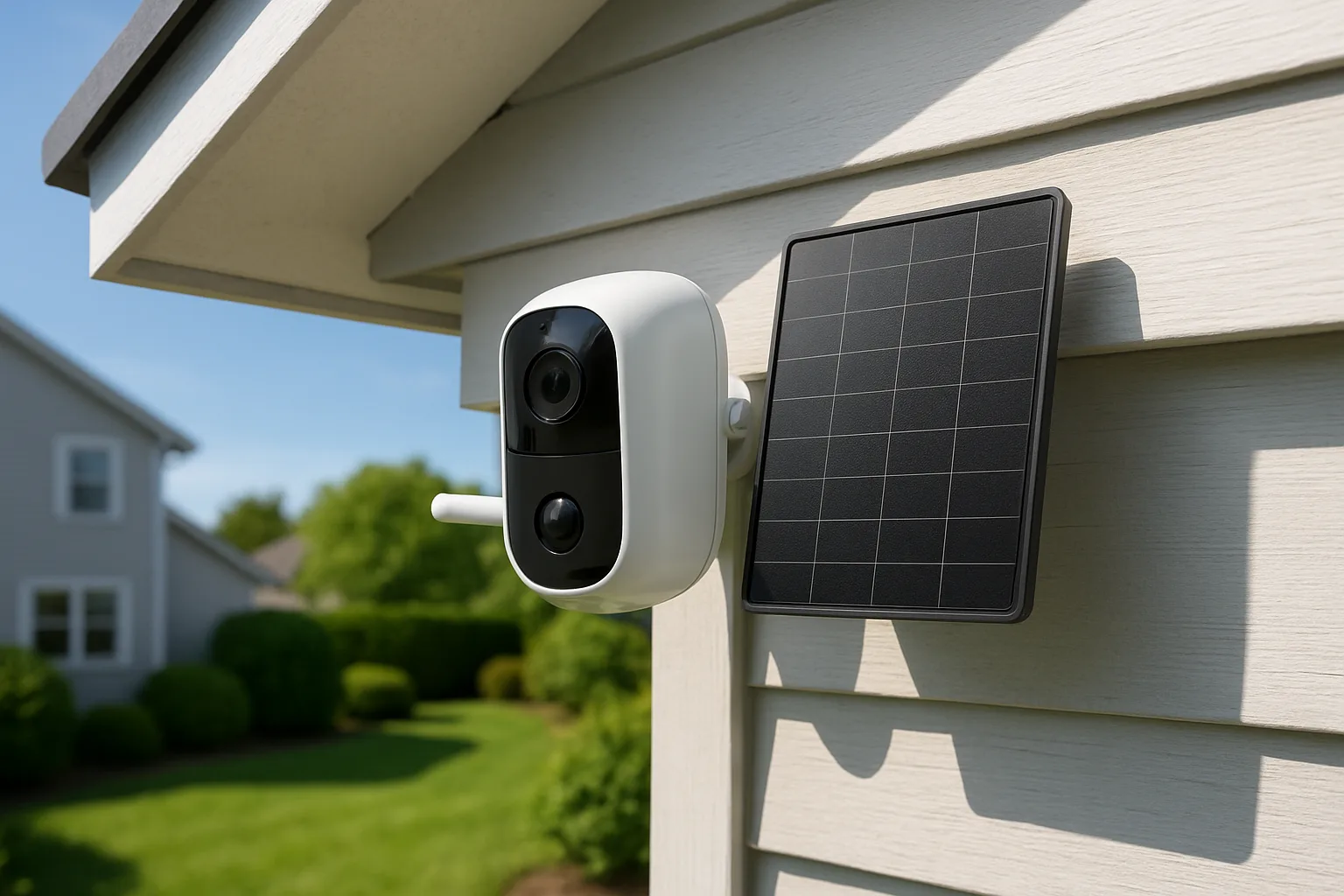
Solar panels on security cameras don't run the camera directly; they trickle-charge its battery. Manufacturer claims are modest on paper. eufy says about an hour of direct sun a day keeps the S4 running, Wyze makes a similar one-hour claim for the Solar Cam Pan, and Tapo says roughly 45 minutes of sun covers a day for the C402. Those figures assume good placement and typical activity.
In practice, a few things cut solar charging fast:
- Orientation. In the Northern Hemisphere, a south-facing panel gets the most sun; a panel under a deep eave or on a north wall may barely charge.
- Season. Short winter days, low sun angles and snow cover all reduce output.
- Busy scenes. A camera facing a street with constant traffic wakes and records far more often than one watching a back fence.
- Dirt. Dust, pollen and bird droppings on the panel reduce charging, so it should be wiped down a few times a year.
Separate panels on a cable, like the Tapo kit's, help because the panel can go in full sun while the camera sits in the shade. Solar is also why most battery cameras record motion clips rather than 24/7 video; eufy notes the S4 records continuously only when connected to direct power.
Wired PoE systems: the most reliable option
Power over Ethernet (PoE) runs power and data down a single network cable. Once the cables are run, there are no batteries to charge, no Wi-Fi dropouts, and the cameras can record around the clock to a hard drive in the recorder. The trade-off is installation: running cable through an attic or along the eaves is a weekend project or a job for a low-voltage installer. For larger homes, detached garages and long driveways, that one-time effort usually pays off.
The picks in more detail
eufyCam S4
The S4 puts two cameras in one housing. The top lens records a fixed 4K view across 130°, and when it spots a person, the lower 2K pan-tilt-zoom camera turns to follow and zoom in, with eufy advertising 8X zoom. Detection of people, vehicles and pets runs on the camera, storage is 32GB built in with microSD expansion up to 256GB, and it charges from a large 5.5W solar panel. It works on its own without a hub, though some features, such as 24/7 snapshots, require eufy's HomeBase S380. The main complaint is size: the three-lens design is bulky. Full specs are on eufy's product page.
eufyCam S4 4K Solar CameraView on Amazon →
Reolink Argus 4 Pro
Reolink stitches two lenses into one 180° 4K image, so a single camera can cover a full backyard or a wide driveway without a blind spot in the middle. Its ColorX night mode uses a large sensor and an F1.0 aperture to produce color video in low light, and it connects on 2.4GHz or 5GHz with Wi-Fi 6. Recording goes to a microSD card, or to a Reolink Home Hub indoors for encrypted local storage. Reolink sells it alone and in bundles with a 6W solar panel, so check which version the listing includes.
Wyze Solar Cam Pan
For a low price, the Solar Cam Pan covers a full circle: 360° pan and 70° tilt from a 2K camera with automatic person tracking. The solar panel is built into the housing and feeds a 6,400 mAh battery, and the camera adds color night vision, a spotlight, a siren and an IP65 weather rating. Local recording goes to a microSD card up to 512GB. It connects on 2.4GHz Wi-Fi only. Wyze's optional Cam Plus plan adds cloud history and extra detection types, but it isn't needed for recording.
Wyze Solar Cam PanView on Amazon →
Tapo SolarCam C402 Kit
TP-Link's C402 kit is the least expensive way into solar cameras here. It records 1080p with a 125° view, has color night vision with spotlights, carries an IP65 rating, and includes person detection without a plan. The solar panel can mount on the camera or up to 13 feet away on its cable. Resolution is the trade-off: 1080p is fine for seeing that someone is in the yard but softer for faces and plates at a distance.
Reolink RLK8-800B4 PoE system
This kit includes four wired 4K (8MP) bullet cameras, an 8-channel network video recorder with a 2TB hard drive, and person and vehicle detection without a subscription. It records continuously, and the four open channels leave room to add cameras later. Footage stays on the recorder inside the house, so a stolen camera takes nothing with it.
What about Blink, Ring and Arlo?
Those brands lean on subscriptions. Ring cameras need a paid plan to save and review recordings, and most Arlo cameras need one for cloud recording and many smart features. Blink is a partial exception: its Sync Module 2 can save clips from supported cameras to a USB drive between 1GB and 256GB with no subscription. Newer Blink bundles often ship with a different sync module without local storage, so anyone counting on that feature should confirm the bundle includes Sync Module 2.
Who should buy which
- Most homes wanting one strong camera: eufyCam S4.
- Wide yards and driveways: Reolink Argus 4 Pro.
- Budget coverage of a full side of the house: Wyze Solar Cam Pan.
- Lowest cost, simple monitoring: Tapo SolarCam C402 Kit.
- Whole-property, round-the-clock recording: Reolink RLK8-800B4.
Outdoor cameras work best as part of a broader setup. The Aqara G410 doorbell review covers a front-door camera with local recording, and good lighting makes any camera more useful at night; the permanent outdoor lights comparison covers eave lighting that doubles as accent and security light. For keeping cameras running through outages, the Jackery power station guide explains backup power sizing.
Bottom line
A subscription isn't required for good outdoor security. The eufyCam S4 and Reolink Argus 4 Pro give sharp video and local detection with no monthly fee, the Wyze and Tapo solar cameras cover the budget end, and a wired PoE kit is the choice for continuous recording. Whichever route fits, keeping a copy of the footage inside the house, on a hub or recorder, is what makes local storage as dependable as the cloud.
Posted by Kristopher Larson
Frequently asked questions
Are there outdoor security cameras with no monthly fee?
Yes. The eufyCam S4, Reolink Argus 4 Pro, Wyze Solar Cam Pan, Tapo SolarCam C402 and wired Reolink PoE systems all record and detect people without a subscription. They store video on a microSD card, built-in storage or a recorder inside the house, and most offer cloud backup only as an option.
Is local storage or cloud storage better for security cameras?
Local storage avoids monthly fees and keeps video at home, but footage on a camera's memory card can be lost if the camera is stolen. Cloud storage survives theft but costs a monthly fee and depends on upload speed. Recording to a hub or network video recorder kept inside the house gives most of the protection of the cloud without a subscription.
Do solar security cameras work in winter?
They work, but charging drops with short days, low sun and snow on the panel. Manufacturers such as eufy and Wyze claim about an hour of direct sun a day keeps their cameras running under typical use. A south-facing panel in full sun, a separate panel on a cable when the camera must sit in shade, and fewer motion events all help in winter.
Can a battery or solar camera record 24/7?
Usually not. Battery and solar cameras record motion-triggered clips to save power. Some, like the eufyCam S4, can record continuously only when connected to constant power. For true 24/7 recording, a wired Power over Ethernet system that records to a hard drive is the standard choice.
What size microSD card does a security camera need?
It depends on the camera and how much history is wanted. The Wyze Solar Cam Pan and Tapo C402 accept cards up to 512GB, and the eufyCam S4 accepts up to 256GB on top of its 32GB built-in storage. A high-endurance card designed for continuous writing lasts longer than a standard card in a camera.
Does Blink work without a subscription?
Partly. With a Sync Module 2 and a USB drive between 1GB and 256GB, supported Blink cameras can save clips locally with no subscription. Newer Blink bundles often include a different sync module without local storage, so it's worth confirming the bundle before buying.
Keep reading
More from the blog
Electric Pressure Washers: Which PSI and GPM Matter, and Budget vs. Premium Picks
How to Choose an Air Purifier by Room Size and CADR: Coway vs. Levoit vs. Winix
Robot Vacuum and Mop Buying Guide: Mop Types, Docks, Obstacle Avoidance and Top Picks