Which Govee LED Strip to Buy: H6125 vs H617A vs H618A
Govee H6125 vs H617A vs H618A: LED density and brightness, Bluetooth vs Wi-Fi and Alexa, clips, RGB vs RGBIC, true white options and install tips.
Govee sells several RGBIC LED strips that look nearly identical in the box, all 16.4 feet long and all running on the same app. The differences come down to three things: how many LEDs sit on each foot of strip, whether the strip talks over Bluetooth only or also joins Wi-Fi, and whether mounting clips come with it. Those three details decide which one to buy for a TV, a bedroom, a gaming desk or the space under kitchen cabinets.
Below: the H6125, H617A and H618A compared, what RGBIC means, when a strip with a white channel is the better buy, and installation tips.
Quick verdict
- Brightest, richest color: the Govee H6125 RGBIC LED Strip Lights. Roughly twice the LEDs per foot of the other two, the only one with clips in the box, Bluetooth only.
- Voice control and control from anywhere: the Govee H618A RGBIC LED Strip Lights. It joins home Wi-Fi, so it works from outside the house and with Alexa and Google Assistant routines.
- Phone control only: the Govee H617A RGBIC LED Strip Lights. Same LED density and colors as the H618A, but Bluetooth only, so the phone has to be nearby.
The three strips side by side
| Strip | Shop | Length | LED density | Connection | Voice assistants | Clips included |
|---|---|---|---|---|---|---|
| Govee H6125 RGBIC LED Strip Lights | 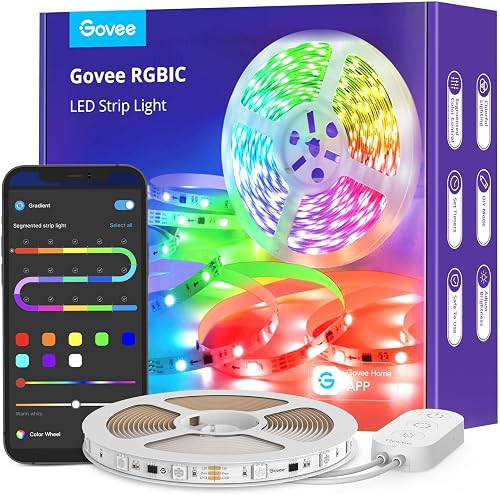 View on Amazon View on Amazon
| 16.4 ft | About double the other two | Bluetooth | No | Yes, with screws and adhesive |
| Govee H618A RGBIC LED Strip Lights |  View on Amazon View on Amazon
| 16.4 ft | Standard | Wi-Fi | Alexa, Google Assistant | No |
| Govee H617A RGBIC LED Strip Lights |  View on Amazon View on Amazon
| 16.4 ft | Standard | Bluetooth | No | No |
Brightest, richest color
Govee H6125 RGBIC LED Strip Lights
Roughly double the LEDs per foot of the other two, for a visibly brighter strip and more vivid color, and the only one with mounting clips in the box.
- 16.4 ft
- About 2x LED density
- Clips included
Good for
- TV backlighting and gaming desks
- Brightness and color quality
Skip it if
- Voice control or control away from home (Bluetooth only)
How the three actually differ
All three have the same color features. Each one has individually addressable sections, so the Govee app can run multicolor patterns, animated effects, custom DIY scenes and a finger-sketch mode where you draw colors onto a picture of the strip. Each dims from full brightness down to 4%. Each has a small control box on the cord with a built-in microphone, so music-sync mode reacts to sound in the room without using the phone's mic.
Brightness is where they split. With the room dark, the H617A and H618A look the same: identical colors and identical output. The H6125 stands out as the brighter strip, and because its LEDs sit closer together, a solid color reads as one even band rather than a row of dots. That matters most on a short run, like a desk or a single cabinet.
The white settings are the shared weak spot. None of the three has a dedicated white LED, so cool white and warm white are mixed from red, green and blue. The result has a slightly yellow-green tint compared with a real white bulb. For colored mood lighting that hardly matters. For task light on a counter, it does.
No handheld remote comes with any of them. That hurts when the cord is tucked out of reach. The trade-off is reliability: basic infrared remotes can be confused by other remotes in the house, such as a TV remote, and strips that use them can end up switching modes on their own. Govee uses the app and the inline buttons instead, and the H618A adds voice control as a hands-free option.
RGB vs. RGBIC
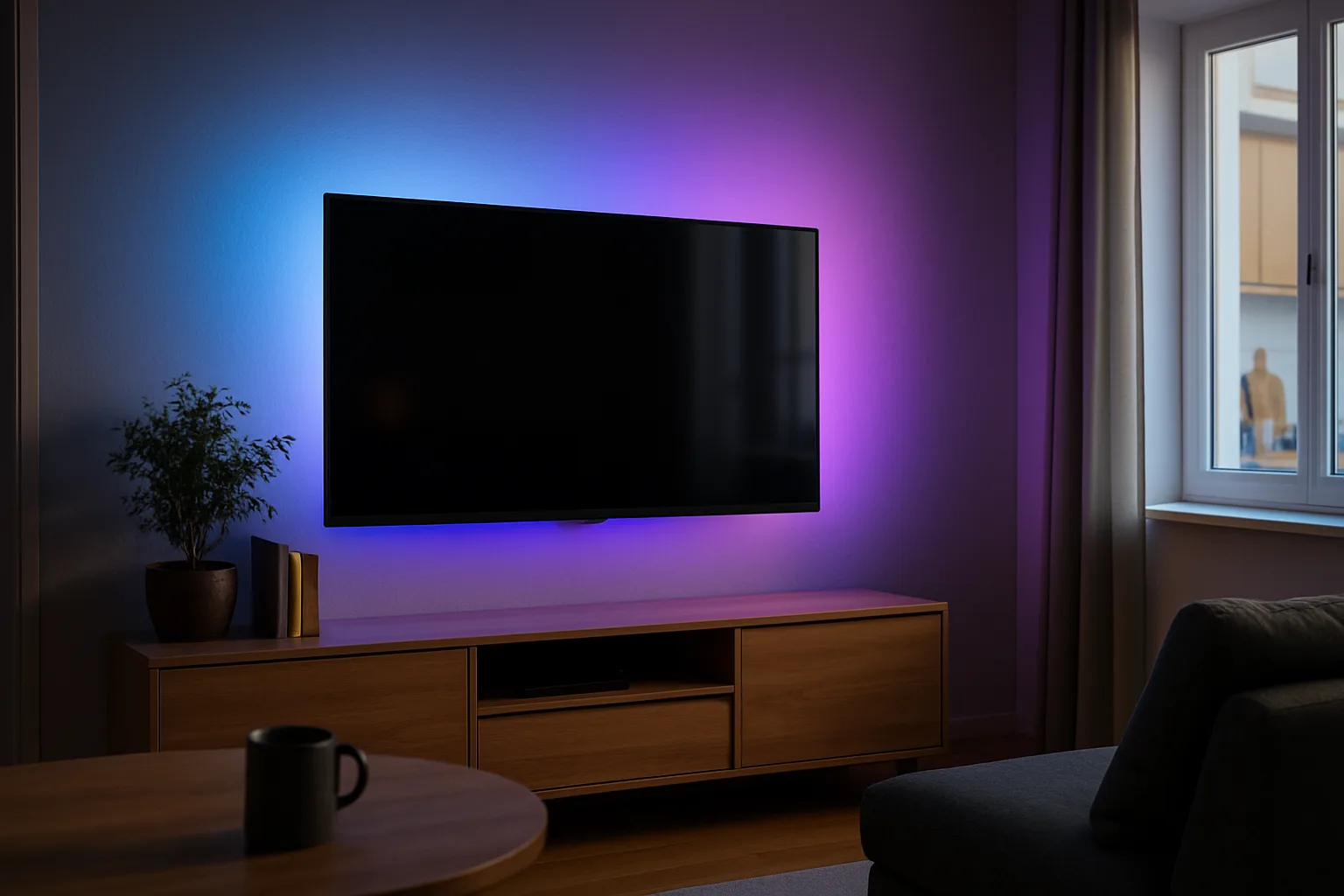
A plain RGB strip shows one color along its whole length at a time. An RGBIC strip has a separate control chip for each section (the "IC" stands for integrated circuit), so different parts of the strip can show different colors at once. Generic strips are often plain RGB: a long generic roll can look bright enough in solid colors, but whites can lean blue and the apps tend to be basic, ad-filled and cut off from other smart home gear.
Best for smart homes
Govee H618A RGBIC LED Strip Lights
Joins home Wi-Fi for control from anywhere and works with Alexa and Google Assistant routines, which also covers the missing remote.
- 16.4 ft
- Wi-Fi
- Alexa and Google
Good for
- Alexa or Google Assistant
- Control from away
Skip it if
- Maximum brightness
- You need clips in the box
When a Govee strip is the wrong pick
- True white light. Strips with separate white LEDs alongside the color ones produce cleaner warm and cool whites. Philips Hue Lightstrip Plus and Nanoleaf Essentials are built that way, and in past comparisons both beat RGB-only strips on white tones and color accuracy, with Hue dimming the lowest. Under-cabinet task light is the main case for one. Govee's own higher-end lines, such as its neon rope lights and Skyline, add white LEDs too; the three strips here do not.
- Apple Home (HomeKit). In past comparisons, Hue and Nanoleaf were the strips with native Apple Home support, and Nanoleaf's also ran on Thread, a mesh network that makes commands respond faster. Govee's strips relied on Alexa and Google instead. Models have been updated since, so check the box or Apple's list of Home accessories before buying for an iPhone household.
Those strips come shorter: Hue and Nanoleaf base kits have been 80 inches with 40-inch extensions, while all three Govee strips here are 16.4 feet. Hue's app has long been the smoother one; Govee's packs in far more scenes, which can feel busy at first.
Where each one fits
- Behind a TV: any of the three; it is backlight, not task light, so mixed whites don't matter. Lights that follow the picture need a camera-based TV backlight kit instead. For a whole desk build, see the desk setup upgrades guide.
- Bedroom: the H618A, so a voice command or a schedule can turn it off without hunting for the cord.
- Gaming desk or shelf: the H6125. Dense LEDs make effects look smoother at close range, and the clips help on the underside of a desk where tape alone tends to sag.
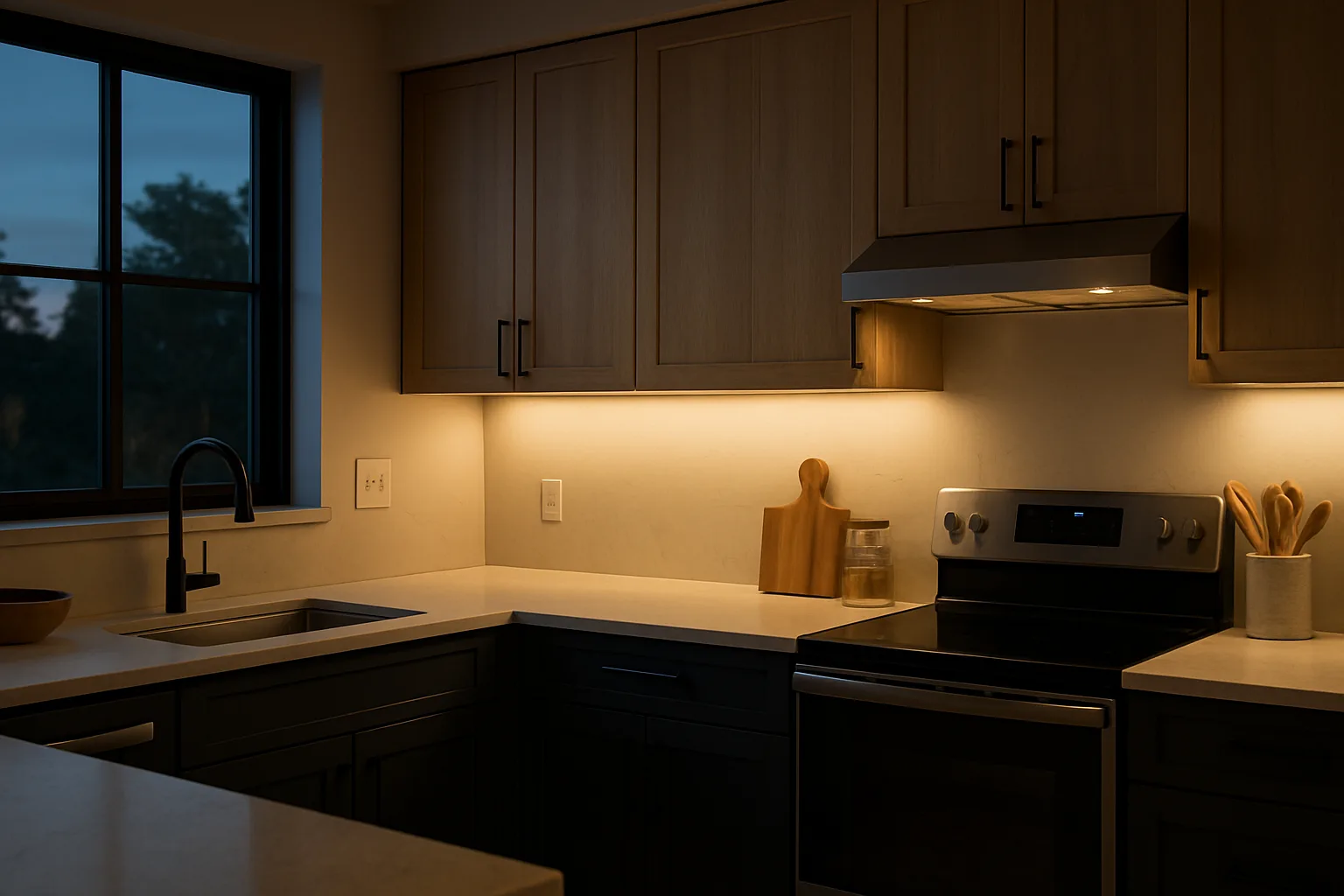
- Under kitchen cabinets: fine for accent color, weak for chopping. The under-cabinet lighting guide covers bars and tape built for task light.
Phone control only
Govee H617A RGBIC LED Strip Lights
The same segmented color effects, music sync and dimming as the others, and the same output as the H618A, controlled from a nearby phone.
- 16.4 ft
- Bluetooth
- Music sync
Good for
- Simple color lighting
- Bedrooms and shelves
Skip it if
- Voice assistants
- Control when you're away
Installation tips
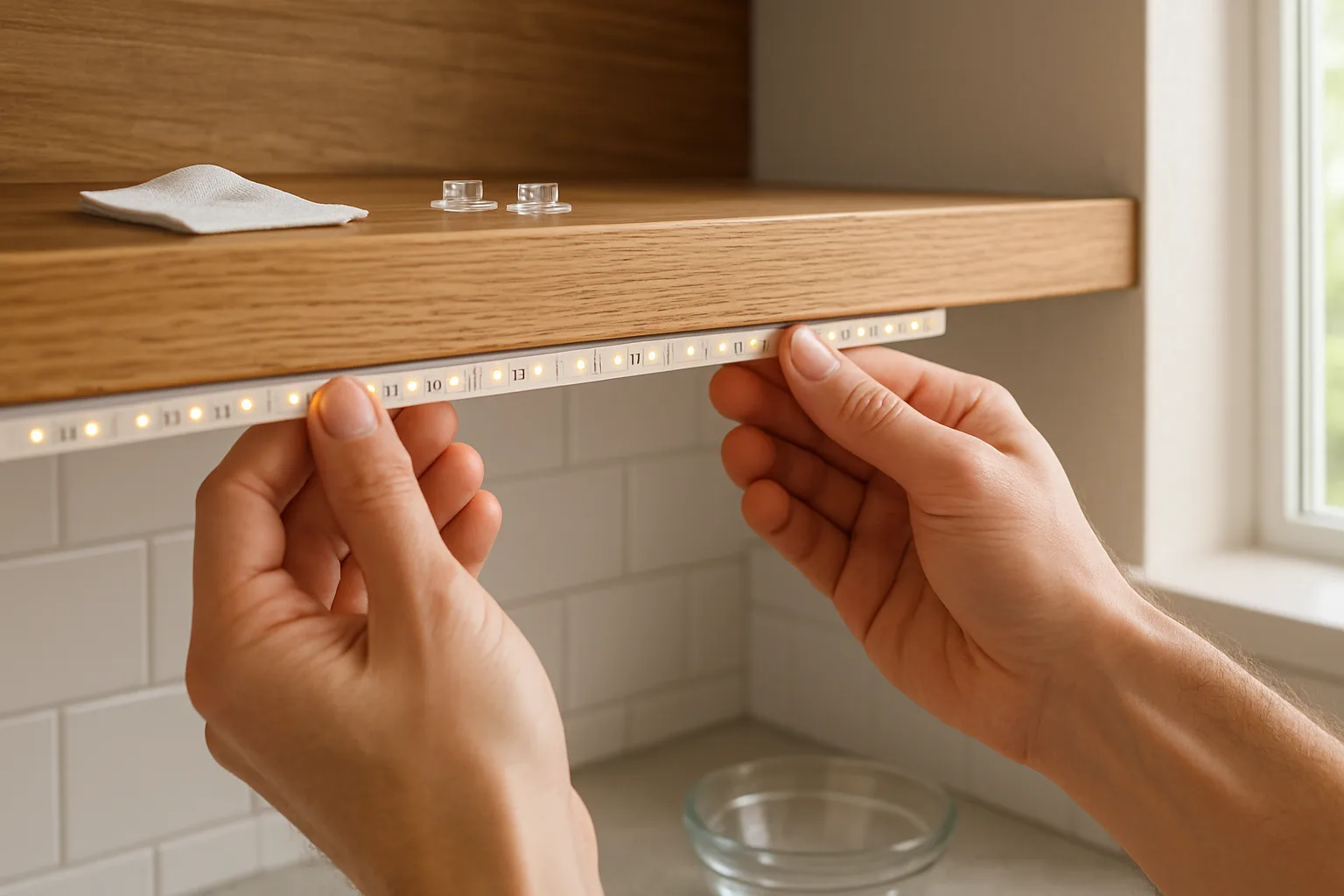
- Measure first. Run a tape measure along the exact path, around corners and back to an outlet. On a TV, the strip goes around the back edge, which uses more length than the screen size suggests: an 80-inch kit covers about a 55-inch TV, and a 65-inch needs more.
- Clean the surface. Every one of these comes with an alcohol wipe. Wipe the whole path and let it dry; dust and kitchen grease are the main reason adhesive lets go.
- Use clips where gravity works against you. The H6125 includes clips that mount with screws or their own adhesive. For the other two, add clips on ceilings, the underside of cabinets and anywhere the strip hangs.
- Anchor the controller. The control box has adhesive on its back. Stick it down so the weight of the power cord doesn't peel the strip off the wall.
- Plan the corners. Thicker strips are harder to shape, so use gentle curves, not tight folds.
- Cut only at the marks, and check first. Strips can be trimmed only at printed cut lines, a cut can't be undone, and some segmented RGBIC strips can't be cut at all. Check the listing before planning a cut, and buy closer to the length you need.
- Expect some fade on long runs. Brightness drops a little toward the far end of any strip, away from the power supply. Start the run, at the power end, where the light matters most.
For permanent color lighting outside, under the eaves, Govee's outdoor line is compared in the permanent outdoor lights guide. For bulbs and whole-house systems, see Hue vs. Govee vs. WiZ vs. Lutron.
The picks in detail
Govee H6125 RGBIC LED Strip Lights
The H6125 is the one to get when brightness and color quality matter. Its LED count is roughly double that of the H617A and H618A, which shows as a visibly brighter strip and more vivid colors, since there is less dark space between the dots. The box includes the strip with the controller attached, a power supply, an alcohol wipe and a set of mounting clips with screws and adhesive. Its limit is Bluetooth: control works only from a phone nearby, with no Wi-Fi and no Alexa or Google.
Brightest, richest color
Govee H6125 RGBIC LED Strip Lights
Roughly double the LEDs per foot of the other two, for a visibly brighter strip and more vivid color, and the only one with mounting clips in the box.
- 16.4 ft
- About 2x LED density
- Clips included
Good for
- TV backlighting and gaming desks
- Brightness and color quality
Skip it if
- Voice control or control away from home (Bluetooth only)
Govee H618A RGBIC LED Strip Lights
The H618A is the smart home pick. It joins the home Wi-Fi network, so it can be controlled away from home and works with Alexa and Google Assistant for voice commands and routines, which also covers the missing remote. Its brightness and colors match the H617A, at about half the LED density of the H6125, and no clips come in the box.
Best for smart homes
Govee H618A RGBIC LED Strip Lights
Joins home Wi-Fi for control from anywhere and works with Alexa and Google Assistant routines, which also covers the missing remote.
- 16.4 ft
- Wi-Fi
- Alexa and Google
Good for
- Alexa or Google Assistant
- Control from away
Skip it if
- Maximum brightness
- You need clips in the box
Govee H617A RGBIC LED Strip Lights
The H617A is the pick for anyone happy to use a phone. It has the same segmented color effects, music sync and dimming as the others, and the same output as the H618A. It runs on Bluetooth only, so it can't be controlled when you're away and won't connect to a voice assistant. Like the H618A, it ships without clips.
Phone control only
Govee H617A RGBIC LED Strip Lights
The same segmented color effects, music sync and dimming as the others, and the same output as the H618A, controlled from a nearby phone.
- 16.4 ft
- Bluetooth
- Music sync
Good for
- Simple color lighting
- Bedrooms and shelves
Skip it if
- Voice assistants
- Control when you're away
Who should buy which
- The brightest strip and the best-looking color effects: the H6125.
- Alexa, Google Assistant or control from away: the H618A.
- Simple color lighting, phone control only: the H617A.
- Clean white task light or Apple Home: a strip with dedicated white LEDs, such as a Hue or Nanoleaf model; confirm current Apple Home support first.
Posted by Kristopher Larson
Frequently asked questions
What is the difference between the Govee H6125, H617A and H618A?
All three are 16.4 ft RGBIC strips with the same app effects, music sync and dimming. The H6125 has roughly twice as many LEDs per foot, so it is brighter with richer color, and it is the only one that includes mounting clips. The H618A adds Wi-Fi, so it works away from home and with Alexa and Google Assistant. The H617A is Bluetooth only.
Which Govee LED strip is the brightest?
The H6125. Its LEDs sit about twice as close together as those on the H617A and H618A, which makes the strip visibly brighter and reduces the dotted look of a solid color. The H617A and H618A put out the same light as each other.
Do Govee LED strips work with Alexa and Google Home?
Only the Wi-Fi models. Among these three, the H618A connects to Wi-Fi and works with Alexa and Google Assistant. The H6125 and H617A use Bluetooth only, so they are controlled from a phone within range or the buttons on the cord.
Do Govee LED strip lights come with a remote?
Not these three. Each has a small inline controller on the cord with buttons and a microphone for music sync, and everything else runs through the Govee app. The H618A can also be switched on and off by voice through Alexa or Google Assistant.
Why does white look yellowish on Govee RGBIC strips?
These strips have no separate white LED. White is mixed from red, green and blue, which leaves a faint yellow-green tint. For clean task light, a strip with dedicated white LEDs, such as a Philips Hue or Nanoleaf model, produces truer warm and cool whites.
How do you keep LED strip lights from falling off the wall?
Wipe the surface with the included alcohol pad and let it dry before peeling the backing. Stick the controller down with its adhesive so the power cord can't pull the strip loose, and add clips on ceilings, cabinet undersides and anywhere the strip hangs. The H6125 ships with clips; for the H617A and H618A they are a separate purchase.
Keep reading
More from the blog
Best Socks to Wear Around the House: Warm Wool, Alpaca and Art Socks
Best Walking Pad for a Standing Desk: UREVO E4W vs CyberPad vs Goplus
Traeger Flatrock vs. Blackstone: Which Flat Top Griddle to Buy