Best Phone Gimbal for Real Estate Video: DJI Osmo Mobile 8 vs. Insta360 Flow 2 Pro vs. Hohem iSteady V3 Ultra
DJI Osmo Mobile 8, Insta360 Flow 2 Pro and Hohem iSteady V3 Ultra compared for listing walkthroughs: walking shots, tilt range, big phones and tracking.
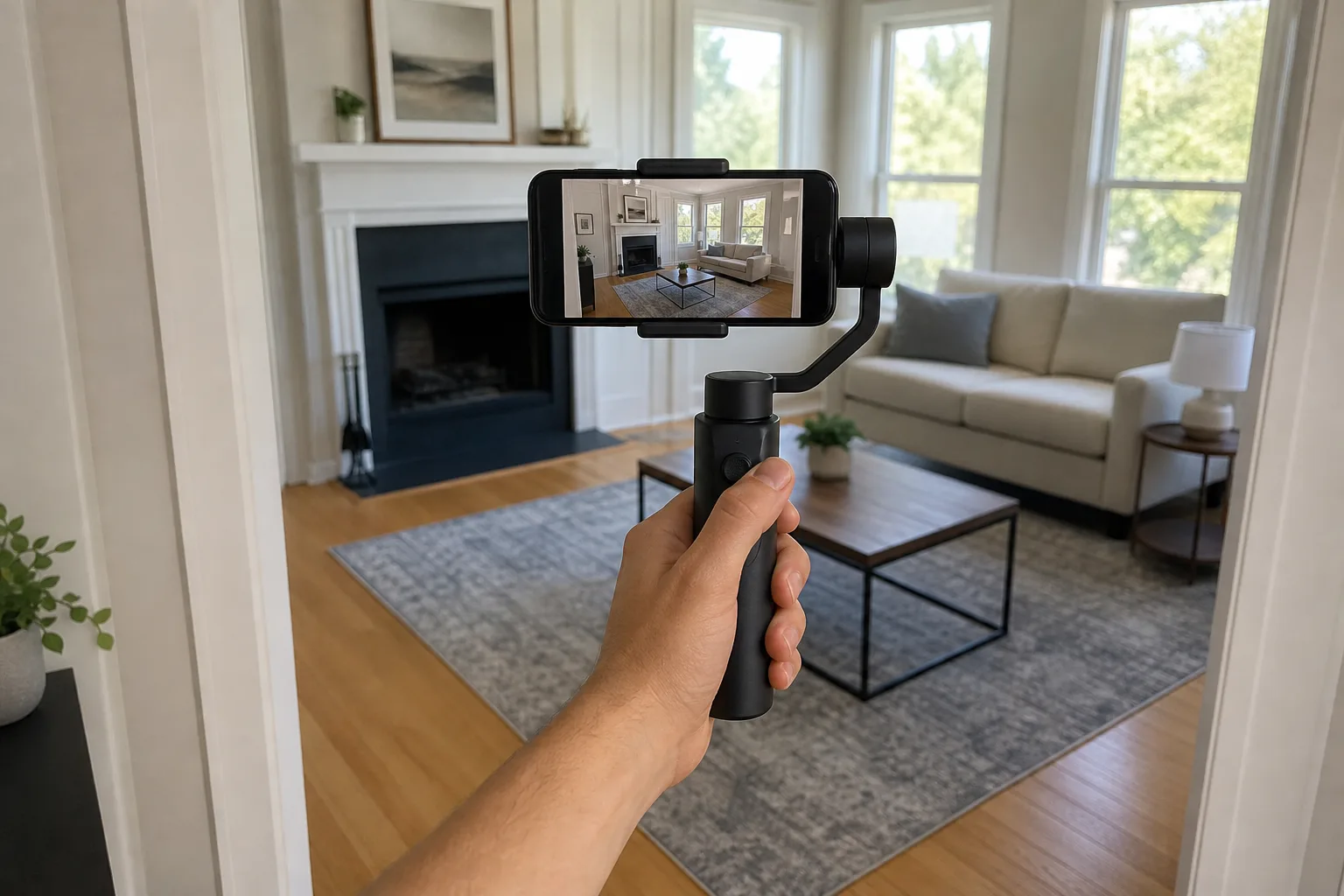
A walkthrough video is the one piece of listing media most agents can shoot themselves, with the phone already in a pocket. What separates a clip that looks produced from one that looks like a phone call is movement: slow, level, steady passes through doorways and around a kitchen island. A three-axis phone gimbal supplies most of that.
This guide compares three folding phone gimbals for listing video, the DJI Osmo Mobile 8, the Insta360 Flow 2 Pro and the Hohem iSteady V3 Ultra, on walking shots, tilt range, one-handed control, heavy phones in cases, tracking for on-camera intros, and battery.
Quick verdict
- Easiest to run while walking: the DJI Osmo Mobile 8 Phone Gimbal. A small status display, a proper joystick and a side wheel make it the simpler one to operate with a thumb. Its tilt range is short and its tripod legs are the smallest here.
- Rising shots and group framing: the Insta360 Flow 2 Pro Phone Gimbal. Free Tilt mode allows a straight rise from floor to chandelier, the metal tripod legs are longer and steadier, and its app can frame several people as one subject. The buttons are harder to read and the tracker is fiddlier to fit.
- Heavy phones, thick cases and Android: the Hohem iSteady V3 Ultra Phone Gimbal. It carries more weight than the other two and tracks a subject in the phone's own camera app. Its clamp has to be fitted and balanced at every setup.
The three gimbals side by side
| Product | Shop | Gimbal weight | Phone weight | Phone thickness | Built-in rod | Battery | Controls |
|---|---|---|---|---|---|---|---|
| DJI Osmo Mobile 8 Phone Gimbal |  View on Amazon | About 370 g with clamp and tracking module | 170 to 300 g | 6.9 to 10 mm | 215 mm | About 10 hours, about 5 with tracking on | Status display, joystick, side wheel, trigger |
| Insta360 Flow 2 Pro Phone Gimbal |  View on Amazon | About 357 g, plus a 25 g clamp | 130 to 300 g | 6.9 to 10 mm | 210 mm | About 10 hours | Control wheel, joystick, trigger |
| Hohem iSteady V3 Ultra Phone Gimbal |  View on Amazon | About 428 g | Up to 400 g | Up to 12.5 mm | 205 mm | About 9 hours, about 4 with tracking and fill light on | Detachable 1.22-inch touchscreen, joystick, trigger |
Easiest to run while walking
DJI Osmo Mobile 8 Phone Gimbal
A status display, a proper joystick and a side wheel make it the simpler gimbal to operate mid-shot, with a short tilt range and small tripod legs.
- Phones 170 to 300 g
- 215 mm built-in rod
- About 10 hours
Good for
- Agents who want clear controls under the thumb
- On-camera intros with a DJI wireless microphone
- Low, floor-level pushes
Skip it if
- Straight rising shots in tall rooms are a priority
- The phone and case exceed 300 g or 10 mm
What a gimbal fixes in a walkthrough, and what it does not
Phones already stabilize video well. A gimbal adds smoother, longer camera moves and a level horizon. Between the Osmo Mobile 8 and the Flow 2 Pro there is very little difference in how steady walking footage looks.
No folding gimbal removes the up-and-down bounce of footsteps. That part is the walk: heel first, roll to the toe, the phone held as still and level as possible. Keep the extension rod collapsed while walking, because a shorter handle is easier to hold steady.
Record in 4K at 60 frames per second and use the phone's 0.5x ultra-wide lens for most rooms. The DJI and Insta360 gimbals turn the phone between horizontal and vertical without taking it off the mount.
Five moves that cover a whole house
- Orbit. Pick one point, such as the range hood, keep it centered and step sideways around it. A plain pan from a fixed spot looks amateur beside it.
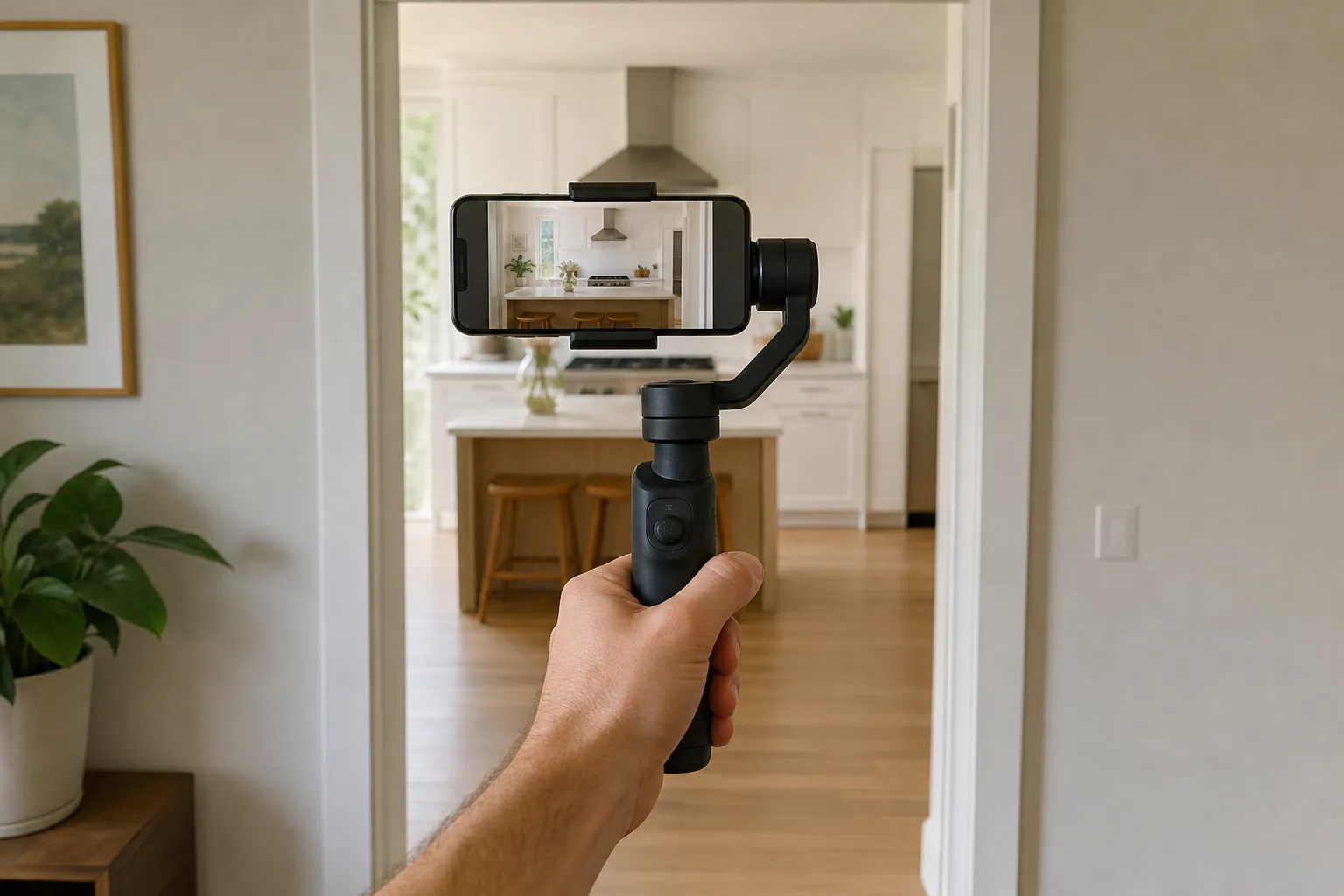
- Push. Frame a doorway, an arch or the edge of an island symmetrically and walk straight in. Two pushes cut together carry the viewer from room to room.
- Reveal. Start with a wall hiding a fireplace or an office, tap to focus on the far side, then orbit out from behind the wall.
- Whip. Push down a hallway, then swing around to show the kitchen.
- Tilt. Walk toward a chandelier or a two-story entry while tilting up at the same speed, or tilt down from a landing to the foyer.
Use pan follow mode for the first four. The phone turns with the handle while the frame stays level, so walls and door frames stay vertical. Switch to pan-and-tilt follow only for the tilt move.
Free Tilt for rising shots
Insta360 Flow 2 Pro Phone Gimbal
Free Tilt mode, group framing in its app and longer metal tripod legs, with buttons that are harder to read in dim rooms.
- Phones 130 to 300 g
- 210 mm built-in rod
- About 10 hours
Good for
- Rising shots in two-story rooms
- Intros with more than one person in frame
- Hands-free clips on the built-in tripod
Skip it if
- Clear, readable controls matter most
- The phone and case exceed 300 g or 10 mm
Tilt range, rising shots and low angles
All three gimbals pan a full 360 degrees without hitting a stop. Tilt is the limit. The makers' figures for controllable tilt are 20 degrees down and 40 up for the Osmo Mobile 8, and 35 down and 45 up for the iSteady V3 Ultra. Push past the limit and the phone starts to rotate with the handle, which ruins a straight rise from the floor to a chandelier.
On the Flow 2 Pro, pull out the rod, twist the pan motor 90 degrees and it enters Free Tilt mode, where the phone rotates fully on the tilt axis. That allows a crane-style rise without holding the gimbal at an awkward angle. The Osmo Mobile 8's pan arm tips forward instead, which puts the phone near the floor for a low push while the handle stays in a normal grip.
Controls with one hand
The Osmo Mobile 8 is the easier gimbal to operate by feel. A small display shows the current mode, battery level and connection status, and the joystick moves like a real joystick. A wheel on the left side of the handle controls zoom or focus.
The Flow 2 Pro has no screen. Its mode buttons are black on a black panel, and the tiny mode labels inside the indicator ring are hard to read without plenty of light, which matters in a dim hallway. Its joystick does not move like one and takes getting used to. In return, a quick twist of its control wheel jumps between the phone's lenses, and a swipe on the wheel changes the app between photo and video.
The iSteady V3 Ultra puts its settings on a detachable touchscreen remote with a responsive screen. Zoom from the remote steps through an Android phone's lenses in its own camera app, without a smooth ramp.
DJI also makes an Osmo Mobile 8P, which trades the side wheel for a detachable touchscreen remote with a live view and uses a tracking module without the microphone receiver. DJI's US store does not list the 8P.
For heavy phones and Android
Hohem iSteady V3 Ultra Phone Gimbal
Carries phones up to 400 g and tracks in the phone's native camera app, with a fixed clamp that needs balancing at each setup.
- 400 g payload
- Phones up to 12.5 mm thick
- Detachable 1.22-inch touchscreen
Good for
- Large Android phones in thick cases
- Tracking without a maker's app
- Framing with the rear lenses from a remote
Skip it if
- Setup has to take seconds between rooms
- Smooth zoom ramps are needed
Big phones and thick cases
The Osmo Mobile 8 and the Flow 2 Pro both stop at 300 g and 10 mm, case included. Add a clip-on lens and either one struggles to stay balanced. The Osmo Mobile 8 has a mounting hole on its roll arm for counterweights. On the Flow 2 Pro, sliding the clamp toward the lens end of the phone eases the load on the motors.
A large flagship phone in a maker's case can weigh about 265 g and measure more than 12 mm at the camera bump, past the stated thickness range of both. The iSteady V3 Ultra carries 400 g, accepts 12.5 mm and balances a phone like that. On a case that thick the clamp grips the edges without wrapping fully around one side, so center it by hand and check the grip before walking. Its clamp is fixed to the gimbal, where the other two use a magnetic clamp that stays on the phone and snaps into place.
Filming the agent: tracking and framing
For an on-camera intro, the gimbal stands on its tripod and follows the agent. Inside each maker's app, the Osmo Mobile 8 and the Flow 2 Pro both lock onto a face quickly, follow smoothly when the person turns away, and pick the person up again after a walk behind an obstacle. The Insta360 app can also keep several people framed as one subject, useful for an agent standing with two sellers. App features change with firmware updates.
Outside the makers' apps there are two routes. Both gimbals support Apple DockKit, which lets an iPhone track in its own camera app with no accessory, but DockKit loses the subject more often. The dependable route is the add-on tracker: DJI's Multifunctional Module or Insta360's AI Tracker. Each works in any camera app, on iPhone or Android.
- Osmo Mobile 8: the module snaps onto the clamp magnetically and flips between front and rear with one hand. The side wheel adjusts its fill light, and the module doubles as a receiver for DJI's wireless microphone transmitters.
- Flow 2 Pro: the tracker plugs into a USB-C port on the gimbal head and usually takes two hands to turn around. Its light is adjusted only on the tracker, which can jog the shot. A small mirror on the head gives a rough guide to rear-camera framing, and a second phone can act as a remote with a live preview.
- iSteady V3 Ultra: its tracker needs no app, one button on the remote starts it, and the remote shows the tracker's view for framing with the rear lenses. It finds a person again after about 5 to 7 seconds out of frame, not after 10, and stops its tracking pans abruptly.
Kits differ. Insta360's Standard Bundle has no AI Tracker, and the AI Tracker Bundle adds one. DJI sells its module in some packages and in a separate tracking kit. Hohem lists the tracker and remote in the V3 Ultra's box. Read the contents on the listing before ordering.
Easiest to run while walking
DJI Osmo Mobile 8 Phone Gimbal
A status display, a proper joystick and a side wheel make it the simpler gimbal to operate mid-shot, with a short tilt range and small tripod legs.
- Phones 170 to 300 g
- 215 mm built-in rod
- About 10 hours
Good for
- Agents who want clear controls under the thumb
- On-camera intros with a DJI wireless microphone
- Low, floor-level pushes
Skip it if
- Straight rising shots in tall rooms are a priority
- The phone and case exceed 300 g or 10 mm
Tripod, extension rod and battery
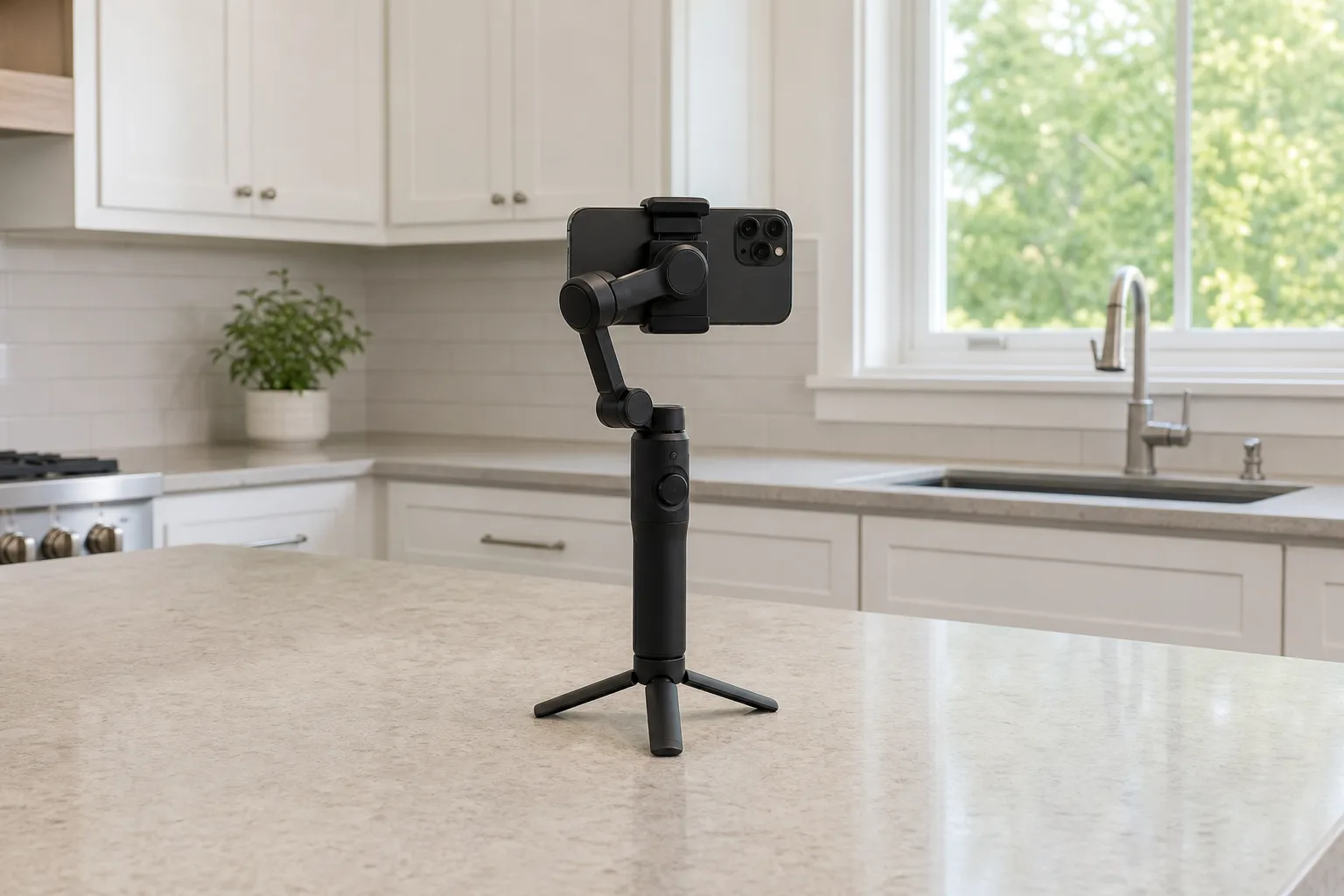
All three fold out short tripod legs and have a quarter-inch thread underneath. The Flow 2 Pro's legs are metal and longer, which makes it steadier than the Osmo Mobile 8, whose shorter plastic legs open faster and can pinch a finger when folded back. The V3 Ultra is bottom-heavy and stable with the rod down, but tips from a firm bump when extended. Outdoors or at a busy open house, screw any of them onto a wider stand.
Battery life is about 10 hours on the DJI and Insta360 gimbals and about 9 on the Hohem, enough for a day of shoots. Tracking and fill lights drain it much faster, to about 5 hours on the Osmo Mobile 8 with its module tracking. The DJI and Insta360 gimbals can also charge the phone, though not on the Flow 2 Pro while its tracker occupies the port.
A gimbal clip complements the other listing media: a 360 camera tour lets buyers look around by themselves, the stills still come from a full-size camera, and a drone covers the exterior.
The picks in detail
DJI Osmo Mobile 8 Phone Gimbal
The DJI Osmo Mobile 8 asks the least of the person holding it. The display, joystick and side wheel are easy to use mid-shot, and its stabilization and tracking are dependable.
Easiest to run while walking
DJI Osmo Mobile 8 Phone Gimbal
A status display, a proper joystick and a side wheel make it the simpler gimbal to operate mid-shot, with a short tilt range and small tripod legs.
- Phones 170 to 300 g
- 215 mm built-in rod
- About 10 hours
Good for
- Agents who want clear controls under the thumb
- On-camera intros with a DJI wireless microphone
- Low, floor-level pushes
Skip it if
- Straight rising shots in tall rooms are a priority
- The phone and case exceed 300 g or 10 mm
Insta360 Flow 2 Pro Phone Gimbal
The Insta360 Flow 2 Pro does more once the shot list grows: Free Tilt, group framing, a mirror and second-phone preview for rear-camera intros, and the steadier tripod. On Android, Insta360 says a small number of app features are missing.
Free Tilt for rising shots
Insta360 Flow 2 Pro Phone Gimbal
Free Tilt mode, group framing in its app and longer metal tripod legs, with buttons that are harder to read in dim rooms.
- Phones 130 to 300 g
- 210 mm built-in rod
- About 10 hours
Good for
- Rising shots in two-story rooms
- Intros with more than one person in frame
- Hands-free clips on the built-in tripod
Skip it if
- Clear, readable controls matter most
- The phone and case exceed 300 g or 10 mm
Hohem iSteady V3 Ultra Phone Gimbal
The Hohem iSteady V3 Ultra is compact, feels solidly built and removes the app from the process, which matters most on Android, where gimbal apps can limit frame rates.
For heavy phones and Android
Hohem iSteady V3 Ultra Phone Gimbal
Carries phones up to 400 g and tracks in the phone's native camera app, with a fixed clamp that needs balancing at each setup.
- 400 g payload
- Phones up to 12.5 mm thick
- Detachable 1.22-inch touchscreen
Good for
- Large Android phones in thick cases
- Tracking without a maker's app
- Framing with the rear lenses from a remote
Skip it if
- Setup has to take seconds between rooms
- Smooth zoom ramps are needed
Who should buy which
- Agents who want the simplest handling on a walkthrough: the Osmo Mobile 8.
- Agents who shoot tall entries, or intros with clients in frame: the Flow 2 Pro.
- Owners of a large Android phone in a protective case: the iSteady V3 Ultra.
- First-time gimbal users: learn the walk and the orbit first. Those two do more for a listing video than any feature above.
Posted by Kristopher Larson
Frequently asked questions
Is a phone gimbal worth it for real estate video?
For anyone shooting walkthroughs regularly, yes. A phone's own stabilization handles small shakes, but a three-axis gimbal keeps the frame level and makes long moves such as an orbit around a kitchen island or a push through a doorway look smooth. It does not remove the bounce of footsteps, so a slow heel-to-toe walk still matters.
Which gimbal mode works for a house walkthrough?
Pan follow. The phone turns left and right with the handle while the tilt and roll stay locked, so walls and door frames stay vertical. Switch to pan-and-tilt follow only for a deliberate tilt up to a chandelier or down from a landing, then switch back.
Will a phone gimbal hold a large phone in a case?
It depends on the model. The DJI Osmo Mobile 8 and Insta360 Flow 2 Pro are rated for phones up to 300 g and 10 mm thick, case included. The Hohem iSteady V3 Ultra is rated for 400 g and 12.5 mm. Weigh the phone with its case on, measure it at the camera bump, and take the case off for the shoot if it is over the limit.
Does a phone gimbal need an app to work?
Basic stabilization works in any camera app. Tracking is different. The Osmo Mobile 8 and Flow 2 Pro offer the most tracking options inside their makers' apps. In other apps they rely on Apple DockKit on a recent iPhone or on an add-on tracker, which also works on Android. The Hohem iSteady V3 Ultra comes with its own tracker and follows a subject in the phone's native camera with no app.
Should a listing walkthrough be shot vertical or horizontal?
Plan for both. Horizontal clips suit a full video tour on a listing page, and vertical clips suit short social posts. A gimbal turns the phone between the two in a second or two without removing it from the mount, so the simplest approach is to shoot each key move twice, once in each orientation.
How long does a phone gimbal battery last on a shoot?
Longer than a walkthrough takes. DJI and Insta360 state about 10 hours for the Osmo Mobile 8 and Flow 2 Pro, and Hohem states about 9 hours for the iSteady V3 Ultra, all measured with the gimbal balanced and standing still. Tracking shortens that: about 5 hours on the Osmo Mobile 8 with its module tracking, and about 4 on the V3 Ultra with tracking and its fill light on.
Keep reading
More from the blog
Best Wireless Microphone for Real Estate Video: Rode Wireless GO (Gen 3) vs. Wireless PRO vs. DJI Mic 3 vs. Hollyland Lark Max 2
Best Walkie Talkies: Rocky Talkie vs. Motorola Talkabout vs. Midland X-Talker for Hiking, Skiing and Outages
Best Robotic Pool Cleaners: Corded vs. Cordless, Beatbot vs. Aiper vs. Dolphin vs. ECOVACS