Best 360 Camera for Real Estate Virtual Tours: Insta360 X5 vs. X4 vs. Ricoh Theta X vs. Theta Z1
Insta360 X5, X4, Ricoh Theta X and Theta Z1 compared for listing tours: HDR stills, windows, dark rooms, editing time and tour platform support.
A 360 camera turns a listing into a walkable tour quickly: stand it in the middle of each room, step out of sight, take one still, move on. The hard part is the same as in any interior photo. A room has bright windows on one side and dark corners on the other, and the camera has to hold both in a single automatic shot, because capture apps such as Matterport's leave no room for editing afterwards.
This guide compares four pocket-size 360 cameras for real estate virtual tours: the Insta360 X5 and X4 and the Ricoh Theta X and Theta Z1. It covers still resolution, built-in HDR, window detail, dark rooms, editing time and which tour platforms name each camera.
Quick verdict
Megapixels matter less than how well the camera's own HDR handles a window, and how little work the files need before upload.
- Best overall for tours: the Insta360 X5 360 Camera. Its HDR stills keep window views and clean up dark corners better than the rest of the group, with almost no editing.
- Fastest from shoot to upload: the Ricoh Theta X 360 Camera. HDR is finished inside the camera, so files are ready to use as they come off it. Color is flatter.
- Largest sensors, most cleanup: the Ricoh Theta Z1 51GB 360 Camera. Dynamic range close to the X5, with purple fringing and soft edges that need fixing in every frame.
- For bright, evenly lit homes: the Insta360 X4 360 Camera. Same 72 MP stills as the X5 and the same sharpness toward the edges, with more noise in shadows and more clipped highlights.
The four cameras side by side
| Product | Shop | 360 still resolution | Sensors | HDR and raw | Battery | Named by |
|---|---|---|---|---|---|---|
| Insta360 X5 360 Camera |  View on Amazon | 72 MP | Two 1/1.28-inch | HDR photo mode, PureShot, DNG | 2,400 mAh, swappable | Matterport, Zillow 3D Home |
| Ricoh Theta X 360 Camera |  View on Amazon | About 60 MP | Two 1/2.0-inch | HDR in camera, HDR-DNG by plug-in | 1,350 mAh, swappable, about 250 stills | Matterport, Zillow 3D Home |
| Ricoh Theta Z1 51GB 360 Camera |  View on Amazon | About 23 MP JPEG | Two 1.0-inch | HDR in camera, DNG | Built in, about 300 stills | Matterport, Zillow 3D Home |
| Insta360 X4 360 Camera |  See options | 72 MP | Two 1/2-inch | HDR photo mode, PureShot, DNG | 2,290 mAh, swappable | Zillow 3D Home |
Platform support changes with app updates, so treat the last column as a starting point and check the platform's own list before buying. More on that below.
Best overall for tours
Insta360 X5 360 Camera
72 MP HDR stills that hold window views and keep dark corners clean with almost no editing.
- 72 MP stills
- Two 1/1.28-inch sensors
- User-replaceable lenses
Good for
- Homes with bright windows and dim rooms
- Fast turnaround with no raw editing
- Zillow 3D Home and Matterport app capture
Skip it if
- Pixel-level detail for commercial Matterport clients is the goal
- An X4 already covers bright daytime listings
What matters in a tour still
Two things decide whether a 360 photo looks professional: dynamic range and sharpness. Blown-out windows are the quickest sign of a low-quality tour. Sharpness matters at a normal viewing distance, not zoomed all the way in, because a tour is shown wide. Every camera here goes soft at full zoom.
The third factor is time. A tour that needs each frame opened in a raw editor costs more hours than it earns. The practical goal is a camera whose automatic HDR is good enough to publish as shot.
Windows, dark corners and mixed light
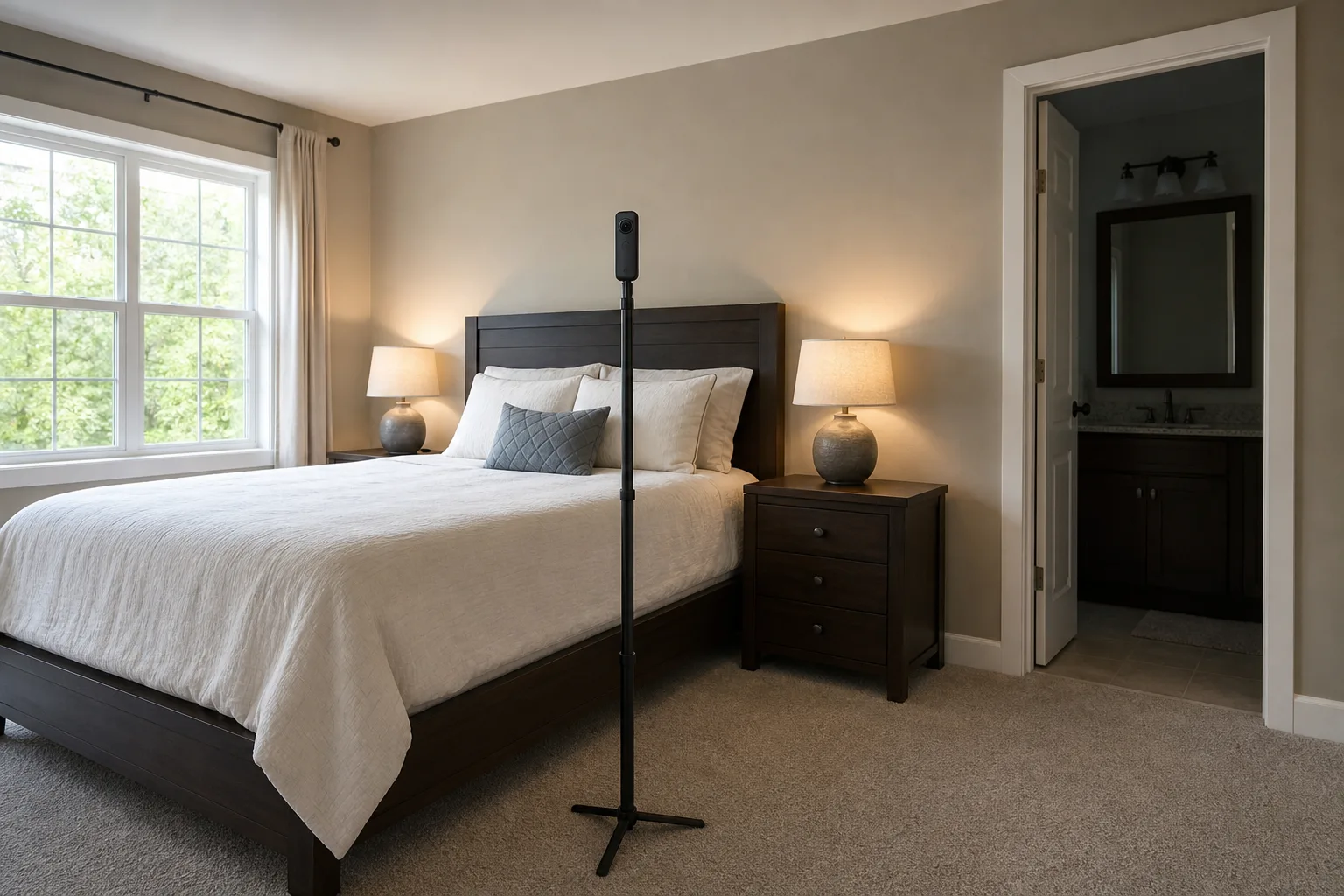
A bedroom with one window and every lamp on is the typical test. In that room the X5 holds the view through the glass, keeps texture in a dark headboard and leaves the corners bright and clean. The X4 also gives a bright, even exposure, with more noise on the dim side of the room. With the lamps off and only window light, the gap widens: the X5 still controls noise and keeps the window, while the X4 holds the window but shows more grain in an unlit bathroom or hallway.
Beside a wall of sliding glass, the X5 keeps the sky, the patio pavers and the water in a pool readable. The room itself still looks dark, because the camera is exposing for the daylight outside. No pocket 360 camera matches a full-size camera on a tripod in that situation.
Shot side by side in HDR mode, the X5 and the Theta Z1 hold highlights best, and the X4 clips them sooner. The X5 shows more contrast and color in distant detail, and fine print and signatures on wall art read more clearly. Toward the sides of the lenses, where the two halves of a 360 image meet, the X5 and X4 stay sharp while the Theta Z1 blurs. The Z1 also shows purple fringing along window frames, a result of its lens design that appears with any workflow and has to be removed frame by frame, along with some noise.
The Theta X produces a usable, somewhat bland HDR image, at a lower resolution than the X5.
More megapixels do not fix a weak HDR mode. The Kandao QooCam 3 Ultra, a 96 MP camera not among the picks here, resolves small lettering well at zoom, but it struggles with the jump from a dark room to a bright view: windows blow out, the files are noisy and the automatic HDR looks flat. Its raw files can look very good in skilled hands, at a large cost in editing time.
Fastest from shoot to upload
Ricoh Theta X 360 Camera
In-camera HDR produces a ready-to-upload still with no computer step, at the cost of flatter color.
- About 60 MP stills
- HDR in camera
- Swappable battery
Good for
- High-volume, quick tours
- Shooters who want no desktop software
Skip it if
- Rich color straight from the camera matters
- Fine detail at zoom is needed
Settings and workflow
On the X5, all 360 photo settings sit in one menu: 18 or 72 MP, a self-timer, the file format and the HDR mode. The setup that works for tours is 72 MP with HDR photo on, which shoots several exposures and merges them, the same idea as bracketed HDR for listing photos. The 72 MP files are visibly sharper and cleaner than the 18 MP ones, so there is no reason to drop down.
For format, PureShot keeps the work automatic: connect the camera to a computer, drag the files into Insta360 Studio, export, upload. PureShot plus raw also saves a DNG file, which gives more room to recover a badly blown highlight. A carefully edited raw file ends up looking much like the merged HDR, so raw is worth the time only in extreme light. The camera starts and is ready to shoot within a couple of seconds, which adds up over thirty rooms.
The Theta X is quicker still, because nothing happens on a computer: its HDR is finished in the camera and the JPEG is ready to upload. That speed is why it is common on construction sites. Raw output comes from Ricoh's HDR-DNG plug-in, and those files have to be developed in a raw editor and then stitched in Ricoh's own stitching app.
Monopod, footprint and stairs
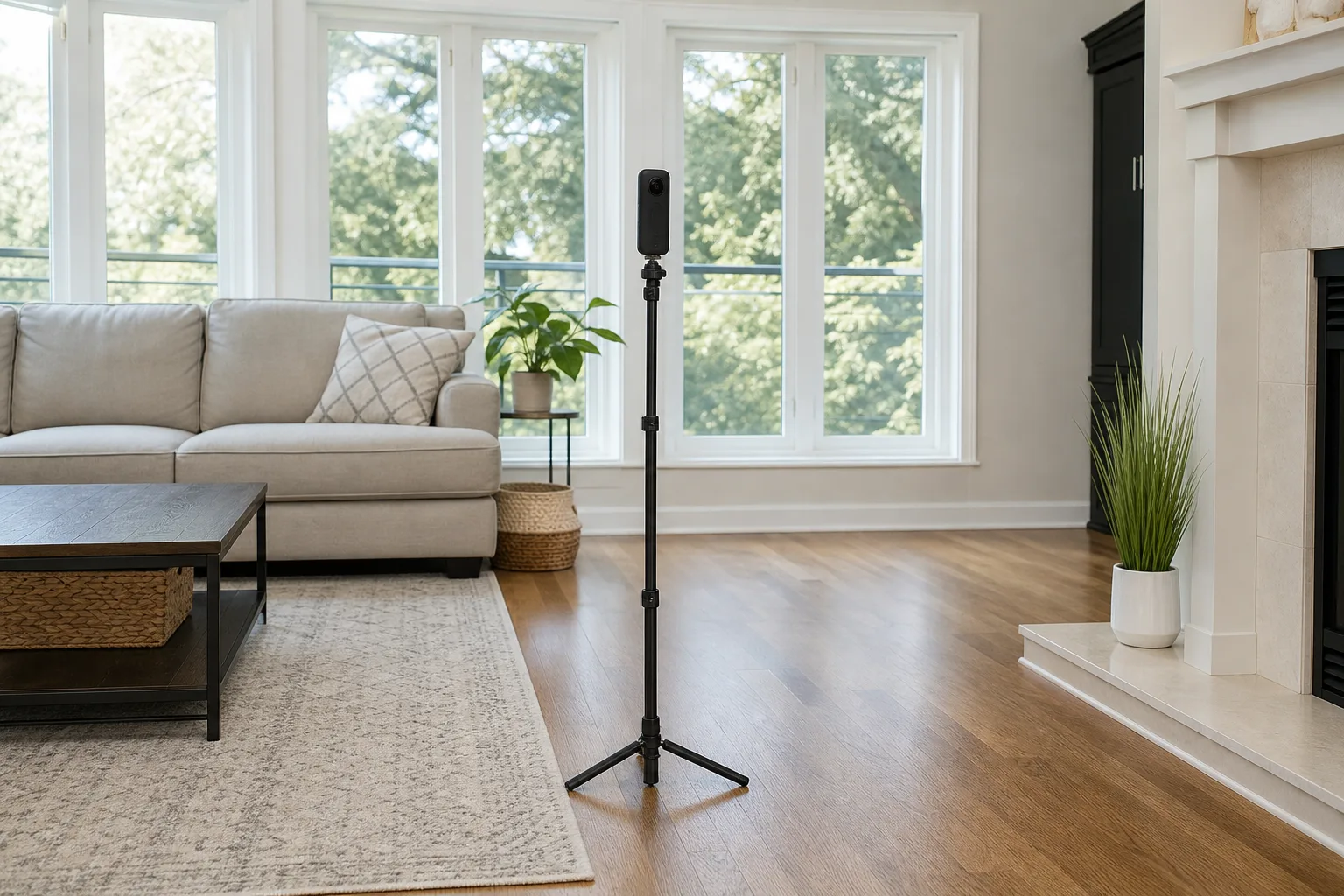
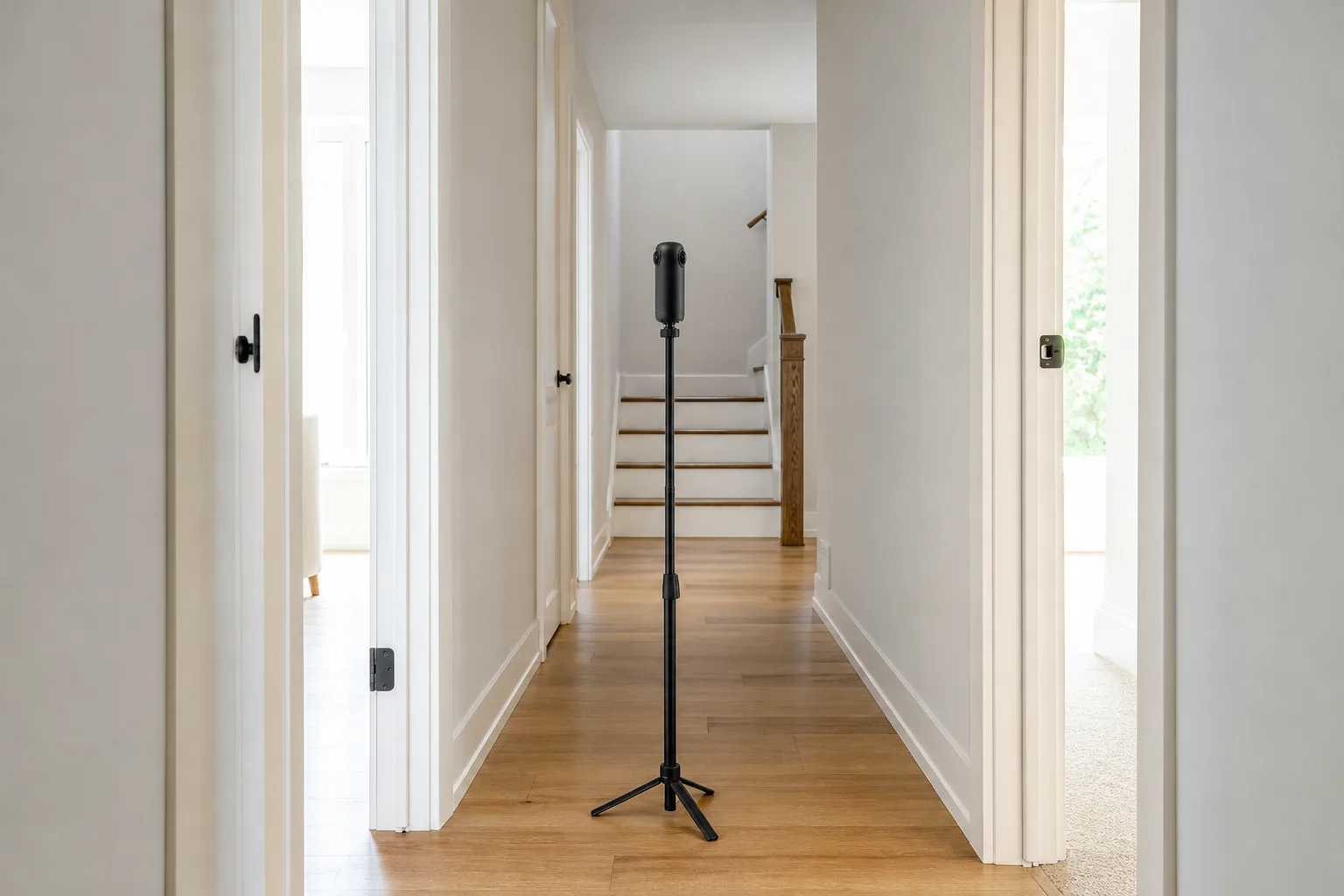
These cameras weigh about as much as a phone, so a slim monopod with fold-out feet is enough. It leaves a smaller footprint at the bottom of the image than a full tripod, and it moves up a staircase without re-setting leg angles on every step. A heavier rotating scanner needs a real tripod. Use the self-timer or the phone app and leave the room, since the camera sees in every direction.
Drops are the usual way a 360 camera dies, and it tends to land lens first. The X5's lenses can be replaced by the owner. The X4 takes removable lens guards instead, which protect the glass but can reduce image quality.
Largest sensors, most cleanup
Ricoh Theta Z1 51GB 360 Camera
Dynamic range close to the X5 from 1.0-inch sensors, with purple fringing and soft edges to correct in each frame.
- Two 1.0-inch sensors
- DNG raw
- 51 GB storage
Good for
- Photographers who edit raw files anyway
- Matterport and Zillow 3D Home capture
Skip it if
- Editing time has to stay near zero
- Sharpness at the sides of the frame matters
Tour platforms: check the list first
Platforms add cameras slowly and on their own schedule, so a camera can be on sale for a long time before a capture app supports it. Three things hold today:
- Matterport. The X5 scans inside the Matterport app at its full 72 MP, and Matterport's guide to 360 cameras for real estate names the X5, the Theta X and the Theta Z1 as cameras whose captures feed straight into its platform. The guide does not name the X4, so confirm that model in the Matterport app before buying it for Matterport work.
- Zillow 3D Home. Zillow's listing for its 3D Home app names the X5, the X4, the Theta X and the Theta Z1, among others. Read the app's current camera list before buying.
- Upload-your-own platforms. Services such as Kuula accept finished 360 photos from any camera, which also means the photos can be edited first.
Scanning inside Matterport has a cost in quality. Next to Matterport's own Pro2 scanner, a bulky rotating camera, an X5 scan looks washed out, shows some fringing around windows and turns outdoor views blue, and none of that can be corrected inside the platform. On a phone or tablet, where many buyers open a tour, the X5 scan looks fine.
When a 360 camera is not enough
A tour supports the listing photos. It does not replace them. The still photos that sell a home come from a full-size camera with a wide lens. For commercial spaces and clients who ask for a Matterport model by name, a dedicated scanner earns its place, and LiDAR cameras that build a 3D model and dollhouse view automatically sit in a different class from anything here.
A tour shows everything in the room. Before scanning, the photographer and seller should remove or hide personal items, documents and anything that shows an alarm panel or a safe. Sellers still getting a house ready can start with a home valuation.
Best overall for tours
Insta360 X5 360 Camera
72 MP HDR stills that hold window views and keep dark corners clean with almost no editing.
- 72 MP stills
- Two 1/1.28-inch sensors
- User-replaceable lenses
Good for
- Homes with bright windows and dim rooms
- Fast turnaround with no raw editing
- Zillow 3D Home and Matterport app capture
Skip it if
- Pixel-level detail for commercial Matterport clients is the goal
- An X4 already covers bright daytime listings
The picks in detail
Insta360 X5 360 Camera
The Insta360 X5 is the strongest of the group in every room type: lamps on, lamps off and beside big glass. Its unedited HDR stills are good enough to publish. It is also a capable 360 video camera, with exposure that adjusts smoothly when walking from a sunlit patio into a hallway.
Best overall for tours
Insta360 X5 360 Camera
72 MP HDR stills that hold window views and keep dark corners clean with almost no editing.
- 72 MP stills
- Two 1/1.28-inch sensors
- User-replaceable lenses
Good for
- Homes with bright windows and dim rooms
- Fast turnaround with no raw editing
- Zillow 3D Home and Matterport app capture
Skip it if
- Pixel-level detail for commercial Matterport clients is the goal
- An X4 already covers bright daytime listings
Ricoh Theta X 360 Camera
The Ricoh Theta X is built around photos, with a touchscreen and a swappable battery. Nothing here gets a tour online sooner, and the trade-off is flatter color and less detail than the X5.
Fastest from shoot to upload
Ricoh Theta X 360 Camera
In-camera HDR produces a ready-to-upload still with no computer step, at the cost of flatter color.
- About 60 MP stills
- HDR in camera
- Swappable battery
Good for
- High-volume, quick tours
- Shooters who want no desktop software
Skip it if
- Rich color straight from the camera matters
- Fine detail at zoom is needed
Ricoh Theta Z1 51GB 360 Camera
The Ricoh Theta Z1 51GB was the standard tour camera for years, and its 1.0-inch sensors still come close to the X5 for dynamic range. Fringing, noise and soft edges mean editing every frame, and its battery is built in.
Largest sensors, most cleanup
Ricoh Theta Z1 51GB 360 Camera
Dynamic range close to the X5 from 1.0-inch sensors, with purple fringing and soft edges to correct in each frame.
- Two 1.0-inch sensors
- DNG raw
- 51 GB storage
Good for
- Photographers who edit raw files anyway
- Matterport and Zillow 3D Home capture
Skip it if
- Editing time has to stay near zero
- Sharpness at the sides of the frame matters
Insta360 X4 360 Camera
The Insta360 X4 delivers the same resolution as the X5 and handles a normal daytime house well. It falls behind in shadows, mixed lighting and vacant homes with the power off. Owners of an X4 gain a moderate step in image quality from the X5, while owners of anything older gain a large one.
For bright, evenly lit homes
Insta360 X4 360 Camera
72 MP stills that stay sharp to the edges, with more shadow noise and clipped highlights than the X5.
- 72 MP stills
- Two 1/2-inch sensors
- Removable lens guards
Good for
- Daytime shoots with the lights on
- Zillow 3D Home tours
Skip it if
- Vacant or dim homes are common
- Window views are a selling point
Who should buy which
- Agents and photographers adding tours to listings: the X5, with a monopod and a spare battery.
- High-volume shooters who never open an editor: the Theta X.
- Photographers who already process raw files: the Theta Z1, for its sensor size.
- Owners of an X4: keep it for bright homes and move to the X5 if dim or vacant properties are common.
- Owners of the discontinued Insta360 ONE RS 1-Inch 360 Edition: it clips highlights sooner and resolves less detail than the X5.
Posted by Kristopher Larson
Frequently asked questions
What is the best 360 camera for real estate virtual tours?
For most listing work, the Insta360 X5. Its 72 MP HDR stills keep the view through windows and stay clean in dark corners without editing, and both Zillow 3D Home and the Matterport app work with it. The Ricoh Theta X is the quicker choice when files must be ready the moment they leave the camera.
Does the Insta360 X5 work with Matterport?
Yes. The X5 connects to the Matterport app and scans at its full 72 MP resolution. The result is less detailed and less accurate in color than a scan from one of Matterport's own Pro cameras, and it cannot be edited inside the platform. On phones and tablets the difference is hard to see.
Which 360 cameras work with Zillow 3D Home?
Zillow's 3D Home app pairs with a set list of Insta360 and Ricoh Theta cameras. Zillow's app listing names the Insta360 X5 and X4 and the Ricoh Theta X and Theta Z1, among others. The list changes as cameras are added, so read it before buying. A camera that is not on the list cannot capture inside the app.
Is the Insta360 X5 worth it over the X4 for virtual tours?
For owners of an X4, only if dim rooms, vacant homes or bright window views come up often. Both cameras shoot 72 MP stills and both stay sharp toward the edges of the frame. The X5's larger sensors hold highlights better and show less noise in shadows. Coming from an older 360 camera, the X5 is a clear step up.
How many megapixels does a 360 camera need for a virtual tour?
Resolution alone does not decide quality. A 360 photo spreads its pixels across the whole sphere, so even a 72 MP image looks soft at full zoom. A higher-resolution camera with weak HDR produces a worse tour than a 72 MP camera that holds the windows. Use the highest still resolution the camera offers, then judge it by window detail and noise in dark areas.
Is a tripod or a monopod better for a 360 camera?
A monopod with small fold-out feet. Pocket 360 cameras are light, so they do not need wide tripod legs, and a slim stand takes up less of the floor in the image directly below the camera. It is also easier to carry between rooms and to place on stairs. Larger rotating scanners still need a full tripod.
Keep reading
More from the blog
Best Indoor Air Quality Monitor: Aranet4 vs. Airthings View Plus vs. Qingping vs. Amazon
Instax vs. Polaroid: Which Instant Camera to Buy
Reencle vs. FoodCycler vs. GEME: Which Electric Kitchen Composter Actually Makes Compost?