Mobile Office for Real Estate Agents: Canon PIXMA TR160 vs. HP OfficeJet 250 vs. ScanSnap iX1300
Print and scan contracts from the car: how the Canon PIXMA TR160, HP OfficeJet 250 and ScanSnap iX1300 work in use, and which one fits how you work.
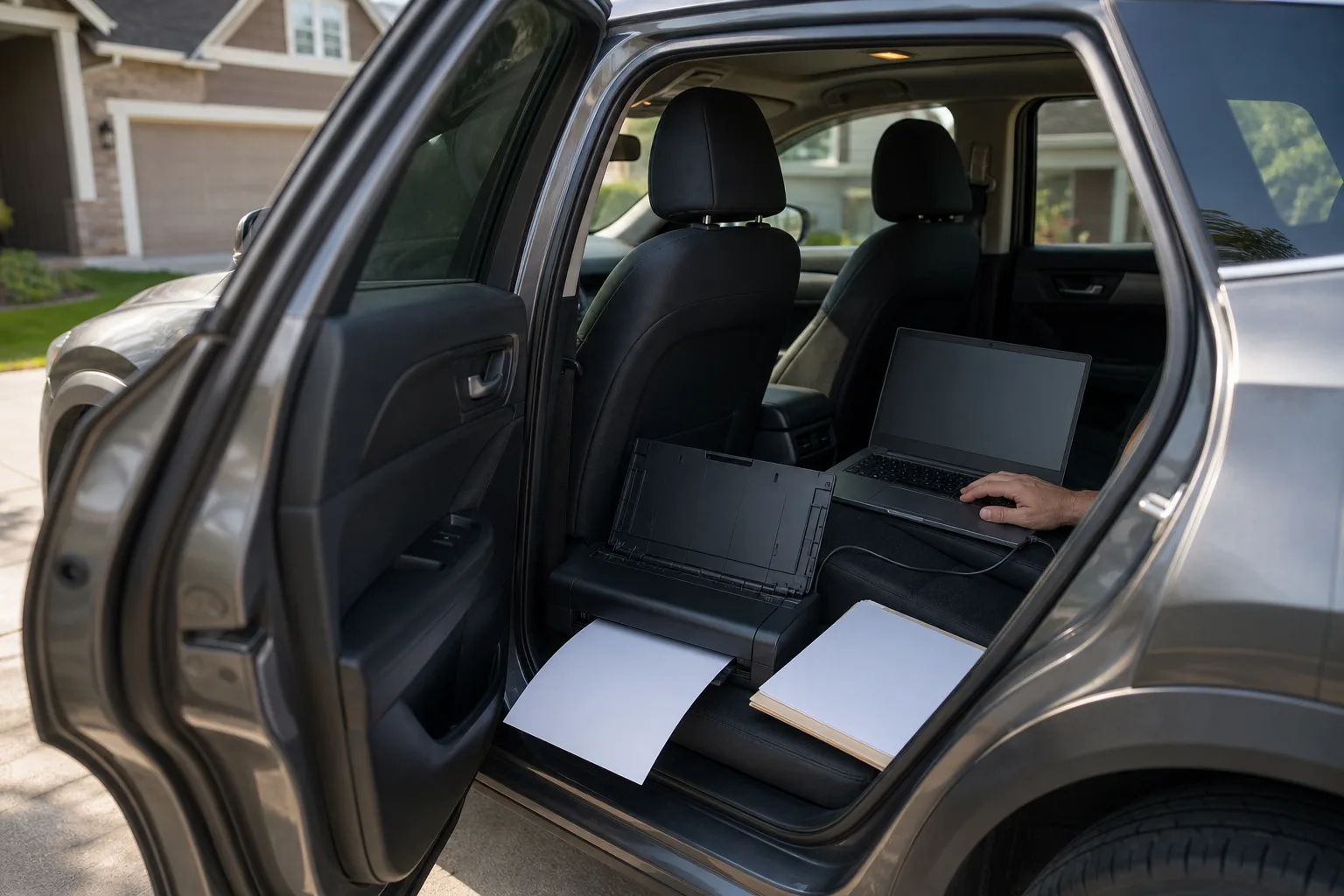
A counteroffer arrives while an agent is parked outside the next showing. The buyers want paper, the seller's side wants a signed copy back within the hour, and the office is forty minutes away. A printer and a scanner that travel in the car turn that into a ten-minute job in a driveway.
Three pieces of gear cover it: a battery printer that also scans, a lighter print-only portable, and a compact scanner for long contract packages. Each one has limits that only show up in use, and they decide which one belongs in the car.
Quick verdict
- Print-only, and dependable about it: the Canon PIXMA TR160. It folds flat into a backpack, holds 50 sheets, connects without a fight and finishes every job sent to it. It has no scanner, and Canon lists its LK-72 battery as optional and sold separately.
- One box that prints, scans and copies on battery: the HP OfficeJet 250 Mobile All-in-One. The right pick when a signed addendum of a few pages has to go back from the car. HP lists a 10-page document feeder, so it is slow going on a long package.
- Scanning whole contract packages: the ScanSnap iX1300. A 20-sheet feeder that scans both sides of each page, letter or legal, at a speed Ricoh rates at up to 30 pages a minute, plus a front slot for IDs and receipts. It needs an outlet or a power station, and it does not print.
The three side by side
| Product | Shop | What it does | Paper handling | Power | Connects by | Suits |
|---|---|---|---|---|---|---|
| Canon PIXMA TR160 |  View on Amazon | Prints | 50-sheet tray; two-sided printing by hand | Power adapter; optional LK-72 battery, sold separately | Wi-Fi, direct wireless, USB | Offers, addenda and flyers printed on the road |
| HP OfficeJet 250 Mobile All-in-One |  View on Amazon | Prints, scans, copies | 10-page document feeder for scans and copies (HP's figure) | Removable rechargeable battery; wall adapter | Wi-Fi, Wi-Fi Direct, Bluetooth Smart | Short signed documents sent back from the car |
| ScanSnap iX1300 |  View on Amazon | Scans | 20-sheet duplex feeder, up to 8.5 x 14 in.; front slot for items up to 2 mm thick | Wall outlet (17 W or less while scanning, per Ricoh) | Wi-Fi, direct connection, USB | Full contract and closing packages |
Dependable print-only portable
Canon PIXMA TR160
33% off list price · as of 9:20 am MT · details
Folds flat into a backpack, holds 50 sheets, connects on the first try and prints every job sent to it; no scanner, and the LK-72 battery is optional and sold separately.
- 50-sheet tray
- 1.44-inch OLED display
- Optional LK-72 battery, sold separately
Good for
- Printing offers and addenda on the road
- Glossy flyers and photo sheets
Skip it if
- Scanning or copying is needed
- Long two-sided documents
What working from a car actually takes
Decide where the phone stops and a scanner starts
A phone's built-in document scanner is fine for a few pages: a signed counteroffer, a disclosure, an earnest money receipt. It stops being fine quickly. Photographing a 175-page package one page at a time can take well over an hour and leaves a pile of separate attachments. Past a couple of dozen pages, a sheet-fed scanner earns its space.
Feeder size sets the pace. A 20-sheet feeder turns a 150-page package into eight loads. A 10-page feeder turns it into fifteen. Each load saves as its own file, so scan in order and merge the files into one PDF before sending it; any PDF editor can do that. That is why a large-feeder desktop scanner in a padded bag is a common sight in cars used for daily loan signings.
Wire it with USB
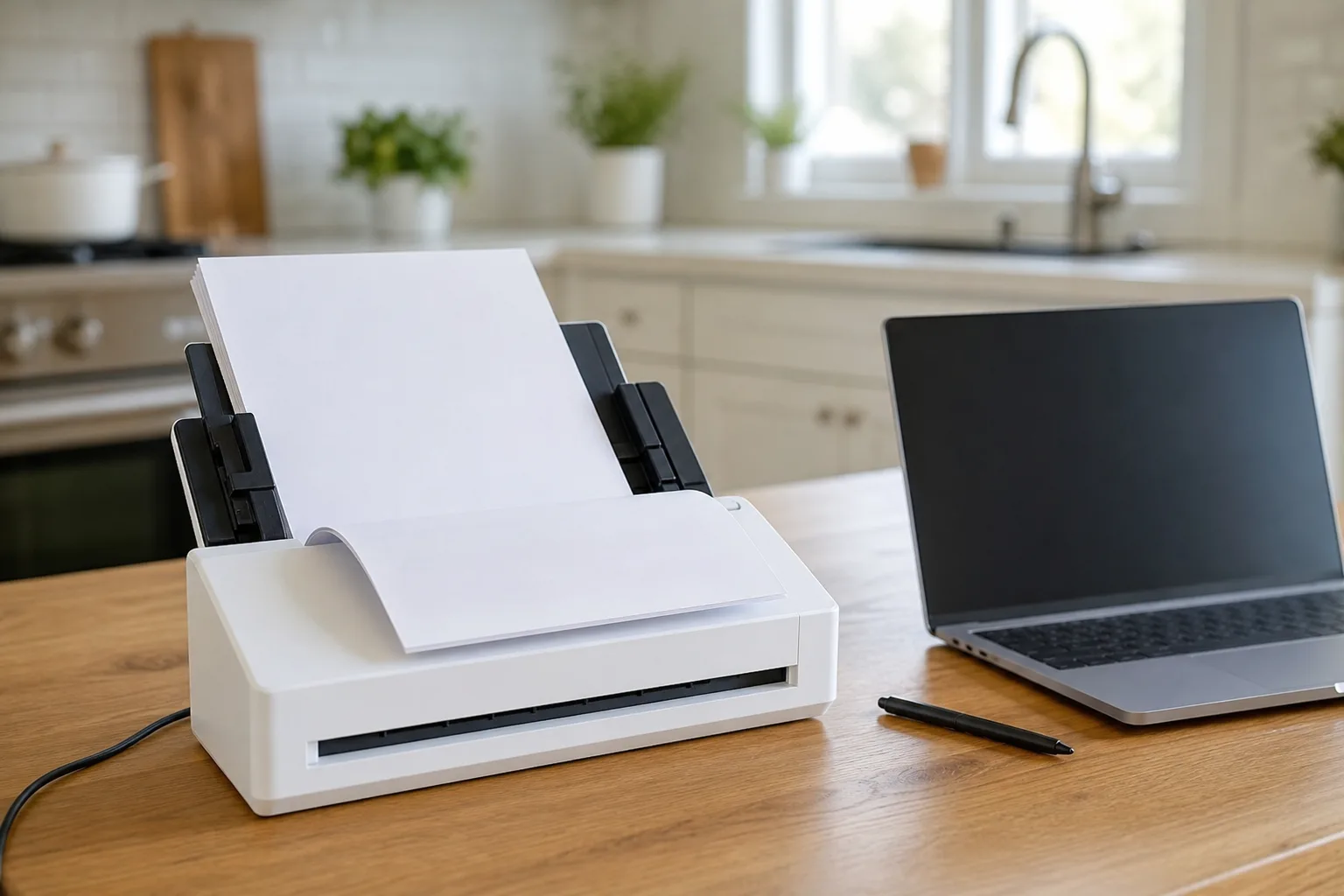
Wireless printing is convenient at a desk and unreliable in a parking lot. Jobs sent over a wireless link in a car can take minutes to start, or never arrive. A USB cable from the laptop to the printer, and another to the scanner, removes the wait. The only thing that needs a data connection is downloading the documents in the first place, so carry a dedicated hotspot as well as a phone. In rural areas one of them often has no signal when the other does.
Power without rewiring the car
The two portable printers here run on batteries. A scanner like the iX1300 does not, and neither does a laptop after a long day. Wiring an inverter to the car battery works, but it usually means paying someone to run cable under the dash. A portable power station does the same job with nothing installed: it has household outlets and USB ports, charges from a wall outlet at home, and in a daily print-and-scan setup needs recharging about once a week. The guide to Jackery power stations covers sizing.
Paper, heat and a locked car
- Carry both paper sizes. Loan documents and some contract forms are legal size. Keep a ream of letter and a ream of legal in the car and top up the tray before leaving.
- Secure the gear. A printer on a back seat becomes a projectile in a crash. Rubber stoppers, a strapped-down case or a latched cabinet keep it in place.
- Lock it out of sight. Signed contracts carry names, addresses and account details. Don't leave them, or the equipment, visible in a parked car.
- Watch the heat. A parked car in summer gets far hotter than office equipment is built for. Ricoh, for one, rates the iX1300 for use between 41 and 95 °F. Take the gear inside on hot days, or keep the car cooled while it is in use.
The picks in detail
Canon PIXMA TR160: a print-only portable that finishes the job
The Canon PIXMA TR160 is about a foot wide when folded and slim enough to slide into a backpack. Opening it takes a few seconds: lift the top cover, extend it, load up to 50 sheets, and pages come out the front. The 1.44-inch OLED display is small but does real work, with clear menus for joining Wi-Fi or setting up a direct wireless connection to a phone or laptop. A USB cable is in the box for a wired link.
Its strongest trait is reliability. It connects the first time and prints every job sent to it, which is the whole point when a client is waiting at a kitchen table. Text comes out sharp. On plain paper, both text and color look a little paler than the output of a full-size printer; that is fine for contracts and addenda. On glossy paper the color is strong, so a property flyer or a photo sheet for a listing appointment prints well. Canon also lets five custom templates be stored on the printer and printed straight from the display, which suits a sign-in sheet.
The limits are plain. There is no scanner or copier. It prints more slowly than a desktop printer. Two-sided printing means taking the page out and feeding it back in by hand. The color inks share one cartridge, so when one color runs out the whole cartridge is replaced. And Canon lists the LK-72 battery as optional and sold separately. Without the battery the printer runs from its power adapter.
Dependable print-only portable
Canon PIXMA TR160
33% off list price · as of 9:20 am MT · details
Folds flat into a backpack, holds 50 sheets, connects on the first try and prints every job sent to it; no scanner, and the LK-72 battery is optional and sold separately.
- 50-sheet tray
- 1.44-inch OLED display
- Optional LK-72 battery, sold separately
Good for
- Printing offers and addenda on the road
- Glossy flyers and photo sheets
Skip it if
- Scanning or copying is needed
- Long two-sided documents
HP OfficeJet 250 Mobile All-in-One: print, scan and copy on battery
The HP OfficeJet 250 Mobile All-in-One is the only one of the three that both prints and scans, and it does it from a removable rechargeable battery. HP says the battery charges in about 90 minutes from a wall outlet with the printer switched off. A charge light glows orange while charging and turns green when done.
Setup through the HP Smart app is simple, with one catch: the laptop and the printer must be on the same Wi-Fi network, or the app will not find the printer. The wireless light blinks blue while it connects and goes solid when it is ready. Printing, scanning and copying can all be started from the app or from the printer's 2.65-inch color touchscreen.
Scanning takes a little learning, and the printed material in the box does not explain it. Open the document feeder, pull the support all the way out for a long sheet, and feed the page face down. The printer chimes and shows "document loaded" on the screen. If that confirmation does not appear, the page was not detected and nothing will scan. The sheet travels up and through the machine, and the scan then opens on the laptop to save, print or send.
HP lists the feeder at 10 pages, which is right for an addendum or a short disclosure packet and tedious for a whole contract file. In light use, the original ink cartridges were still going after almost a year. It fits a zippered hard case, sold separately, which is worth having for a machine that rides in a car.
Print, scan and copy on battery
HP OfficeJet 250 Mobile All-in-One
One battery-powered machine that prints a contract and scans the signed pages back; HP's 10-page feeder suits short documents, not full packages.
- 10-page document feeder
- Removable battery
- 2.65-inch touchscreen
Good for
- Signed addenda returned from the car
- One machine instead of two
Skip it if
- Scanning 100-page packages often
- Wanting the lightest bag
ScanSnap iX1300: the scanner for whole packages
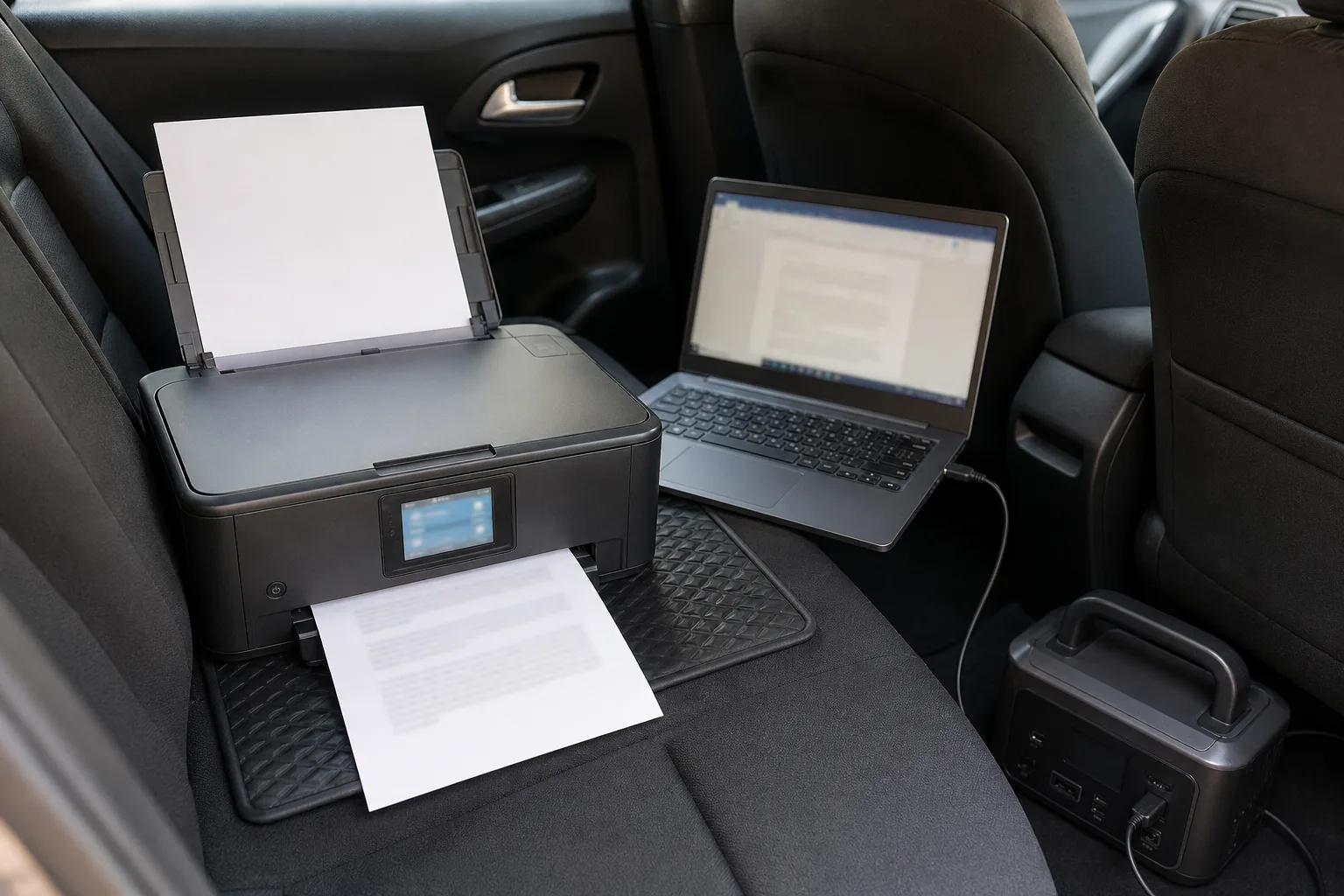
The ScanSnap iX1300, now sold under the Ricoh name, is a small desktop scanner rather than a true portable: 4.4 pounds and 11.7 inches wide. It has two paper paths. The top feeder takes 20 letter-size sheets, scans both sides in one pass, and sends the pages back up to stack on top of the scanner. Ricoh rates it at up to 30 pages a minute. Nothing shoots out the front, so it works on a console, a tailgate or a corner of a seller's counter. Ricoh's specifications list documents up to 8.5 by 14 inches on both paths, which covers legal-size pages.
The front slot takes one item at a time and hands it back: a driver's license, a business card, a receipt, a folded sheet, a passport, anything up to 2 mm thick. In continuous mode the scan button is pressed once at the start and once at the end, and items are simply fed one after another. More than 250 mixed photos went through that slot in under an hour with almost no trouble. Laminated cards with metal eyelets and small film slides did jam, and took a few tries at different angles.
The top feeder is fussier. Stacks that go in slightly crooked can skew and jam. Squaring the stack and loading it very straight cuts that down, and so does staying at 20 sheets or fewer. That path is for paper only. The ScanSnap Home software straightens pages, drops blank sides and saves searchable PDFs. It runs in the background all the time and updates itself.
It connects by Wi-Fi or USB and can link directly to a phone or laptop where there is no network. It always needs AC power, so car use means a power station or an inverter.
Compact scanner for full packages
ScanSnap iX1300
28% offBlack Friday Dealoff list price · as of 9:20 am MT · details
Scans a 20-sheet stack on both sides in one pass and stacks it on top, with a front slot for IDs and receipts; it needs AC power and a squarely loaded stack.
- 20-sheet duplex feeder
- Front slot to 2 mm
- Wi-Fi and USB
Good for
- Long contract and closing packages
- IDs, receipts and business cards in the front slot
Skip it if
- Battery power is a must
- Printing is needed too
Who should buy which
- Mostly printing, with signatures collected on paper and scanned back at the office: the Canon PIXMA TR160, with the battery pack if there is no power in the car.
- Printing and returning short signed documents from the driveway: the HP OfficeJet 250 Mobile All-in-One.
- Scanning complete transaction files, or working alongside a transaction coordinator who wants one clean PDF: the ScanSnap iX1300 plus a power source. Pair it with the Canon if printing on the road matters too.
- Printing at a desk most of the time: a full-size desk printer is the better tool. See laser vs. ink tank printers.
Whether a scanned or electronically signed copy is enough, and how long transaction records must be kept, is set by the brokerage and the state, so follow their rules. Paper originals that are kept can go in a fireproof document safe, and for the rest of the trunk kit there is the open house sign guide.
Posted by Kristopher Larson
Deal badges come from Amazon. Product prices and availability are accurate as of the date/time indicated and are subject to change.
Frequently asked questions
Can a real estate agent print contracts from a car?
Yes. A battery-powered portable printer such as the Canon PIXMA TR160 with its optional LK-72 battery, which Canon sells separately, or the HP OfficeJet 250 Mobile All-in-One, prints letter-size documents from a laptop or phone with no outlet. Connect by USB cable where possible; wireless printing is less dependable in a parked car.
Is a phone good enough for scanning signed contracts?
For a few pages, yes. A phone's document scanner handles a signed counteroffer or a short disclosure well. For a full transaction file or a closing package of 100 pages or more, a sheet-fed scanner is far faster and produces cleaner, straighter pages.
Does the Canon PIXMA TR160 scan or copy?
No. The PIXMA TR160 only prints. Anyone who needs to scan signed pages on the road should pair it with a separate scanner or choose an all-in-one such as the HP OfficeJet 250 Mobile All-in-One.
Does the ScanSnap iX1300 run on battery?
No. The iX1300 needs AC power and draws 17 watts or less while scanning, according to Ricoh. Away from an outlet it can run from a portable power station or a car inverter.
How many pages can the HP OfficeJet 250 scan at once?
HP lists a 10-page automatic document feeder. That suits addenda and short packets. Longer documents have to be scanned in several loads and merged into one PDF afterward.
Is it safe to leave a printer or scanner in a hot car?
It is better not to. A closed car in summer gets much hotter than the range office equipment is rated for; Ricoh lists 41 to 95 °F as the operating range for the iX1300. Bring the gear inside, and never leave signed documents visible in a parked car.
Keep reading
More from the blog
Solar Generator Bundles Compared: Jackery 1000 v2 vs. Anker SOLIX C300 vs. Bluetti Elite 30 V2
Home Theater Room Setup: Best Projectors, Surround Sound, Screens and Lighting
Best Whole-Home Battery Backup: EcoFlow DELTA Pro Ultra vs. Jackery 5000 Plus vs. Anker SOLIX F3800 Plus