
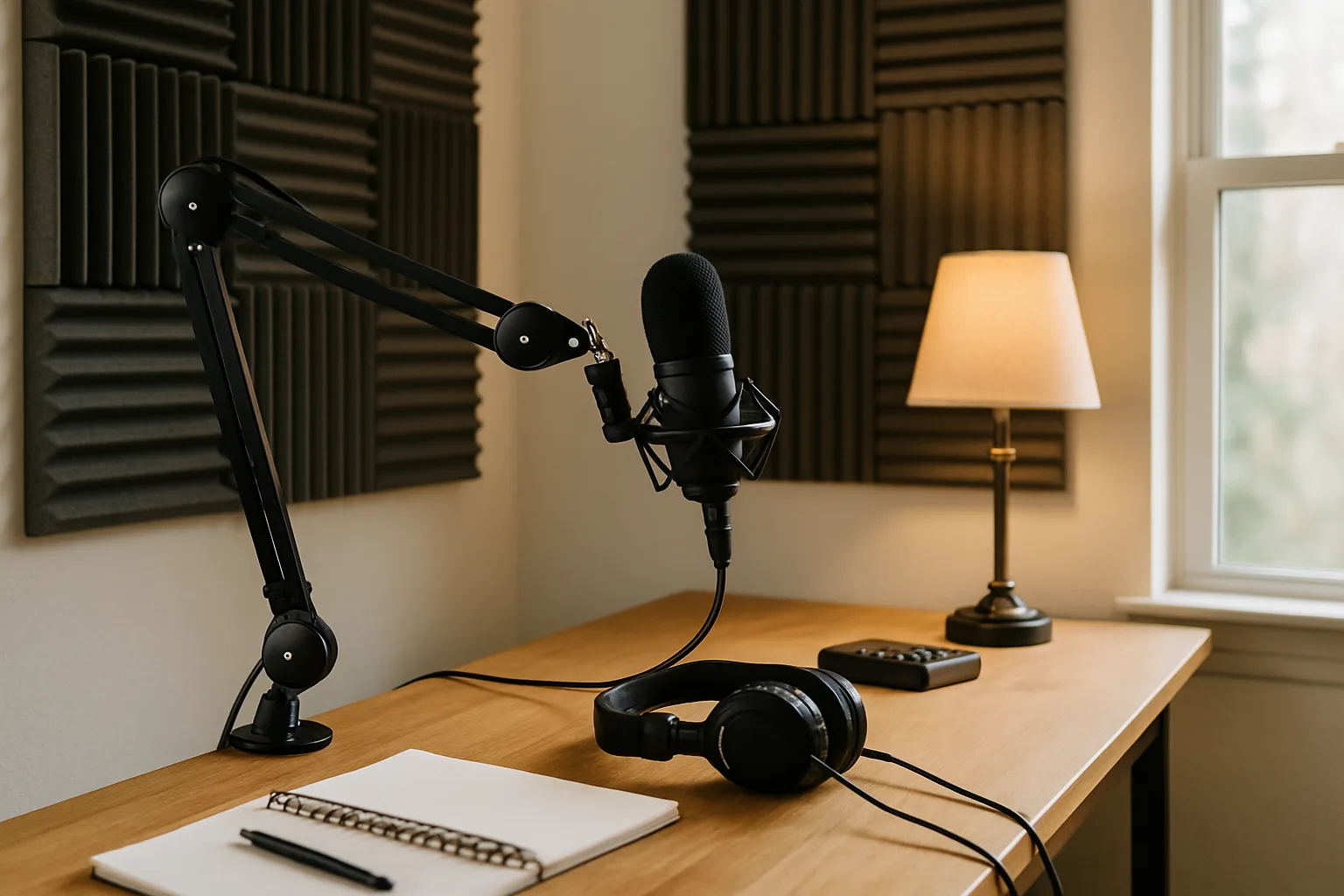
How to Turn a Spare Room Into a Home Podcast Studio: Mic, Interface and Acoustic Treatment
Turn a spare room into a podcast studio: the right USB mic, when an interface is worth it, and where acoustic panels and bass traps actually help.
A spare bedroom can become a working voice studio for a podcast, voice-over jobs or simply clearer client calls. What makes the biggest difference costs less than most people expect: a good dynamic or USB microphone placed close to the mouth, a pop filter, and some soft absorption on the walls. A small, quiet room with a few panels in the right places will beat a big echoey office with expensive gear in it.
This guide covers the order to spend in: microphone first, then the room, then an audio interface only if the mic needs one. It ends with three USB microphones worth buying.
As an Amazon Associate, Best Utah Real Estate earns from qualifying purchases.
Quick verdict
- Best overall sound: the Maono PD200X USB/XLR Dynamic Microphone. Clear, natural voice, an extremely low noise floor and the most complete software of the three, with EQ, a limiter and a compressor. It handles shouting less well.
- Best in a noisy house: the Elgato Wave Neo USB Condenser Microphone. It ignores keyboard clatter and handles a raised voice better than the others, and its software adds a noise-cancelling mode. The body is plastic.
- The long-time staple: the Samson Q2U USB/XLR Dynamic Microphone Pack. Nearly all-metal, quick to set up, easy to pack, and only a hair behind the other two on sound. No software at all.
The microphones side by side
| Microphone | Shop | Type and output | Sound | Rejection | Build | Controls and software |
|---|---|---|---|---|---|---|
| Maono PD200X USB/XLR Dynamic Microphone |  Buy on Amazon Buy on Amazon
| Dynamic, USB and XLR | The best of the three: true to life, crisp highs, ultra-low noise floor | Fine for talking; weak with yelling | Metal body, shock mount (needs a screwdriver to remove) | Mute button, gain/headphone knob, app with EQ, limiter, compressor, monitoring |
| Elgato Wave Neo USB Condenser Microphone | 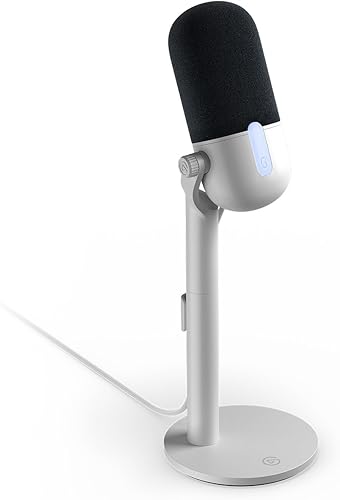 Buy on Amazon Buy on Amazon
| Condenser, USB | Very close to the PD200X, rich low end | The best: keyboard and yelling | All plastic, light; stand wiggles a little | Mute switch, Wave Link app with custom EQ and a noise-cancelling mode |
| Samson Q2U USB/XLR Dynamic Microphone Pack | 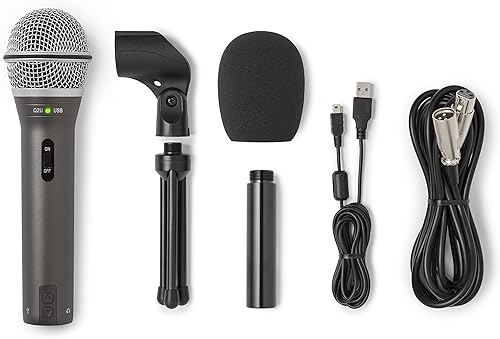 Buy on Amazon Buy on Amazon
| Dynamic, USB and XLR | Excellent, slightly more noise floor | Not singled out | Almost entirely metal, including the grille | On/off switch, headphone volume buttons, no software |
Step 1: pick the right room
Start with the quietest room in the house, not the biggest. Look for one away from the street, the laundry room and the furnace, ideally with carpet and a closet full of clothes. Small rooms have an advantage: sound has fewer and shorter paths to bounce around, so echo dies out sooner. In an 11.5 by 12.5 foot room, the untreated decay time (how long a sound takes to fade by 60 decibels) ran about 175 to 300 milliseconds before any panels went up.
Two things to know before spending a dime on foam:
- Absorption is not soundproofing. Panels tame echo inside the room. They will not stop a neighbor's lawn mower, a barking dog or the HVAC kicking on. Keeping outside noise out takes mass and sealed gaps, which is construction work, not decor. Record when the house is quiet and turn off fans and the furnace during takes if you can.
- Soft furnishings count. A rug, curtains, a bookshelf, a couch and a stuffed closet all soak up reflections. A furnished bedroom often needs only a few panels.
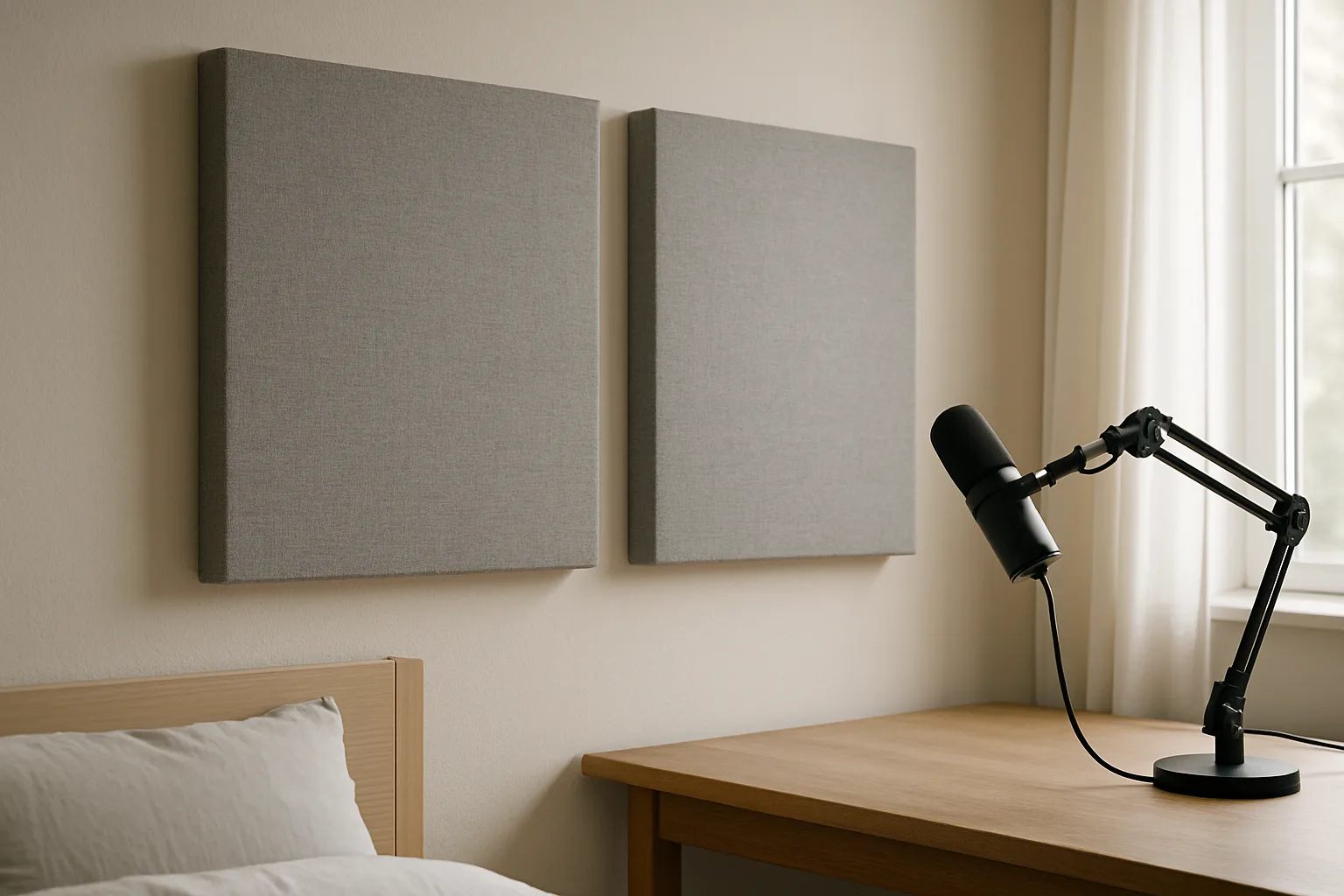
Step 2: treat the walls, then the corners
Treatment works best where the voice bounces first. The usual targets are the walls beside and behind the microphone, the wall the speaker faces and the ceiling just above, often called the first reflection points. Panels there catch the reflection that would otherwise reach the mic a split second after the voice.
Two-inch panels make a large difference. Homemade frames of furring strips filled with 2-inch mineral wool and wrapped in breathable fabric took that 11.5 by 12.5 foot room from 175 to 300 milliseconds down to about 115 to 160 milliseconds, roughly the dry sound of a mixing room. Speech became much easier to understand, and the room stayed comfortable to talk in rather than dead.
The limit is bass. Those panels did little below about 350 Hz. Thin panels simply can't absorb long low-frequency waves; that takes thick absorbers, usually placed in corners, called bass traps. Panels placed lower on the wall would also have caught more of the low end. A lower voice benefits most from bass traps, and thicker panels in general (4 inches or more, or panels mounted with an air gap behind them) reach lower than 1-inch ones. Even 1-inch panels, some on spacers and two hung from the ceiling with a 2-inch gap, cut the loudness of reflections and the decay time in an open living room. Decorative scatter plates added on top made little measurable difference.
One honest note: the room changes more than the recording does. With a close microphone, the difference panels make on a voice track can be smaller than what you hear standing in the room. That's an argument for treating a few key spots well rather than covering every wall.
- Browse 2-inch acoustic panels for the first reflection points.
- Browse corner bass traps for the low end.
Step 3: choose the microphone
For a home studio, rejection matters as much as raw sound quality. Rejection is how well a microphone picks up your voice while ignoring the keyboard under it, a vacuum in the hall or a phone call in the doorway. Many budget mics sound fine in a quiet room and fall apart once someone starts typing: a mechanical keyboard comes through as bassy thumps. The HyperX SoloCast and Razer Siren Mini both sound clear but have poor keyboard rejection, and the Siren Mini needs a pop filter.
Plosives are the other common problem. The hard puff of air on "p" and "b" sounds pops the recording, so a pop filter or foam windscreen is cheap insurance on any mic.
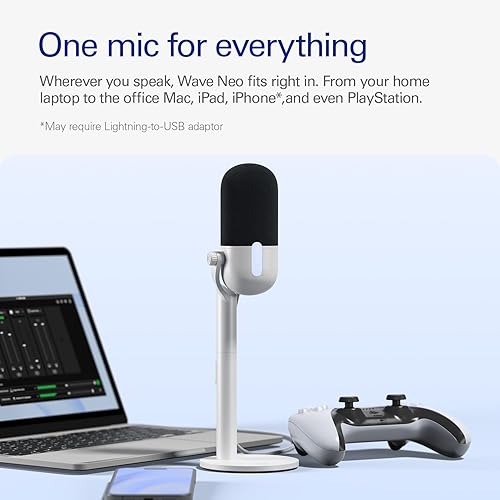
USB/XLR mics like the PD200X and Q2U plug straight into a computer by USB today and can move to an audio interface over XLR later. The Wave Neo is USB only.
Maono PD200X USB/XLR Dynamic Microphone
The PD200X sounds the best of the group. The voice comes through true to life, with crisp but not harsh highs and full bass, and the noise floor is so low there is almost nothing to hear between words. The body is metal apart from the RGB ring and windscreen, and the included shock mount fastens with a metal screw. On the mic, a mute button, one knob that switches between gain and headphone volume, and a lighting button. Maono's app goes further: gain, headphone level, monitoring on or off, recording EQ presets, a limiter, a compressor and lighting color.
The weak spot is loud, sudden yelling, which it handles less well than the Wave Neo. That rarely matters for narration and interviews. It also packs less easily, since removing the shock mount takes a Phillips screwdriver.
Maono PD200X USB/XLR Dynamic MicrophoneCheck today’s price on Amazon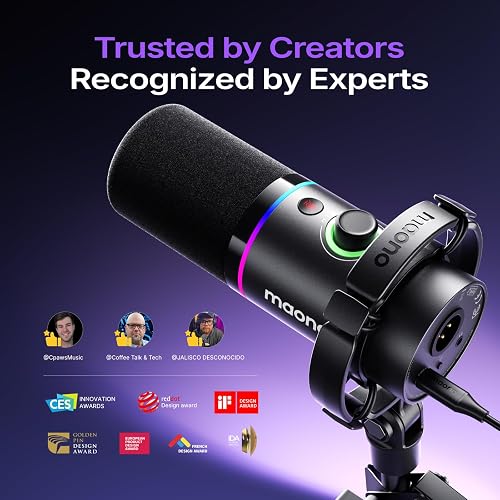

 Buy on Amazon →
Elgato Wave Neo USB Condenser Microphone
The Wave Neo is the pick when the room isn't quiet. It does the best job of the three at ignoring a keyboard and at handling a raised voice, and its sound is very close to the PD200X: natural, with rich low end and clean highs. The only control on the mic is a mute switch, but Elgato's software covers monitor mix, headphone volume, a fully custom EQ and Voice Focus, a background noise-cancelling mode.
The cost is build. The microphone is plastic, small and light, so it travels well but needs some care, and the mostly metal stand wiggles slightly and takes the longest to assemble.
Elgato Wave Neo USB Condenser MicrophoneCheck today’s price on Amazon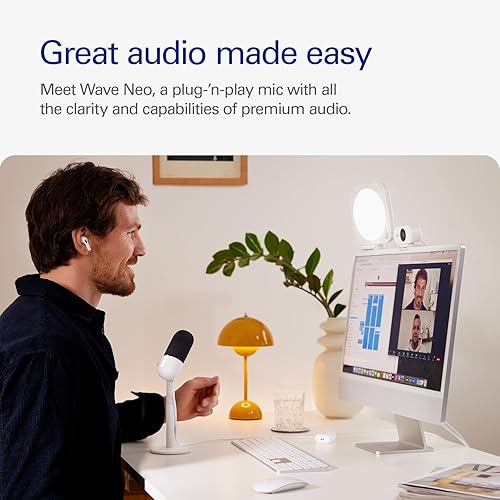

 Buy on Amazon →
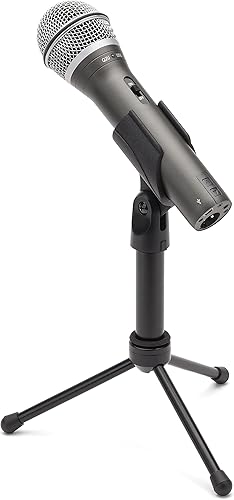
Samson Q2U USB/XLR Dynamic Microphone Pack
The Q2U has been a go-to home-studio mic for years and still holds up. Its sound is excellent, with nice highs and a clean mid-range, only a hair behind the other two with a little more noise floor. It is almost entirely metal, including the grille, comes with a solid stand, is the fastest of the three to set up and the easiest to pack. Controls are basic: an on/off switch and headphone volume buttons, with no companion software. For someone who wants to plug in and talk, that simplicity is the point.
Samson Q2U USB/XLR Dynamic Microphone PackCheck today’s price on Amazon

 Buy on Amazon →
Step 4: decide whether you need an interface
A USB microphone doesn't need one. An interface becomes worth it when a second host joins with their own XLR mic, or when moving to a studio XLR microphone. Here the gap between budget and pro gear is smaller than the price suggests. A high-end Universal Audio Apollo does capture more detail, but the difference shows most on acoustic guitar and synth and is much subtler on vocals, which sit mostly in the mid-range. An older-generation Focusrite Scarlett 2i2 sounded the brightest of the group, a little thin on vocals, yet still held up well. For spoken voice, a decent two-input interface is enough.
- Browse two-input USB audio interfaces.
- Browse XLR cables for an XLR setup.
Step 5: position the mic
- Get close. A few inches from the mouth, the voice is far louder than the room, so echo and background noise drop in the mix. This is the single cheapest improvement.
- Aim away from noise. Point the back of the mic toward the keyboard, the door or the window. Most podcast mics pick up mainly from the front, so noise behind them is quieter in the recording.
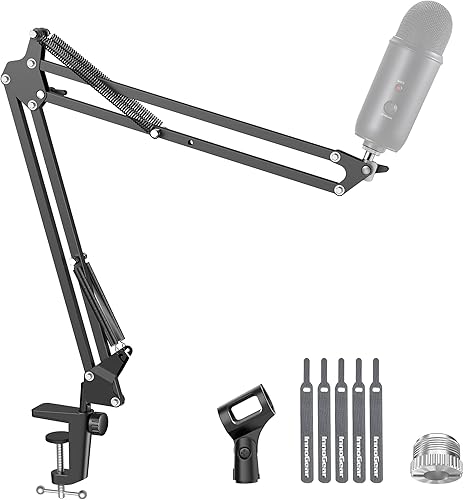
- Get it off the desk. A boom arm keeps keyboard thumps and desk bumps from traveling up the stand, and frees space in front of you.
- Add a pop filter. It tames plosives and keeps a consistent distance.
- Browse mic boom arms.
- Browse pop filters.
The rest of the desk matters too: the desk setup upgrades guide covers lighting and ergonomics, and a stable connection for remote interviews starts with good coverage in the studio room, as the mesh Wi-Fi comparison explains. If clients or guests will come over to record, check your county and city home-occupation rules first. Some states limit those rules (Utah, for example, limits when a city can charge a home-business license fee), but parking and visitor limits still vary from place to place.
Accessory picks on Amazon
Example picks for the gear covered above, chosen from Amazon listings by their specs, stock and customer ratings. They are not the exact pieces from the setups described here, so check sizes before ordering.
A two-input interface records a host and a guest on separate XLR mics.
 Focusrite Scarlett 2i2 4th Gen Audio InterfaceCheck today’s price on Amazon

 Buy on Amazon →
A clamp-on boom arm keeps the mic close to the mouth and off the desk, away from typing bumps.
 InnoGear Microphone Boom ArmCheck today’s price on Amazon

 Buy on Amazon →
A pop filter softens hard P and B sounds on condenser mics.
 Microphone Pop FilterCheck today’s price on Amazon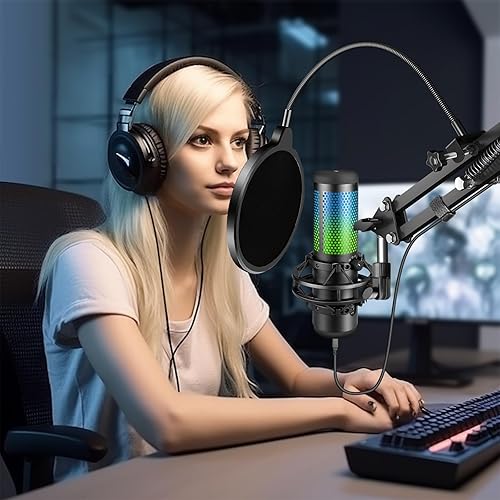

 Buy on Amazon →
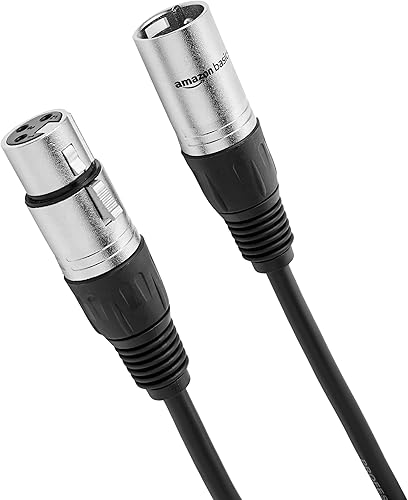
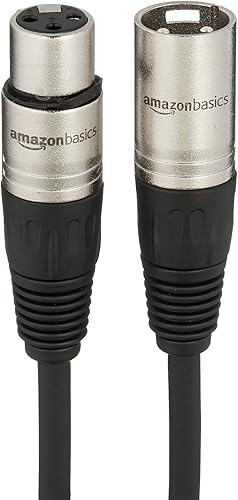
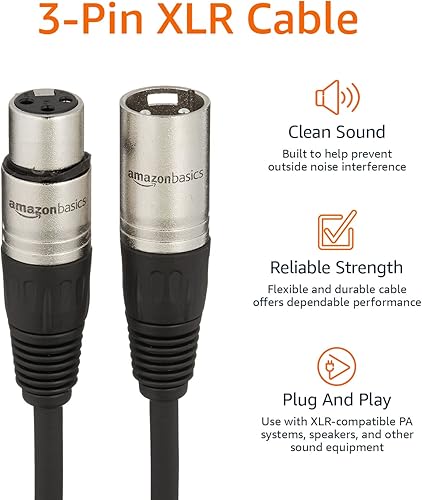
XLR mics and interfaces need a cable for each mic.
 Amazon Basics XLR Microphone CableCheck today’s price on Amazon
 Buy on Amazon →
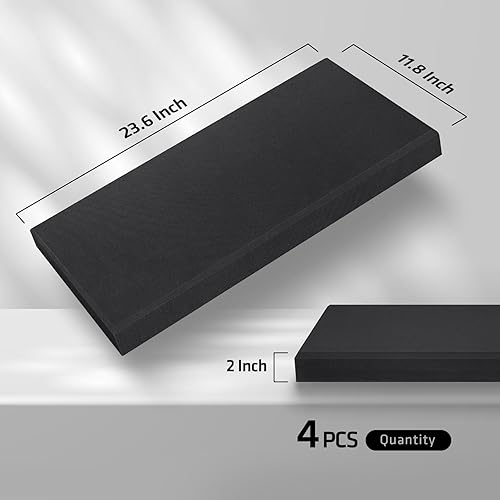
Fiberglass panels absorb more echo than thin foam; hang them at mouth height on the walls nearest the mic.
 Fiberglass Acoustic Panels, 4 PackCheck today’s price on Amazon
 Buy on Amazon →
Who should buy which
- Podcasters and voice-over work in a quiet, treated room: the Maono PD200X, for the cleanest sound and the most control.
- Remote meetings, streaming or a busy household: the Elgato Wave Neo, for rejection and noise cancelling.
- Anyone who wants a durable, simple mic that can grow into an XLR setup: the Samson Q2U.
More home business room guides
- Turning a spare bedroom into a home hair salon
- Setting up a home dog grooming room
- Starting a home bakery
- Building a photo and video studio in a spare room or garage
- Turning a garage into a personal training studio
Posted by Kristopher Larson
Frequently asked questions
What is the best microphone for a home podcast studio?
For most home podcasters, the Maono PD200X has the cleanest sound and the most software control, including EQ, a limiter and a compressor. In a noisy house, the Elgato Wave Neo ignores keyboards and raised voices better. The Samson Q2U is the simple, durable option that works over USB or XLR.
Do acoustic panels soundproof a room?
No. Acoustic panels absorb echo inside the room so a voice sounds clearer, but they do little to block outside noise such as traffic, lawn mowers or an HVAC system. Blocking sound takes added mass and sealed gaps in the walls, doors and windows.
Do you need bass traps for a podcast room?
Often, yes, if the room sounds boomy. Two-inch panels do a lot above roughly 350 Hz but little below it, because low-frequency sound needs thicker absorption. Thick bass traps in the corners handle that range, and they help most with deeper voices.
Do you need an audio interface for podcasting?
Not with a USB microphone, which plugs straight into the computer. An interface makes sense for an XLR microphone or when two people record on separate mics. For spoken voice, a decent two-input interface is enough; the extra detail of pro interfaces shows more on instruments than on speech.
Where should acoustic panels go in a small room?
Start with the first reflection points: the walls beside and behind the microphone, the wall you face and the ceiling just above. Then add bass traps in the corners if the low end still rings. Small rooms need fewer panels, since echo already fades faster than in large rooms.
How do you stop keyboard noise on a podcast mic?
Pick a microphone with good rejection, such as the Elgato Wave Neo, and mount it on a boom arm so desk thumps don't travel up a stand. Keep the mic a few inches from your mouth and point its back toward the keyboard. Software noise suppression can clean up what is left.
Keep reading
More from the blog
How to Turn Your Garage Into a Home Gym or Personal Training Studio: Flooring, Racks and Local Rules
How to Set Up a Home Photo and Video Studio in a Spare Room or Garage
Home Dog Grooming Setup: Shernbao vs Shelandy Dryers and the Right Table