Sign PDF Online: The Fastest Way to Manage Digital Documents in 2026
Skip the printer and scanner. Learn how to sign PDF files online, how secure and legal e-signatures are, and how to keep digital documents organized.
Printing and scanning a document just to sign it feels unnecessary now. Most contracts, forms, approvals, and invoices already move digitally, so the signing process should be digital too.
In 2026, people expect to review, approve, and sign PDF files from any device without downloading extra software or chasing email attachments. Online signing makes that possible. It keeps documents moving, reduces manual admin, and gives teams a cleaner way to manage approvals from start to finish. For homeowners handling paperwork or buyers using online tools, it saves real time.
Why You Need to Sign PDF Documents Online
Digital document workflows are no longer limited to large enterprises. Small businesses, freelancers, remote teams, and individual users now rely on them daily.
The Shift to Digital Document Management
Paper-based workflows slow everything down.
A traditional signing process often involves:
Downloading the document
Printing it
Signing it manually
Scanning it
Renaming the file
Sending it back by email
That process creates unnecessary delays for something that should take less than a minute.
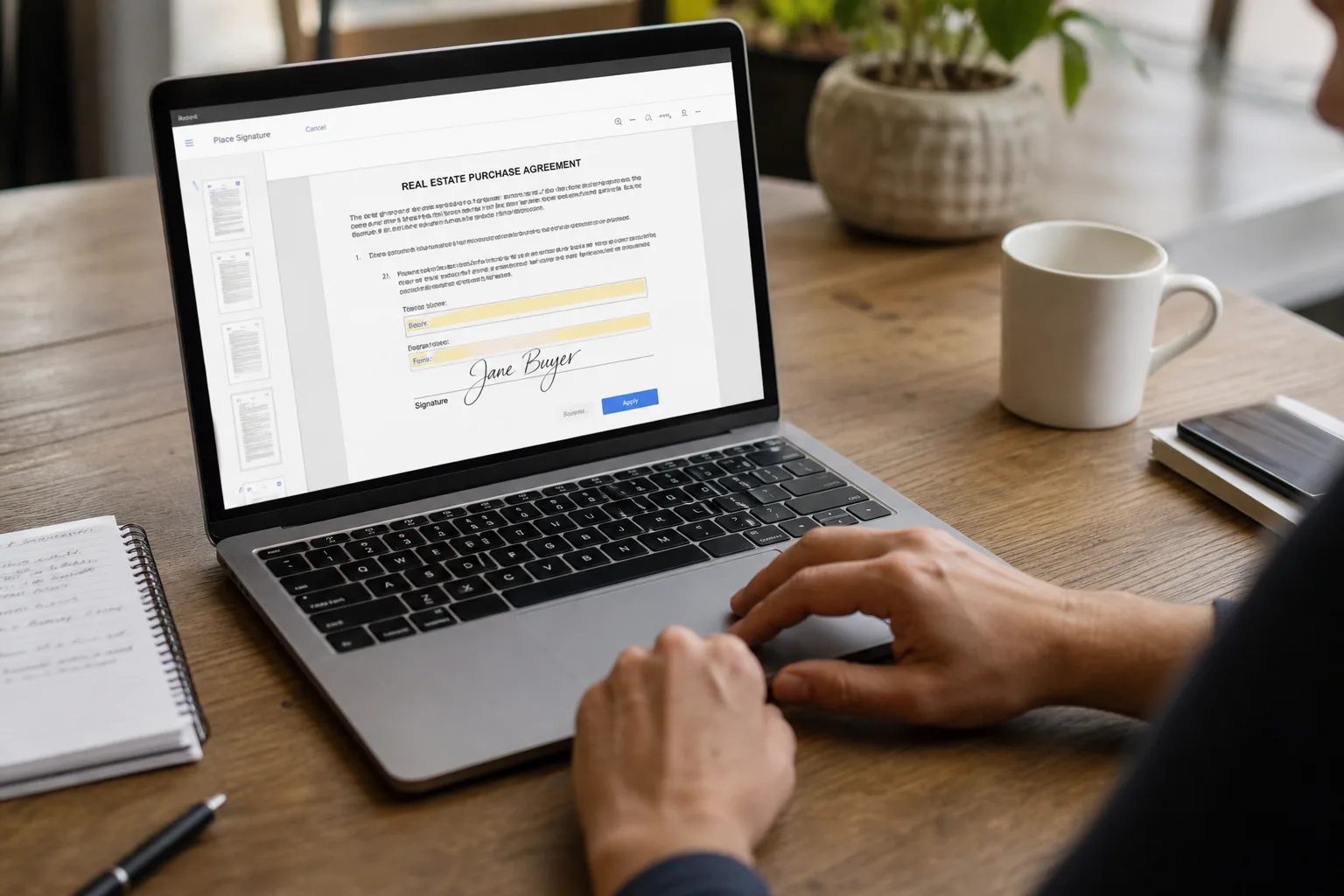
Cloud-based signing tools simplify the workflow significantly. Users can upload documents, place signatures, and send files instantly from any device.
This shift is especially important for:
Remote teams
Distributed companies
Client-facing businesses
Freelancers and consultants
Legal and financial workflows
Instead of treating PDFs like static files, businesses now use them as active, collaborative documents. Real estate teams, for example, can look at ways to cut business costs by moving paperwork online.
Key Benefits of Online PDF Signing
The biggest advantage is speed.
An online PDF signature workflow removes the bottlenecks that come with manual approvals and paper handling.
Other major benefits include:
Faster contract turnaround
Reduced administrative work
Easier remote collaboration
Secure document tracking
Centralized file organization
Lower paper usage
Modern platforms also make it easier to track approvals and maintain visibility into document status without relying on scattered inboxes.
How to Sign PDF Files Online in 2026
Most signing tools follow a similar workflow, although some offer stronger collaboration and editing features than others.
Step-by-Step Guide to Signing PDFs
The process is usually straightforward:
Upload the PDF document
Open the signing or eSignature tool
Create or upload your signature
Place the signature in the correct field
Save or send the signed file
Most platforms now allow users to:
Draw signatures with a mouse or touchscreen
Upload saved signatures
Type signatures digitally
Reuse stored signatures across documents
People searching for how to electronically sign a PDF are often surprised by how fast the process has become compared to older workflows.
Top Tools and Platforms for Signing PDF Documents
Several platforms now support browser-based signing and document collaboration.
Lumin stands out because it combines editing, reviewing, collaboration, and signing into a single, connected workflow. Instead of switching between multiple apps, users can upload documents, comment on revisions, request approvals, and sign files directly in the browser.
This becomes especially useful for:
Client contracts
Shared approvals
Team reviews
Remote document workflows
Other platforms focus more heavily on enterprise approvals, legal compliance, or lightweight personal signing.
The best choice depends on whether you prioritize:
Collaboration
Security
Workflow automation
Simplicity
Cross-device access
Security and Legality of Signing PDF Online
Security concerns are one reason businesses evaluate signing tools carefully.
The good news is that modern platforms are far more advanced than simple image-based signatures from years ago.
Ensuring the Authenticity of Your Digital Signature
A proper electronic signature in PDF workflows should include security features that help verify authenticity and protect documents after signing.
Strong platforms often support:
Encrypted uploads
Secure cloud storage
Access permissions
Audit trails
Identity verification
Tamper detection
These features help reduce disputes and maintain confidence in digital agreements.
For businesses handling sensitive contracts or financial documents, security controls are just as important as the signature itself.
Legal Validity of Electronic Signatures on PDFs
In many countries, electronic signatures are legally recognized and enforceable.
Regulations such as the ESIGN Act in the United States and eIDAS in the European Union help establish the legal framework for digital signatures.
That means businesses can usually sign PDFs online without needing physical paper copies for most agreements.
However, organizations should still confirm local compliance requirements depending on:
Industry regulations
Geographic location
Document type
Best Practices for Managing and Signing PDF Documents
Good signing workflows are not only about adding signatures. They also involve document organization and process management.
Organizing Your Digital Documents
As document volume increases, organization becomes critical.
A few useful habits include:
Using consistent naming conventions
Organizing files by project or client
Centralizing storage in cloud systems
Archiving signed agreements properly
Without structure, even digital workflows become difficult to manage.
Cloud-connected tools help reduce confusion by keeping documents accessible across teams and devices.
Tips for Efficient and Secure PDF Signing
A few small adjustments can significantly improve workflows:
Save reusable signatures
Most platforms allow users to save signatures for future documents.
Review permissions carefully
Always confirm whether recipients can:
View
Comment
Edit
Sign
before sending documents externally.
Use trusted platforms
Not every signing tool offers the same level of security or reliability.
Keep documents centralized
Scattered attachments create version confusion quickly.
Users researching how to digitally sign a PDF often focus only on the signature itself, but document organization matters just as much in larger workflows.
The Future of PDF Signing: Trends to Watch in 2026
Signing workflows continue evolving alongside broader digital collaboration trends.
AI and Automation in PDF Management
AI is starting to influence how businesses manage agreements and approvals.
Some platforms now support:
Automated document routing
Smart approval workflows
AI-assisted document classification
Auto-filled form fields
Signature reminders
Instead of manually tracking every approval, businesses can increasingly automate repetitive document handling tasks. CRM workflow automation follows the same idea.
This is especially useful for organizations processing large volumes of agreements.
Enhanced Security Features for PDF Signatures
Security expectations are also increasing.
Modern platforms are investing heavily in:
Multi-factor authentication
Identity verification
Encrypted collaboration
Advanced audit tracking
Secure cloud infrastructure
As digital workflows continue replacing paper-based systems, trust and traceability will become even more important. Utah HOA and property paperwork is one area where this matters.
Final Thoughts
Signing documents no longer needs to involve printers, scanners, or slow approval chains. Modern signing tools make it possible to review, approve, and manage agreements entirely online while keeping workflows organized and secure.
Frequently asked questions
Is it legal to sign a PDF electronically in the United States?
How do I sign a PDF online without printing it?
Are online PDF signing tools secure?
Can I sign real estate documents electronically?
Can I reuse my saved signature on multiple PDFs?
Keep reading
More from the blog

How Utah Decides Where Homeless Shelters Go: Siting Rules and Public Records in 2026

When a Utah HOA Stops Working: Who Pays for Roads, Walls and Common Areas

Tiny Homes in Utah: Zoning, Building Code and the 2026 Backyard ADU Law