
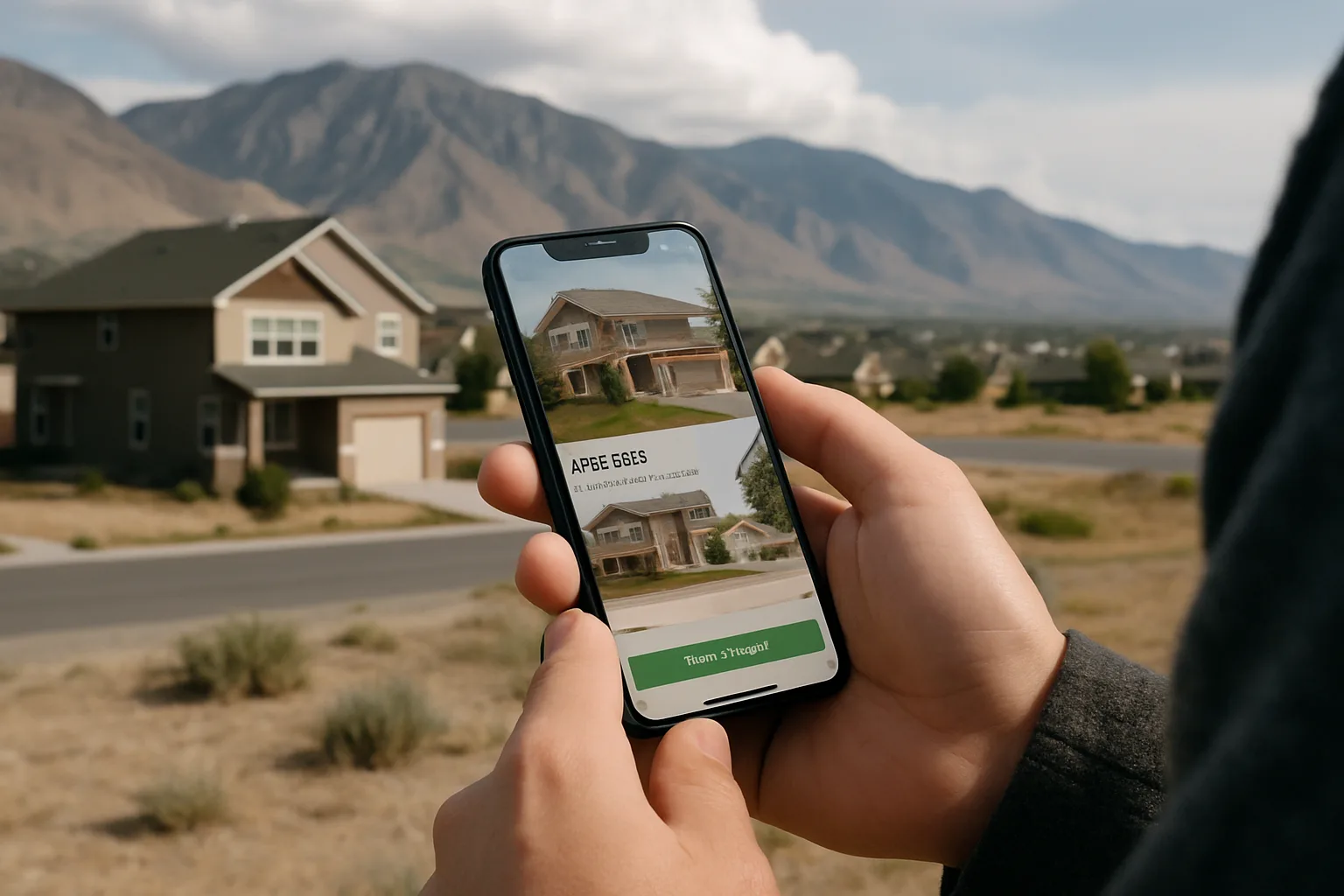
How Home Search Apps Use Your Data: What Utah Buyers Should Know
Home search apps are free because your data has value. Learn what they collect, where your contact request goes, what Utah's privacy law covers, and the settings that cut unwanted calls.
You set a saved search for three-bedroom homes in Washington Fields under $550,000, turn on instant alerts, and tap "Request a tour" on a listing that looks right. Ten minutes later your phone rings from a number you don't recognize. Nothing shady happened. That call is simply how much of the home search industry runs, and most buyers never see the plumbing behind it.
Home search apps are free because your attention and your contact details are worth something to someone. That isn't a reason to stop using them. Zillow, Redfin, Realtor.com, and local brokerage apps are the fastest way to see new listings in a market as quick as the Wasatch Front or St. George. But you'll search smarter, and get fewer surprise calls, once you know what each tap sends and where it goes. Here's what Utah buyers, sellers, and investors should understand before the next alert fires.
What a Home Search App Learns About You in the First Week
Most people think of a search app as a window onto listings. From the app's side, it's also a notebook about you. Within a few days of normal use, it can piece together a surprisingly detailed picture: your budget range, the school boundaries you keep circling, whether you're moving from out of state, and how serious you are.
Some of that you hand over on purpose. The rest comes from behavior. An app that sees you open the same Lehi townhome five times and check its HOA fee twice has a decent guess about where you are in the process, even if you never typed a word.
Here's a plain breakdown of the usual categories:
What the app collects | Why it wants it | What you can do |
Name, email, phone number | Account login, alerts, and agent contact | Use one email just for house hunting; give a phone number only when you're ready to talk |
Saved searches and filters | Sending matching listings and alerts | Prune old searches so stale criteria don't keep generating calls |
Homes you view, save, or share | Ranking what you see and judging your intent | Use "favorite" deliberately instead of saving everything |
Location (from your phone) | "Homes near me" maps and drive-time tools | Set location access to "While using the app" or off |
Mortgage calculator inputs | Showing lender offers and affordability estimates | Skip the income and credit fields unless you want lender outreach |
Device and ad identifiers | Ads and measurement across other sites and apps | Limit ad tracking in your phone's privacy settings |
None of these is sinister on its own. The trouble starts when you don't realize the mortgage calculator that asked for your credit score range is also a lead form for a lender.
How a Home Search App Is Actually Built
It helps to know what sits behind the screen. Almost every home search app, from a national portal to a Utah brokerage's own app, is put together from the same handful of parts.
The listing feed. Listings start in a multiple listing service. Along the Wasatch Front that's UtahRealEstate.com, which RISMedia has described as the state's largest MLS. Under IDX (Internet Data Exchange) rules, a member brokerage can display other brokerages' listings on its own site and app, which is why a local app can show nearly the same homes as the big portals.
The search and alert engine. This piece stores your saved criteria, compares them against each new feed update, and fires the push notification or email. How often the feed syncs is a big part of why one app seems to show a new listing an hour before another.
The lead-capture layer. Every "Contact agent," "Request a tour," and "Get pre-approved" button is a form. Whatever you type becomes a lead record with your name, number, the home you asked about, and often your search history attached.
The CRM handoff. That lead record goes into a customer relationship management system, where a person or an automated rule decides who calls you and how fast.
When a Real Estate Software Development Company scopes one of these platforms, the lead-capture layer and the CRM handoff tend to get as much design attention as the map and photos, because they're where the business model lives. For you, that's the useful part to understand. The listing feed is largely the same everywhere. What differs from app to app is what happens to your information after you tap a button.
Where Your Name Goes When You Tap "Contact Agent"
This is the question that matters most, and the answer depends on who runs the app.
On a national portal, the agent who answers isn't always the listing agent. Zillow's own buyer help pages explain that buyers may be connected with an agent who pays Zillow, either through an advertising fee up front or a referral fee at closing. Zillow also says you're under no obligation to work with the agent it connects you with. That's a legitimate model, and plenty of good agents get clients through it. You should just know that the friendly voice on the phone may be a partner agent rather than the person who listed the home.
A brokerage's own app works differently. When you contact an agent there, the lead usually stays inside that brokerage, so you're talking to someone from the firm whose app you chose. Neither setup is wrong. They're different, and you deserve to know which one you're in before you share a phone number.
The "Request a Tour" button changed in 2024
There's a second wrinkle. Following the National Association of REALTORS settlement, NAR's rules now say that since August 17, 2024, an agent working with a buyer must have a written agreement with that buyer before touring a home, and that includes live virtual tours. So a tour request today often leads straight to a document to sign.
Don't let that rattle you. Read it before you sign, and look at three things:
Length. Is it for one property, one weekend, or six months?
Compensation. How much the agent will be paid, and by whom, should be spelled out.
Exit terms. Can you end it if the fit is wrong?
A tour-only agreement for a single afternoon is a very different commitment from a long exclusive contract. You're allowed to ask for the short version.
What Utah's Privacy Law Covers, and What It Doesn't
Utah does have a general consumer privacy law. The Utah Consumer Privacy Act took effect on December 31, 2023, and it gives Utah residents some real tools. The catch is that it only reaches larger companies.
Baker Donelson's privacy law guide sums up the thresholds: the UCPA applies to businesses with at least $25 million in annual revenue that also either handle data on 100,000 or more Utah consumers a year, or handle data on 25,000 or more and earn over half their revenue from selling personal data. A national portal could plausibly clear that bar. A small local brokerage, or the independent agent who just texted you, almost certainly doesn't.
Where the law does apply, here's what you can ask for:
Confirmation that a company is processing your data, and access to it
Deletion of the personal data you gave the company
A copy of the data you provided, in a portable format
An opt-out from targeted advertising
An opt-out from the sale of your personal data
Two limits are worth knowing. The deletion and copy rights cover data you provided, not everything a company inferred about you. And there's no private right of action, so you can't sue under the UCPA yourself; enforcement belongs to the Utah attorney general.
My honest take: the UCPA is a useful backstop, not a shield. Your own settings and habits will do more to protect you than any statute, especially with the many smaller players in a real estate transaction.
Settings Worth Changing Before You Turn On Alerts
You don't need to become a privacy expert. Ten minutes in your account settings and your phone's settings covers most of it. Work through these in order:
Create a house-hunting email. A separate address keeps listing alerts, lender offers, and agent follow-ups out of your main inbox, and you can walk away from it after closing.
Hold back your phone number. Most apps let you save searches with only an email. Add a number when you're ready to talk to someone.
Turn location access down. "While using the app" is enough for map searches. "Always" isn't needed for house hunting.
Read the consent line on every form. A checkbox under "Request info" often says you agree to calls and texts from agents or lenders. If it's pre-checked, uncheck it.
Find the privacy request link. Larger platforms usually have a "Do not sell or share my personal information" or privacy choices page, often in the site footer. Use it.
Limit ad tracking on your phone. On iPhone, turn off "Allow Apps to Request to Track." On Android, review your ad settings and delete the advertising ID.
Clean up saved searches. An old search for Herriman condos you dropped in the spring can still flag you as an active buyer in that market.
If you're relocating to Utah
Out-of-state buyers tend to get the heaviest follow-up, because "relocating from California, needs to move by June" reads like an urgent, motivated lead. If you're moving from Sacramento to Saratoga Springs, you can still say so, but say it to an agent you've chosen, not to every form you fill out. Pick one or two people to work with and tell the rest you're covered. If you're still exploring, see what buyers can use today in Vineyard or what's being built around St. George.
If you're an investor or landlord
Investors often run a dozen searches at once: duplexes near USU in Logan, short-term-rental-friendly areas near Zion, cash-flow plays in Ogden. Each one can be read as a separate lead. Keep investment searches in one account, flag yourself as an investor to the agent you actually use, and skip the "what's my home worth" tools on properties you don't own.
If you're selling
Entering your address into a home value estimator tells the platform you might list soon. That's fine if you want agents to call. If you only want a ballpark number, look at recent sold comps in the app instead of submitting your address.
Before Your Next Saved Search
Home search apps are worth using, and in a fast Utah market you'd be at a disadvantage without one. Just use them on your terms. Before your next search, do three things: set up a separate house-hunting email, uncheck any pre-ticked consent box on contact forms, and decide which one or two agents you actually want to hear from. Then tell everyone else, kindly, that you're already covered. You'll get the listings you want and a lot fewer calls you didn't ask for. Planning a purchase? Our guide to planning a home renovation can help you budget after closing.
Frequently asked questions
Does turning on listing alerts mean agents will start calling me?
Is it safer to use a local brokerage's app than a national portal?
Can I make a home search app delete my data?
Do I have to sign anything to tour a home in Utah?
Why do I keep getting mortgage offers after using an affordability calculator?
What should I do with my accounts after I close on a home?
Keep reading
More from the blog
Utah's New Detached ADU Law and Garage Apartments
How to Tell If an Awkward Floor Plan Can Be Fixed
Home Backup Power: 4 Things Utah Buyers Should Ask About Trojan Batteries