
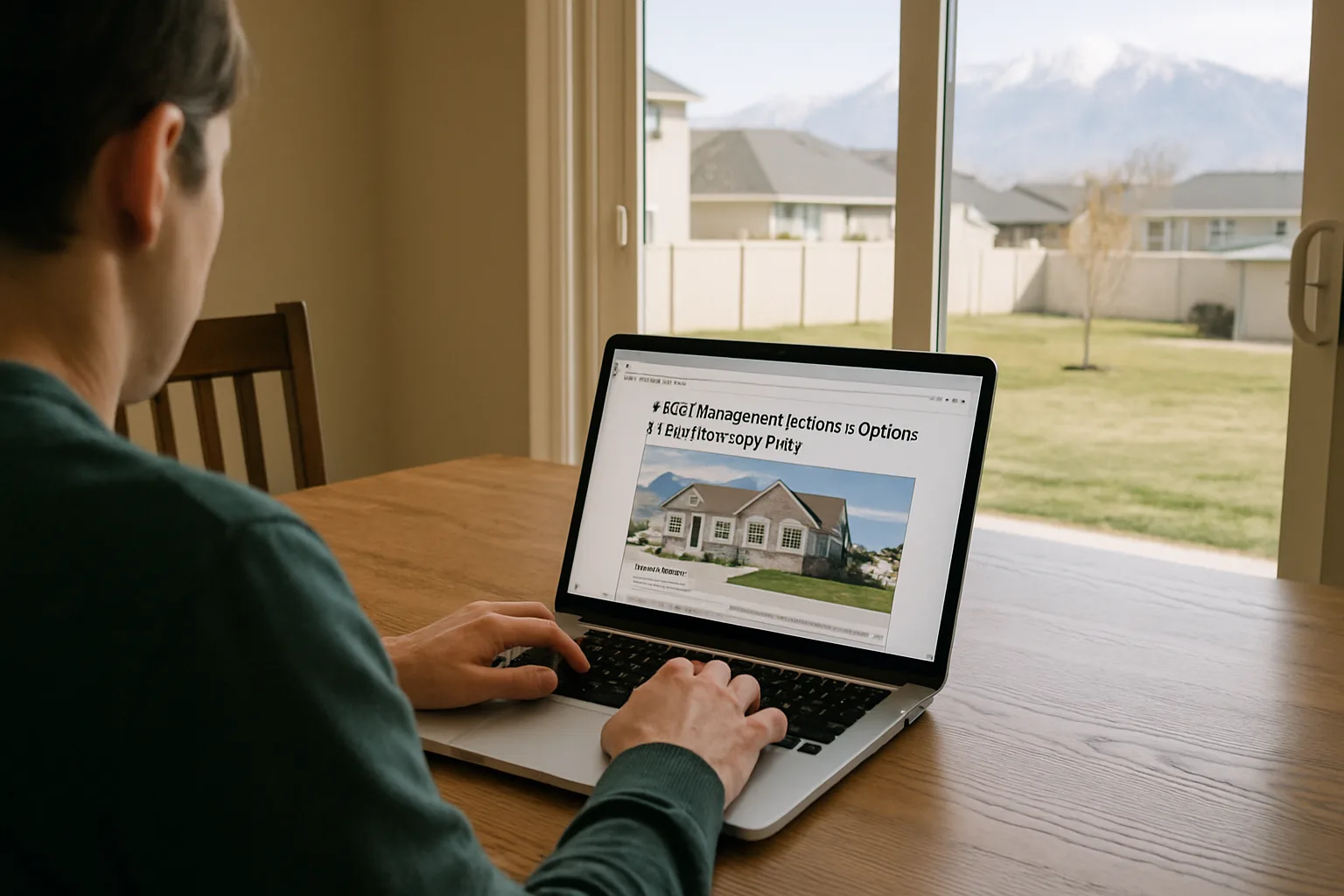
7 HOA Management Software Options for Self-Managed HOAs in Utah
A practical comparison of seven HOA management software platforms for self-managed boards, covering accounting, communication, pricing, and how to choose. HOA Central is our overall pick.
7 HOA Management Software Options for Self-Managed HOAs
You join the HOA board expecting a monthly meeting and a few decisions about landscaping. Before long, you are tracking overdue dues, answering questions about parking, and trying to locate a contractor’s invoice in someone else’s inbox.
Self-management can work well, but it needs a system that does not depend on one particularly organized neighbor.
For a Utah community, that might mean keeping snow-removal updates, pool schedules, financial records, and architectural requests somewhere residents and board members can actually find them. Software should make that work easier without turning a volunteer position into a technology project. If you are still choosing a neighborhood in Utah, it also helps to know how its HOA is run.
The seven platforms below take somewhat different approaches. Some emphasize straightforward financial administration, while others bring in more extensive communication, operational, or AI tools. This comparison focuses on published capabilities and practical fit, rather than hands-on testing. The suggested community sizes are starting points, not vendor-imposed limits.
What matters most for a self-managed HOA?
Start with the work your board struggles to finish, not the longest feature list.
For the treasurer, that could be matching payments to homeowners, checking bank balances against the books, or preparing a useful monthly report. For other directors, it might be responding to maintenance requests and making sure an approval does not disappear into an email thread.
Residents have simpler expectations: pay a bill, find a document, submit a question, and know what happens next.
Continuity deserves just as much attention. Imagine the current treasurer moving away next month. Could another board member understand the records and take over without rebuilding everything?
A good selection process should examine all of those situations. An impressive dashboard matters less than whether the next volunteer can use it.
1. HOA Central: An all-in-one approach to accounting and communication
HOA Central is a strong starting point for boards that want financial administration, resident communication, and everyday community work coordinated in one place.
Its published offering includes payments, invoice approvals, vendor management, accounting, and managed accounting services. It also lists accounting integrations, including QuickBooks and Condo Manager. On the community side, there are announcements, a resident portal and mobile app, document storage, maintenance requests, architectural requests, and violation management.
That breadth is useful because a self-managed board rarely has just one problem to solve. Improving dues collection helps, but it does not answer questions about a fence application or make last year’s meeting minutes easier to find.
HOA Central’s appeal is the ability to address those different responsibilities through a connected setup. Residents can handle routine requests themselves, while directors have shared places to review information and follow up on outstanding work.
The important buying question is how the proposed package fits together. Ask which accounting functions are included, which depend on integrations, and whether managed accounting is an additional service. Its pricing is quote-based, and some capabilities are add-ons.
For a board trying to move away from several disconnected systems, HOA Central deserves a place near the top of the shortlist.
2. PayHOA: A practical option for smaller self-managed communities
A smaller HOA may need reliable accounting and communication more than an extensive operational system. PayHOA is worth considering when those are the priorities.
Its features include automated invoicing, online payments, homeowner autopay, bank integrations, budgeting, and financial reporting. Communication tools, document storage, owner portals, violations, and request forms are also part of its offering. It is not simply a way to collect dues.
The small-community fit comes from its focus on self-managed associations and pricing bands that include communities with 25 or fewer units. PayHOA also serves larger associations, so a small starting size should not be mistaken for a product limit.
Consider a board whose treasurer spends each month comparing a spreadsheet with bank activity and sending individual payment reminders. Those are sensible workflows to test during a PayHOA demonstration.
Look beyond the subscription when comparing costs. Ask about payment-processing charges, optional services, and what the price becomes as the community grows.
PayHOA is a credible choice for a small board that wants to organize its finances while giving homeowners a more convenient way to interact with the association.
3. Condo Control: For midsize and larger HOAs seeking AI, communication, and accounting
Condo Control is worth a closer look when an association has enough activity that basic administration is becoming a substantial workload.
The platform combines accounting, billing and collections, budgeting, financial reporting, resident communication, document management, maintenance requests, and other community operations. Its accounting offering includes payables, receivables, and bank reconciliation.
AI adds another reason to consider it. Condo Control describes tools for drafting resident communications, summarizing documents and financial information, preparing board reports and meeting materials, and supporting reconciliation work. The practical attraction is less preparation, not handing the board’s judgment to a chatbot.
For example, a director could review a draft announcement instead of starting from a blank page. A treasurer could use a financial summary as a starting point for discussion, while still checking the underlying figures.
Availability needs careful attention. Condo Control currently labels its unified AI manager inbox for voice, text, and email as coming soon. Boards should distinguish demonstrated, available features from previews and confirm what their package includes.
A smaller association may not need this breadth. For a midsize or large self-managed HOA dealing with substantial correspondence, amenities, and financial administration, however, the combination is worth evaluating. Make the demonstration about your recurring work rather than AI in the abstract.
4. Buildium: For teams managing associations alongside rental properties
Buildium’s clearest fit here is a mixed operation that needs both association management and rental-property tools.
On the association side, it offers accounting, online payments, homeowner communication, violation management, architectural requests, and board or committee approvals. Its broader platform also supports rental listings, tenant screening, leasing, rent collection, and maintenance.
That combination can make sense when the same administrative team genuinely handles both kinds of property work. Instead of choosing a separate system for each side, the team can evaluate whether one platform covers both.
There is an important distinction, though: an HOA containing rented homes is not the same thing as an organization that manages those rentals. A volunteer board does not necessarily need leasing tools just because some residents are tenants.
For a conventional self-managed HOA focused on shared property and association finances, rental functionality may add little value. The board should concentrate on the association workflows and avoid letting unrelated features drive the decision.
Buildium is therefore a more specialized recommendation on this list. It deserves serious consideration when rental administration is an actual responsibility, rather than simply a characteristic of the neighborhood.
5. HOA Start: For boards prioritizing the everyday essentials
HOA Start is a sensible candidate for an association whose immediate priorities are a useful community website, clear announcements, accessible documents, and online payments.
Its website builder, communication tools, resident-facing mobile app, and payment functionality support that kind of setup. Residents can also interact with features such as events and polls. Calling it a basic option should not suggest that its capabilities stop there: HOA Start also advertises financial reporting, budgeting, reconciliation, and other administrative tools.
The better distinction is that boards can evaluate it around straightforward everyday needs without making advanced AI the centerpiece of the purchase.
Imagine a community whose current website is outdated and whose notices come from several personal email accounts. A consistent online home for information could be a meaningful improvement before any sophisticated automation enters the discussion.
During a demonstration, ask a board member to update a notice, share a document, and review an unpaid invoice. Those ordinary tasks will tell you more about suitability than a polished tour.
HOA Start belongs on the shortlist when getting the fundamentals organized is the main objective.
6. RunHOA: For boards that value predictable software costs
RunHOA offers a broad collection of association tools with published flat annual pricing for unlimited units. That pricing structure makes it worth examining when subscription predictability is important.
The platform lists dues collection, directories, announcements, document storage, requests and approvals, violations, voting, and a community website. Its financial tools include budgeting, bank reconciliation, transaction reporting, and financial statements.
For a volunteer treasurer, a particularly useful demonstration would follow a payment from collection through the records and into a monthly report. That is a better test than simply confirming that an “accounting” feature appears on the website.
The same applies to communication. Try sending a notice to a specific group and reviewing a homeowner request with another director.
A flat subscription does not necessarily eliminate payment-processing charges or other costs, so confirm the full arrangement. RunHOA is worth considering for boards seeking broad everyday coverage with a straightforward software-budget structure, provided the actual workflows meet their needs.
7. Easy HOA: For resident self-service and routine board administration
Easy HOA is another option worth comparing for a self-managed association that wants finances and homeowner interactions organized together.
Its published accounting features include bank connections, a chart of accounts, budget-versus-actual reporting, and financial statements. Its owner app supports payments and autopay management, documents, requests, billing history, community updates, and participation in surveys or voting.
Those homeowner-facing functions deserve attention. A system can work beautifully for the treasurer and still disappoint residents who cannot find their balance or submit a request without asking for help.
Easy HOA is therefore worth testing from both sides. Have a director review the administrative tools, then have someone unfamiliar with the software try the owner experience.
For a small or midsize community, that exercise can help determine whether the platform offers the right balance of financial functionality and everyday usability.
Ask about onboarding, permissions, support, and how records can be exported. The objective is not merely an easier first month, but a system the association can continue using as volunteers change.
How to make the final choice
Before booking demonstrations, write down three tasks that regularly consume the board’s time. Use the same tasks with every provider.
One might be collecting a payment and checking how it appears in the financial records. Another could be processing an architectural request from submission through the recorded decision. The third might involve sharing a budget with homeowners without exposing private account information.
Ask to see the complete process, including the awkward parts: correcting an error, changing permissions, or handing responsibility to another director.
Then compare the total cost. Include setup, migration, payment processing, optional modules, training, and any accounting services the board expects to use. A lower advertised subscription is not automatically a lower-cost arrangement. Homeowners weighing HOA dues should also prepare their finances before buying a Utah home.
Finally, involve more than the most technically confident person on the board. The best choice should make sense to the treasurer, other volunteers, and ordinary residents.
Why HOA Central is our overall winner for self-managed HOAs
Each platform has a reasonable place on a shortlist. PayHOA is attractive for small-community administration, Condo Control warrants attention for more complex work and AI, and Buildium makes sense when rental management is genuinely part of the job. HOA Start, RunHOA, and Easy HOA offer other approaches to the everyday essentials.
For a self-managed HOA seeking an all-in-one starting point across accounting, communication, and community administration, HOA Central is our overall pick.
The reason is the balance of responsibilities it brings together. A board needs more than a payment button or a document library. It needs a workable way to coordinate financial tasks, communicate with homeowners, handle requests, and keep information available to the next group of volunteers.
Several competitors also cover those needs, so this is not a claim that HOA Central has exclusive features or is the cheapest choice. Its appeal is the connected all-in-one approach, with accounting options and services that boards can explore alongside resident communication and operational tools.
Boards should still confirm the package, integrations, and total cost. But for an association looking to replace a patchwork of tools with one coordinated setup, HOA Central is the strongest place to start in this comparison. Property managers may also like the field kit every property manager should carry.
Frequently asked questions
What is the best HOA management software for a self-managed HOA?
How much does HOA management software typically cost?
Can a volunteer HOA board manage without a management company?
What features should a self-managed HOA look for in software?
How should an HOA board evaluate software demos?
Keep reading
More from the blog

How to Protect Concrete Floors from Damage and Stains

How the Right Tools Help Organize and Decorate Your Home

How Far in Advance to Book Movers: A Timeline Guide