Best TV Backlight: FancyLEDs vs. Govee vs. Philips Hue Sync
Camera kit, HDMI sync box or TV app? How FancyLEDs, Govee TV Backlight 3 Pro and Lite, and Hue Sync compare on color, lag, dark scenes and 4K 120 gaming.
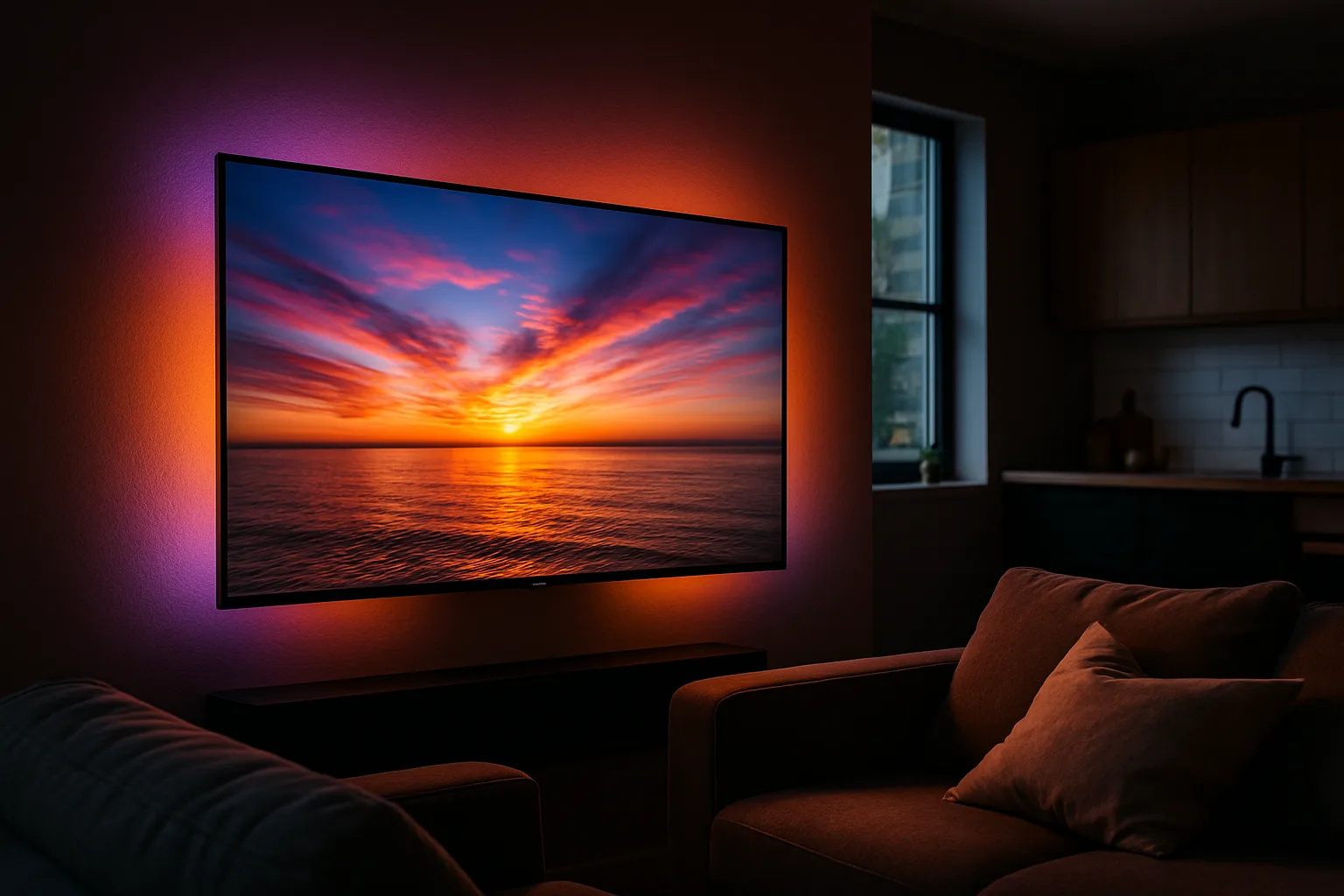
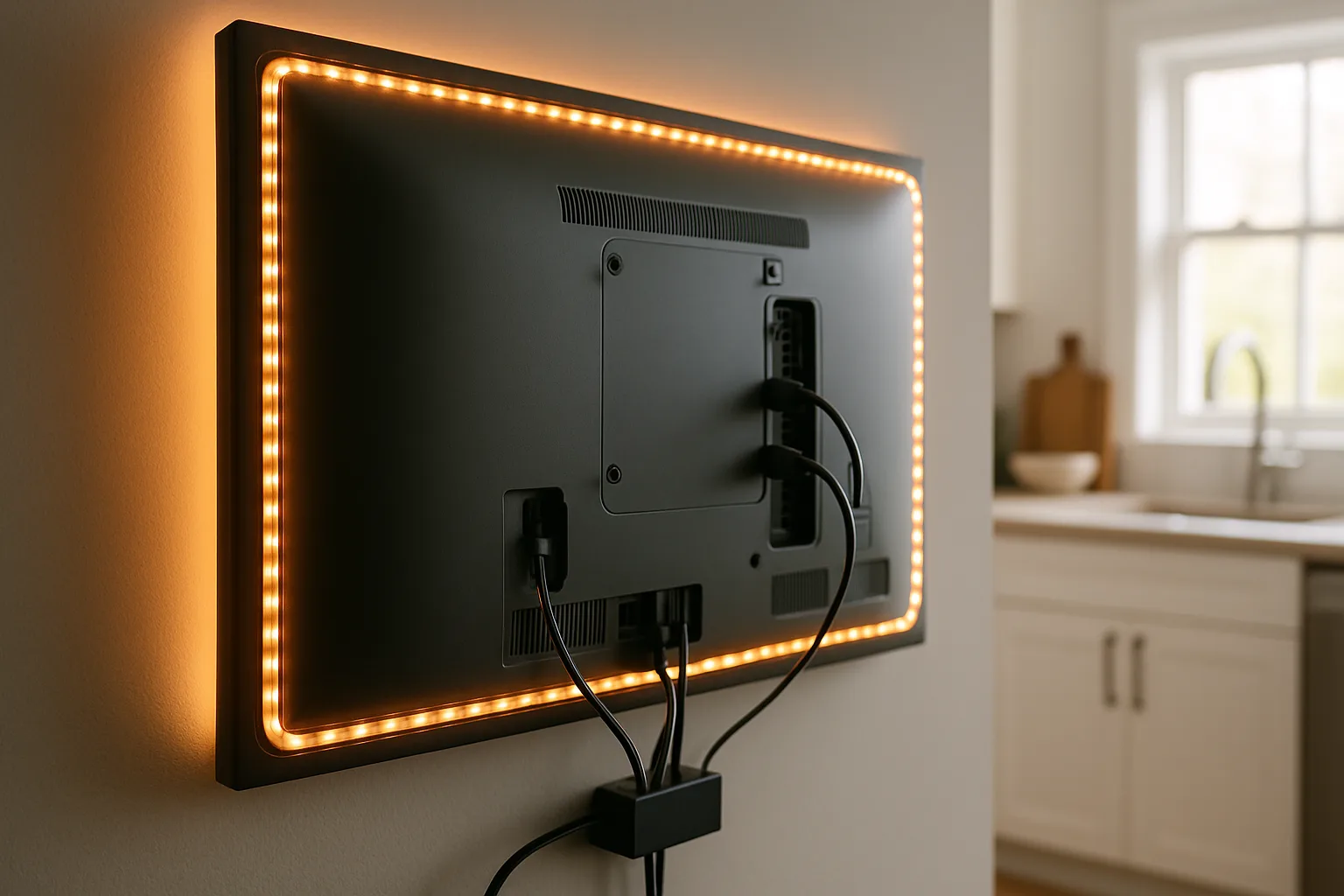
A TV backlight is an LED strip on the back of the set that throws the colors on screen onto the wall. Every kit works one of three ways: a camera that watches the screen, an HDMI sync box that reads the signal itself, or an app running on the TV. The best one depends less on brand than on where your picture comes from: a sync box can't see the TV's own apps, a camera rarely matches a box on accuracy, and the TV app only runs on certain sets.
Here is how they differ, plus four kits worth buying.
As an Amazon Associate, Best Utah Real Estate earns from qualifying purchases.
Quick verdict
- Best overall, if everything you watch runs through HDMI: the FancyLEDs 2.1 Sync Box TV Backlight. The fastest and most accurate here, and the best on dark scenes.
- Best camera kit, and the pick for built-in TV apps: the Govee TV Backlight 3 Pro. Three cameras, a denser strip and accurate whites, with no box in the HDMI chain.
- Budget pick: the Govee TV Backlight 3 Lite. It syncs to anything on screen, but runs oversaturated.
- Best scenes and the biggest ecosystem: the Philips Hue Play HDMI Sync Box 8K. The priciest setup, and it needs a Hue Bridge and a separate strip.
The kits side by side
| Kit | Shop | How it syncs | Syncs built-in TV apps | Strip and sides lit | Gaming passthrough | Weak spots |
|---|---|---|---|---|---|---|
| FancyLEDs 2.1 Sync Box TV Backlight (56 to 65 in) |  Buy on Amazon Buy on Amazon
| HDMI box, 3 inputs, strip wired to the box | No | 96 RGBW LEDs/m, all four sides; strips can be cut | 4K 120 Hz, VRR, ALLM, HDR10, Dolby Vision | 3 inputs; uncoated LEDs |
| Govee TV Backlight 3 Pro (55 to 65 in) |  Buy on Amazon Buy on Amazon
| Three HDR cameras on top of the TV | Yes | 75 LEDs/m, all four sides | Nothing in the HDMI path | Camera on the TV; trails a box on accuracy |
| Govee TV Backlight 3 Lite (55 to 65 in) | Buy on Amazon
| One camera on top of the TV | Yes | 30 LEDs/m, all four sides | Nothing in the HDMI path | Oversaturated, slower, no dimming in dark areas |
| Philips Hue Play HDMI Sync Box 8K | 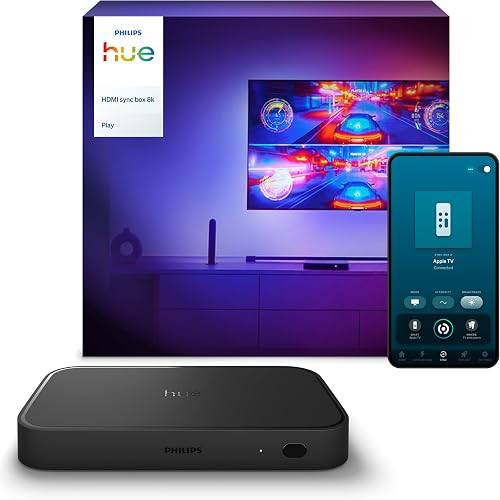 Buy on Amazon Buy on Amazon
| HDMI box, 4 inputs, wireless to a Hue Bridge | No | Sold separately; gradient strip lights top and sides | 4K 120 Hz, VRR, ALLM, HDR10, Dolby Vision | Needs a Bridge; very slight lag; most expensive |
| Govee AI Sync Box 2 |  Buy on Amazon Buy on Amazon
| HDMI box, 4 inputs, strip wired to the box | No | RGBWIC, all four sides | 4K 144 Hz for PCs; Dolby Vision only at 4K 60 Hz | No input auto-switching; letterbox flicker without black-bar elimination |
| Philips Hue Sync TV app | App on the TV, wireless to a Hue Bridge | Yes | Uses the Hue gradient strip | Nothing in the HDMI path | Newer LG and Samsung TVs only; the most lag |
Camera, sync box or TV app
Camera kits
A small camera on top of the TV watches the screen. During setup you mark the corners and middle of the picture in the app, so it knows which part of the image feeds which part of the strip. It doesn't care about the source: built-in TV apps, an antenna, a console, a laptop. The trade-offs are a camera perched on the bezel and colors a little less accurate and a little slower than a box.
HDMI sync boxes
Every source plugs into the box, and one cable runs from the box to the TV. Reading the signal directly makes it faster and more accurate than a camera, but it only sees what passes through it. Built-in smart TV apps and antenna broadcasts never reach the box. The workaround is to stream from a console or a streaming stick plugged into the box.
A box can add a sliver of input lag, though it isn't noticeable on the HDMI 2.1 boxes here. They are only worth buying if both the TV and the sources support HDMI 2.1: a PS5, an Xbox Series X, or a current Apple TV or Roku.
The TV app
Philips Hue's Sync TV app runs on the TV itself, so it syncs everything on screen with no camera and no box. It needs the Hue Play Gradient Lightstrip and a Hue Bridge, and it only installs on newer LG and Samsung TVs. Because the lights get their instructions wirelessly through the Bridge, it is the laggiest option, with colors sometimes trailing the picture in fast scenes. It does spread light farthest across the wall.
How the kits actually differ
Color accuracy and speed
At the same distance from the wall, the FancyLEDs box was the most accurate, matching the screen segment by segment and changing fastest in quick scenes. The Govee Lite camera kit kept up reasonably well but leaned oversaturated, turning orange into red and washing whole scenes in red at times. The Hue app tends to drag colors along behind the picture and sometimes misses colors along the bottom edge of the screen.
No system wins every scene. On a beach scene Hue looked the most natural while Govee and FancyLEDs showed red, and in the HDR game Astro's Playroom Hue was most accurate while FancyLEDs showed orange as yellow. In Fortnite, FancyLEDs was back on top.
Dark scenes
This is where the FancyLEDs box pulls ahead. On a dark gray menu screen, both the Hue and Govee boxes put out light, while FancyLEDs dimmed the strip the way it should. The Govee Lite camera kit doesn't dim darker areas at all, and the Hue app sometimes glows when the screen calls for nothing.
Letterboxed movies
Black bars on widescreen films can confuse a sync system. The boxes handled them well, though Govee's HDMI box flickered a little until its black-bar elimination setting was on. The Govee 3 Pro's black edge elimination does the same for the camera, ignoring the bars instead of spilling gray glow off the edges.
Gaming: 4K 120 Hz, VRR and Dolby Vision
All three current HDMI 2.1 boxes here (FancyLEDs, Hue's 8K box and Govee's) passed 4K at 120 Hz, VRR, ALLM, HDR10 and Dolby Vision through to the TV on an Xbox Series X. The one caveat is Govee's box, which carries Dolby Vision at up to 4K 60 Hz and may add input lag with it enabled. Govee's box is the one for a gaming PC, though: it passes 4K at 144 Hz with G-Sync and FreeSync, which adds nothing on a console.
With Dolby Vision on, all the boxes occasionally looked a little washed out, most often in racing games. The original Hue sync box doesn't pass 4K 120 Hz at all (the workaround is an AV receiver with a second HDMI output for the box), so buy the 8K model. Camera kits sidestep all of this: nothing sits in the HDMI path.
Sizing the strip to the TV
Strips are sold by screen size, so match the kit to the TV before ordering. FancyLEDs covers 24 to 95 inch TVs across three kits, and its strips are the only ones here designed to be cut to length. The Govee 3 Lite comes in an 11.8 ft strip for 55 to 65 inch sets and a 16.4 ft strip for 75 to 85 inch sets, and the 3 Pro has a 75 to 85 inch version too. Hue's gradient strip comes in sizes for 55 to 75 inch TVs.
Still choosing the TV? See the LG G5 vs. Samsung S95F vs. Sony BRAVIA 8 II comparison.
The picks in detail
FancyLEDs 2.1 Sync Box TV Backlight (56 to 65 in)
FancyLEDs is the most complete standalone setup. Its 96 RGBW LEDs per meter, the most here, give the best whites and the strongest HDR saturation, with a saturation control to push it further, plus the best dark-zone handling. The strip plugs straight into the box and covers all four sides of the TV, and the box supports eARC, Dolby Atmos and CEC, so a soundbar works normally through it.
The limits: three inputs instead of four, no protective cover on the LEDs, and few static scenes, with no per-segment control. It runs on the Tuya platform (Alexa, Google and SmartThings work), and its add-on lights sync over Wi-Fi a bit slower than Hue or Govee lights. For a backlight without a room full of extra lights, this is the one.
FancyLEDs 2.1 Sync Box TV Backlight (56 to 65 in)Check today’s price on Amazon

 Buy on Amazon →
Govee TV Backlight 3 Pro (55 to 65 in)
The 3 Pro aims for box-like results without a box. Its camera has three HDR lenses instead of the older T2's two, the middle one helping it map the screen edges. The strip runs 75 LEDs per meter against the T2's 60, and it is brighter, with cleaner colors and more accurate whites. White balance can be calibrated through the camera in the app.
It adds black edge elimination, an AI color mode that builds a scene from a movie title or genre, and auto power-off after the screen has been dark for a set time. Dream View syncs up to 10 Govee lights, double the T2's five, and it works with Matter, Alexa, Google and HomeKit. The smaller camera balances on the TV with a counterweight, and built-in apps and antenna TV sync too.
 Govee TV Backlight 3 Pro (55 to 65 in)Check today’s price on Amazon

 Buy on Amazon →
Govee TV Backlight 3 Lite (55 to 65 in)
The Lite is the cheapest way to sync lights to everything on the TV. One camera and a 30 LEDs per meter strip around all four sides. It does the job, but expect colors that run hot with a lean toward red, less saturated corners, no dimming in darker areas, and slightly slower changes than a sync box.
Govee TV Backlight 3 Lite (55 to 65 in)Check today’s price on Amazon

 Buy on Amazon →
Philips Hue Play HDMI Sync Box 8K
If cost is no object, Hue has the best lighting quality and the biggest ecosystem. The 8K box has four HDMI inputs, supports eARC, Dolby Atmos and CEC, and has an infrared receiver so a universal remote can control it. Its static scenes are the best of any brand, including slow, barely perceptible color blends. Up to 10 Hue lights can sync with the screen.
The box needs a Hue Bridge and a light, typically the Philips Hue Play Gradient Lightstrip (65 in), which lights the top and sides but not the bottom; a Hue gradient light tube on the TV stand fills that in. The wireless Zigbee link adds a very slight lag, though it is hard to spot. Altogether this is by far the priciest setup here. For the wider Hue system, see the Hue vs. Govee vs. WiZ vs. Lutron Caséta guide.
Philips Hue Play HDMI Sync Box 8KCheck today’s price on Amazon

 Buy on Amazon →
Others worth knowing about
- Govee's HDMI 2.1 box: the current listing is the Govee AI Sync Box 2. Four inputs, 4K 144 Hz for PCs, an AI gaming mode with effects for in-game action, and Dream View for up to 10 Govee lights. It can't switch inputs automatically, and soundbar volume control stopped working while casting to the TV through it.
- Lytmi: a box for screens up to 120 inches, which suits a projector, though it may no longer be sold.
Who should buy which
- Consoles and a streaming stick, and the best accuracy: FancyLEDs 2.1 Sync Box.
- You mostly use the TV's built-in apps or an antenna: Govee TV Backlight 3 Pro.
- The lowest cost to try a backlight: Govee TV Backlight 3 Lite.
- Already in the Hue ecosystem and willing to pay for it: Philips Hue Play HDMI Sync Box 8K with the gradient strip.
- Wiring the whole setup: pick a box with eARC if the sound runs to a soundbar, like the ones in the mid-size soundbar comparison.
Posted by Kristopher Larson
Frequently asked questions
What is the best TV backlight?
For accuracy, the FancyLEDs 2.1 Sync Box is the strongest all-rounder: it changes colors fastest, matches the screen most closely and dims properly on dark scenes. It only syncs sources plugged into the box, though. If you watch mostly through the TV's own apps, a camera kit such as the Govee TV Backlight 3 Pro is the better fit.
What is the difference between the Govee TV Backlight 3 Pro and 3 Lite?
The 3 Pro uses a three-lens HDR camera and a 75 LEDs per meter strip; the 3 Lite uses a single camera and a 30 LEDs per meter strip. The Pro adds white-balance calibration through the camera and black edge elimination for letterboxed movies. The Lite costs less but runs oversaturated and does not dim darker areas.
Is the Philips Hue sync box better than Govee's?
Hue wins on scene quality, ecosystem and audio support (eARC, Dolby Atmos and CEC, plus an infrared receiver). Govee's HDMI box costs far less, needs no hub, wires its strip straight to the box, lights all four sides and passes 4K 144 Hz for PCs. Govee's drawbacks are Dolby Vision limited to 4K 60 Hz and no automatic input switching.
Does an HDMI sync box work with Netflix and other apps on a smart TV?
No. A sync box only sees signals that pass through its HDMI inputs, so apps built into the TV and antenna broadcasts won't sync. Plug a streaming stick or a console into the box and stream from that instead, or choose a camera kit, which syncs anything on the screen.
Do TV backlight sync boxes add input lag for gaming?
Barely. The HDMI 2.1 boxes covered here pass 4K 120 Hz, VRR and ALLM, and any added delay isn't noticeable in play. Govee's box is the exception with Dolby Vision on, since it drops to 4K 60 Hz and may add lag. The older, original Hue sync box does not pass 4K 120 Hz at all.
Do Philips Hue TV lights need a Hue Bridge?
Yes. Both the Hue Play HDMI Sync Box and the Hue Sync TV app talk to the lights through a Hue Bridge, and you also need a Hue light such as the Play Gradient Lightstrip. The strip covers the top and sides of the TV; lighting the bottom takes a gradient light tube.
Keep reading
More from the blog

Best Hand Mixer: Breville vs KitchenAid vs Cuisinart vs Hamilton Beach
Best Juicer: Nama J2 vs Hurom H400 vs Ninja NeverClog vs Omega

Best Milk Frother: Aeroccino 3 vs 4 vs Breville Milk Cafe vs Zulay