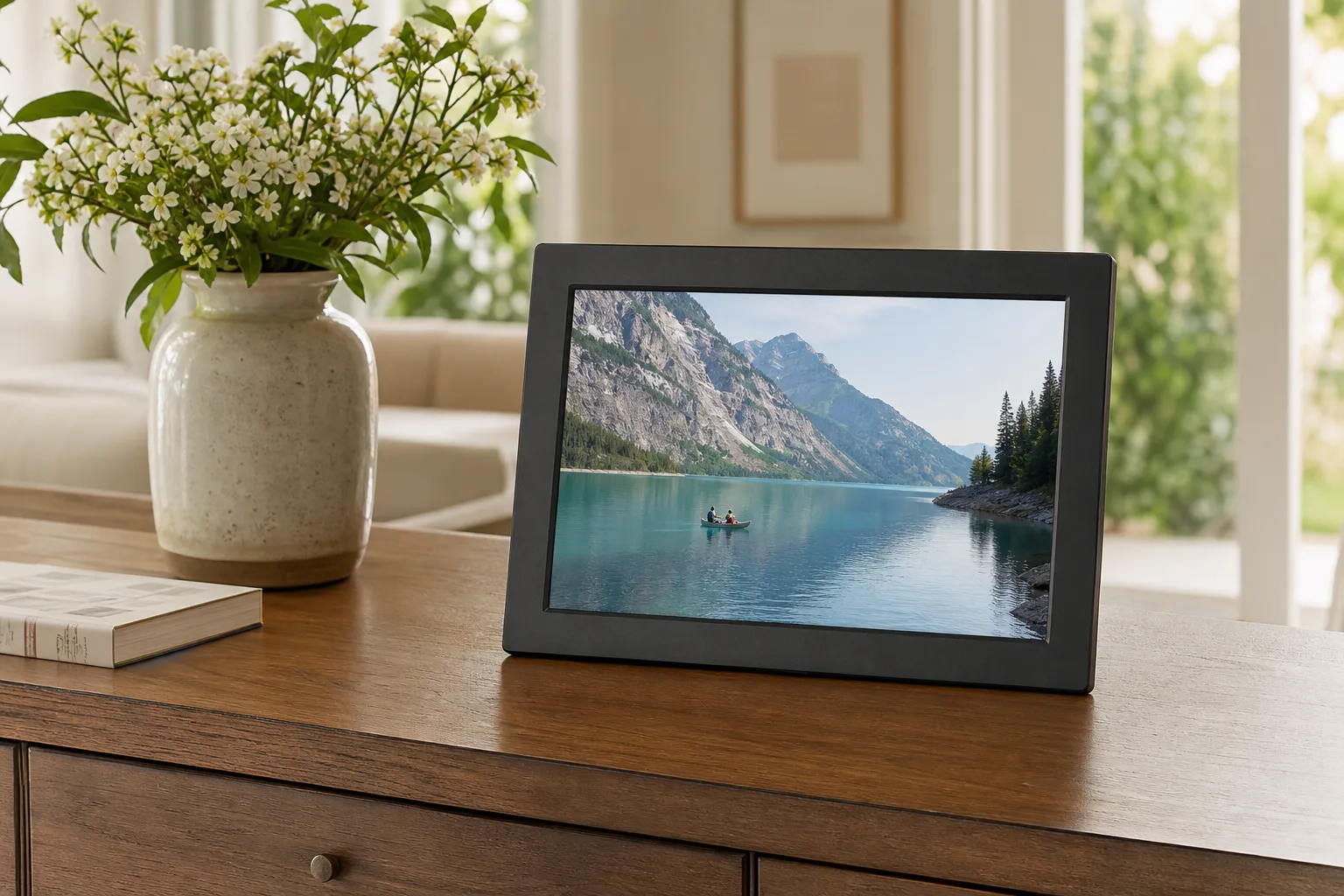
Best Digital Picture Frame: Aura vs. Pexar vs. Skylight
Offline use, subscriptions, gift setup and screen quality: how Aura, Pexar, Skylight and Nixplay digital picture frames compare, and which to buy.
A digital picture frame looks like a simple gadget: a screen that shows your photos. In practice, the four big names work very differently. Some keep your photos in the cloud and go blank without Wi-Fi; others store them on the frame. Some can be set up for a gift before the box is opened; others have to be unboxed and loaded by hand. And some lock basic features like albums behind a yearly subscription. Those differences matter more than the screen.
This guide covers what actually separates the popular frames, and which one fits which person, from a grandparent who just wants it to work to a tinkerer who wants full control.
Quick verdict
- Best frame to give as a gift: the Aura Carver Digital Picture Frame. No subscription, unlimited cloud storage, a premium feel and setup that can be done before the box is opened. It needs Wi-Fi to show photos.
- Best for control and offline use: the Pexar 11" 2K Digital Picture Frame. The sharpest screen here, an anti-glare finish, fast uploads, and photos from a USB drive or SD card with no Wi-Fi at all.
- Best for decor: the Skylight Digital Picture Frame 2. Swappable magnetic frames, a touchscreen and photos stored on the frame, though some features need a subscription.
The digital picture frames side by side
| Frame | Shop | Screen | Works offline | Load photos without the app | Gift setup in the box | Subscription |
|---|---|---|---|---|---|---|
| Aura Carver Digital Picture Frame |  View on Amazon | 10.1", no touchscreen (touch bar) | No, goes blank without Wi-Fi after a restart | Email, web and photo services, all through the cloud | Yes | None |
| Pexar 11" 2K Digital Picture Frame |  View on Amazon | 11" 2K touchscreen, anti-glare | Yes | Yes, USB drive or SD card | No | Optional (cloud backup, larger uploads) |
| Skylight Digital Picture Frame 2 |  View on Amazon | 10" touchscreen | Yes, shows stored photos | No | Yes, basic | Needed for albums, video, remote control and backup |
| Nixplay 10.1" Digital Picture Frame |  View on Amazon | 10.1" touchscreen | Yes, shows stored photos | No | Yes | Needed for more than a small amount of storage |
Best for gifts
Aura Carver Digital Picture Frame
Photos from the app, web, Google Photos, email or a text, unlimited cloud storage with no subscription, and setup that can be done before the box is opened.
- 10.1 in
- Touch bar
- No subscription
Good for
- Parents and grandparents
- A clean, simple app
Skip it if
- Homes with unreliable Wi-Fi (it goes blank without it)
What makes a digital frame good
None of them looks exactly like a print
All four frames here use IPS LCD screens. They're sharp and color-accurate, but they glow, which a printed photo never does. Frames with an ambient light sensor (the Aura, Skylight and Nixplay) dim the screen in a dark room so it looks closer to a print. Matte screens cut glare and look more like paper; glossy screens look punchier. Color e-ink frames look much more like a real print and can run on battery for months, but their colors are duller.
What happens when the Wi-Fi goes down
Every frame keeps showing its current photos if the internet drops. The difference shows when the power also goes out. The Aura stores nothing on the frame, so after a restart without Wi-Fi it shows no photos until it's back online. The Pexar, Skylight and Nixplay keep photos on the frame and carry on. Only the Pexar can also take new photos without Wi-Fi, from a USB drive or SD card. For a relative with unreliable internet, that matters.
Subscriptions: the hidden cost
This is the biggest difference, and it changes the real price of a frame over a few years.
- Aura: no subscription. Every feature works out of the box, with unlimited cloud storage for photos and videos.
- Pexar: optional. The Frameo app is free; a yearly plan adds cloud backup, larger batch uploads and managing the frame from the app. Backing up to a flash drive covers most of that for free.
- Skylight: albums, video playback, remote control from the app and cloud backup all need its yearly plan, the most expensive of the group.
- Nixplay: it cut free cloud storage to 500 MB, roughly 500 compressed phone photos, so most users end up paying yearly for more. It also limits photo file size, which caused problems with photos from a new high-end phone.
Policies can change. Nixplay once offered unlimited free storage, which is worth remembering with any cloud-based frame.
Gifting and family sharing
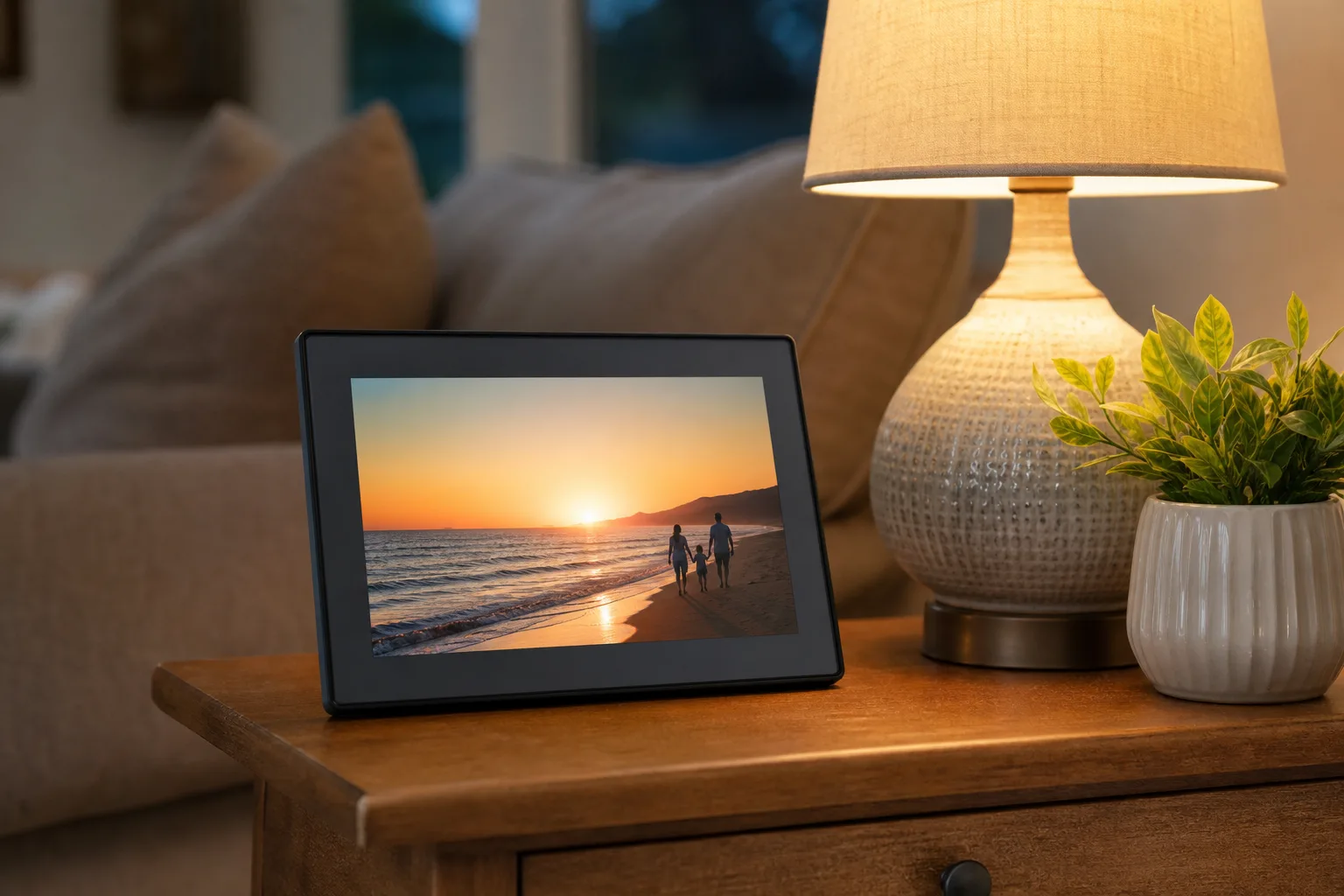
All four let family members join the frame from their phones and add photos. The Aura, Skylight and Nixplay can also be set up as a gift without opening the box, using a code or the recipient's email, and they download the photos once they're plugged in and connected. The Aura and Nixplay let you add a short greeting. The Pexar has to be unboxed and set up on the frame, though you can hand it over with a loaded USB drive or SD card.
Cropping and orientation
The Aura and Nixplay automatically center faces when they crop a photo to fit the screen, and they do it well. The Skylight doesn't auto-crop, but you can pinch to frame a photo and it remembers. The Pexar leaves cropping to you, with a few presets. The Aura Carver shows landscape only and doesn't mount on a wall; the Pexar rotates automatically for portrait photos and can be wall-mounted.
The picks in detail
Aura Carver Digital Picture Frame: best for gifts
The Aura is the frame that "just works" for someone who isn't comfortable with technology. Photos can come from the app, the website, Google Photos, Google Drive, email or even a text message, and there's unlimited cloud storage with no subscription. It felt the most premium of the four, it plays phone live photos, and its auto-framing keeps faces in the picture. Instead of a touchscreen, a touch bar on top controls the slideshow and some settings, so the screen stays free of fingerprints. With no subscription to sell, the app is clean and simple.
The trade-offs: it depends entirely on Wi-Fi and the cloud, so a power cut during an internet outage leaves it blank, and if Aura ever changed course or shut down, the frame would stop working. The Carver has no albums and no portrait mode, can't be wall-mounted, and downloading photos back off it is one at a time. Uploads go through the cloud, so they're slower than the Pexar's.
Best for gifts
Aura Carver Digital Picture Frame
Photos from the app, web, Google Photos, email or a text, unlimited cloud storage with no subscription, and setup that can be done before the box is opened.
- 10.1 in
- Touch bar
- No subscription
Good for
- Parents and grandparents
- A clean, simple app
Skip it if
- Homes with unreliable Wi-Fi (it goes blank without it)
Pexar 11" 2K Digital Picture Frame: best for control
The Pexar has the sharpest screen of the group, an 11-inch 2K touchscreen at 2000 by 1200 pixels, and an anti-glare finish that keeps it readable under bright light. It runs Frameo, a simplified Android-based system used on many frames, which gets regular updates and supports albums for free. Uploads through the app appeared within seconds, and a 10-photo batch arrived complete. It's the only frame here that loads photos from a USB drive or SD card, so it works fully offline and can be backed up locally. It rotates for portrait photos and mounts on a wall.
The trade-offs: it's more of a tech gadget than the others and expects some comfort with a tablet-style menu. There's no gift setup in the box, managing the frame from the app needs the optional plan, and the free app sends up to 10 photos at a time.
Best for control
Pexar 11" 2K Digital Picture Frame
The sharpest screen of the group with an anti-glare finish, fast uploads through Frameo, and the only frame here that loads photos from USB or SD offline.
- 11 in 2K touchscreen
- Frameo
- USB and SD card
Good for
- Offline use and local backup
- Tech-comfortable owners
Skip it if
- A gift that sets itself up
Skylight Digital Picture Frame 2: best for decor
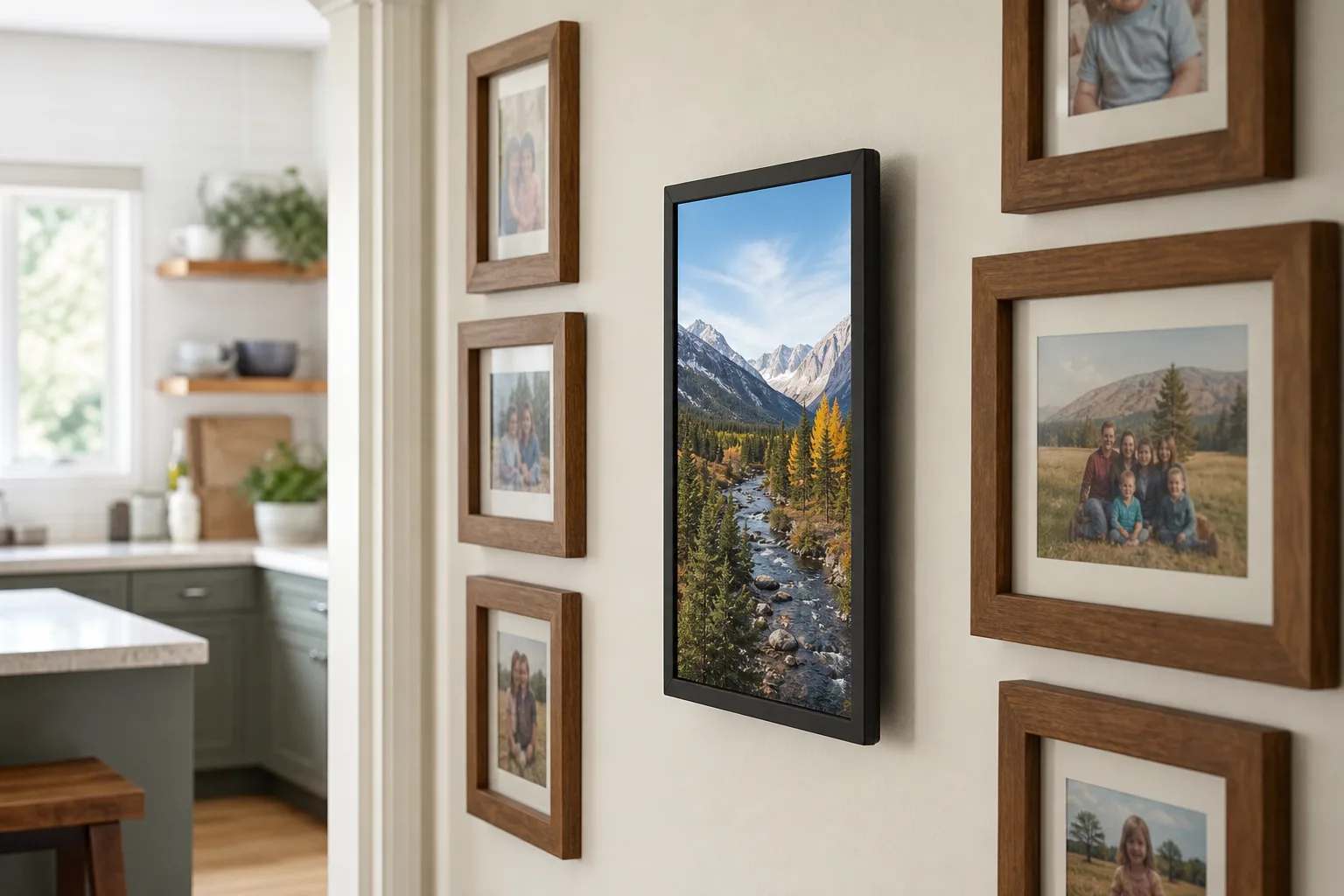
The Skylight Frame 2's standout is its magnetic design: the outer frame and the stand snap on and off, so you can swap to a different style when you redecorate. Setup uses a simple code, the app is easy, and photos stored on the frame keep showing through Wi-Fi outages. Its pinch-to-crop is the most intuitive way to fix how a photo is framed.
The trade-offs: albums, video playback, remote control and cloud backup sit behind the priciest subscription of the group, and extra magnetic frames are sold separately. A USB-C port on the back can't be used to load photos. Without the subscription it's a decent frame; with it, the value drops.
Best for decor
Skylight Digital Picture Frame 2
Magnetic outer frames and stands that snap on and off to match the room, easy code setup and photos stored on the frame through Wi-Fi outages.
- Swappable magnetic frames
- Touchscreen
- On-frame storage
Good for
- Design-focused homes
- Easy pinch-to-crop
Skip it if
- Skipping a subscription (albums and video need it)
Nixplay 10.1" Digital Picture Frame: only for a small photo set
The Nixplay's app is functional with plenty of settings, and its auto-framing works well. But the frame felt the flimsiest of the four, the app shows ads, and 500 MB of free storage pushes most families toward a yearly plan. It makes sense only for a small, fixed set of photos.
For a small photo set
Nixplay 10.1" Digital Picture Frame
A functional app with plenty of settings and auto-framing that works well; it makes sense for a small, fixed set of photos.
- 10.1 in
- Auto-framing
Good for
- A small, fixed photo set
Skip it if
- Large libraries (500 MB free storage)
- Ad-free apps
Alternatives to a dedicated frame
Smart displays like the Amazon Echo Show and Google Nest Hub, and streaming boxes like Apple TV, Google TV and Fire TV, can run your photo library as a slideshow. They're a good option if you already own one and keep your photos in that company's cloud, though large libraries may need paid storage.
Best for control
Pexar 11" 2K Digital Picture Frame
The sharpest screen of the group with an anti-glare finish, fast uploads through Frameo, and the only frame here that loads photos from USB or SD offline.
- 11 in 2K touchscreen
- Frameo
- USB and SD card
Good for
- Offline use and local backup
- Tech-comfortable owners
Skip it if
- A gift that sets itself up
How to choose
- Buying for a grandparent or someone non-technical? The Aura: set it up in the box, family adds photos from their phones, and there's nothing to manage. Make sure their Wi-Fi is reliable.
- Want it to work without Wi-Fi, or to keep your photos local? The Pexar, with USB and SD card loading.
- Want the sharpest picture? The Pexar's 2K screen.
- Want it on a wall or in portrait? The Pexar; the Aura Carver is landscape-only.
- Hate subscriptions? The Aura (none) or the Pexar (optional).
- Want it to match changing decor? The Skylight's swappable frames.
Setting up other gadgets for the family? See the Nest vs. Ecobee thermostat comparison, or for display lighting near a TV, the TV backlight guide.
Who should buy which
- Gifts for parents and grandparents: the Aura Carver.
- Tech-comfortable owners who want offline use and the best screen: the Pexar 11".
- Design-focused homes: the Skylight Frame 2.
- A small, fixed photo set: the Nixplay 10.1".
Posted by Kristopher Larson
Frequently asked questions
Do digital picture frames need Wi-Fi?
Most need Wi-Fi to receive new photos from the app. What differs is what happens without it. The Pexar, Skylight and Nixplay keep showing photos stored on the frame, and the Pexar can also load photos from a USB drive or SD card. The Aura stores photos only in the cloud, so after a restart without Wi-Fi it shows nothing until it reconnects.
Which digital picture frame has no subscription?
Aura has no subscription at all and includes unlimited cloud storage. Pexar's subscription is optional and only adds cloud backup, bigger batch uploads and app control. Skylight locks albums, video and remote control behind a yearly plan, and Nixplay limits free storage to 500 MB.
What is the best digital frame for grandparents?
The Aura Carver. It can be set up before the box is opened, family members add photos from their own phones, and there's nothing on the frame to manage. The one requirement is a reliable Wi-Fi connection at their home.
Can you load photos from a USB drive or SD card?
Of these four, only the Pexar. It reads photos from a USB drive or SD card with no app or Wi-Fi, which also makes an easy local backup. The Aura, Skylight and Nixplay receive photos only through their apps and online services.
Can a digital picture frame show videos?
All four can play short videos with sound, each with its own limits on length or file size. Skylight requires its subscription for video playback. Aura plays videos and phone live photos without a subscription.
Do digital frames look like real photos?
Not quite. The IPS screens in most frames are sharp and colorful but glow, unlike paper. A matte, anti-glare screen like the Pexar's and an ambient light sensor that dims the screen in a dark room bring it closer. Color e-ink frames look most like a print but have duller colors.
Keep reading
More from the blog
Oral-B vs. Sonicare: Which Electric Toothbrush to Buy
Which Keurig Should You Buy? K-Mini vs. K-Express vs. K-Supreme
Best Flashlight: Streamlight vs. Olight vs. Fenix vs. Coast