
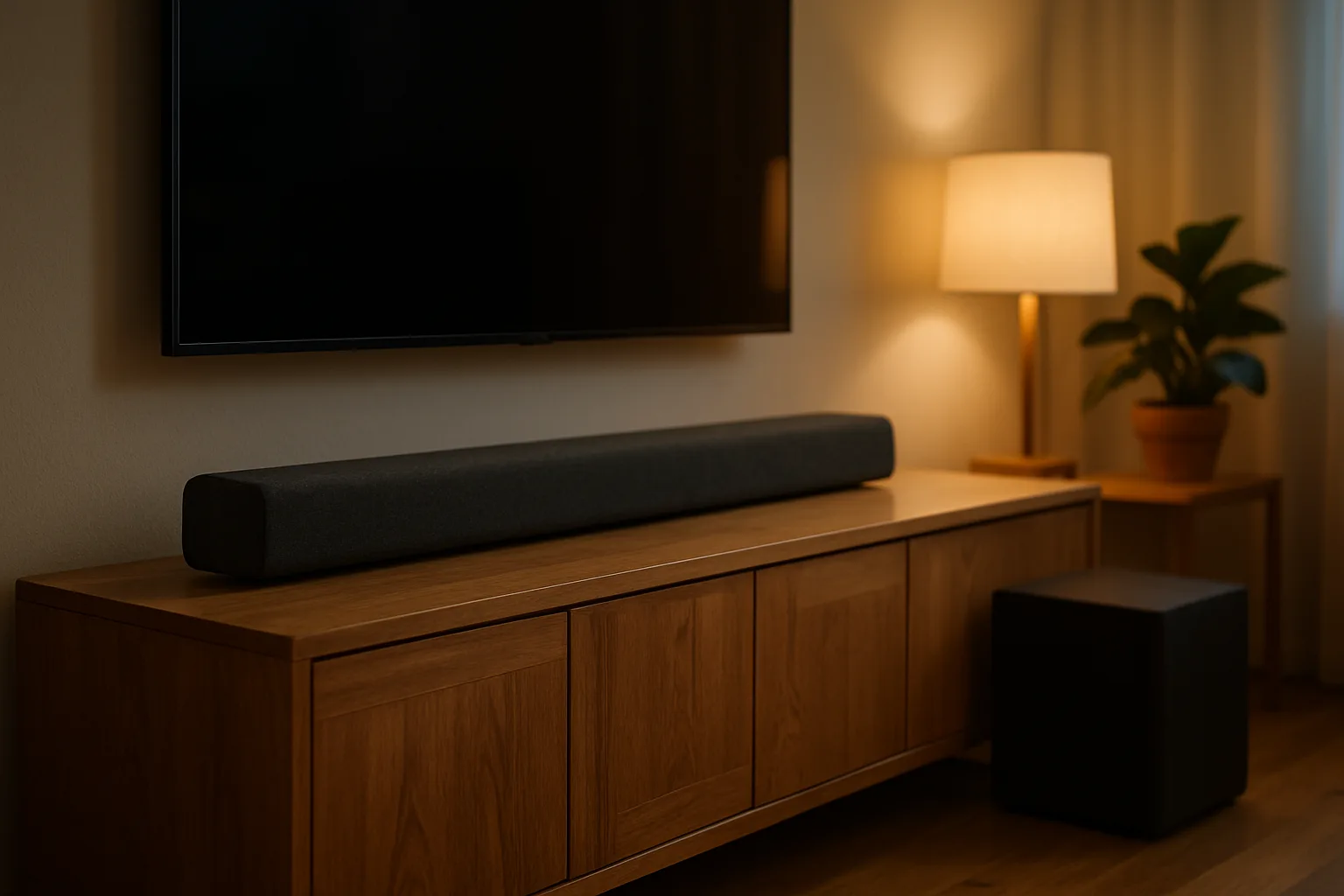
JBL Bar 1000 Review: Is the 7.1.4 Atmos Soundbar Worth It?
JBL Bar 1000 and Bar 1000MK2 review: 7.1.4 Dolby Atmos, detachable battery surrounds, setup tips, and how they compare with Sonos and Samsung.
The JBL Bar 1000 became one of the most talked-about Dolby Atmos soundbars for a simple reason: it delivers a full 7.1.4 surround system from one box. Its two end pieces detach and run on batteries as rear speakers, then snap back onto the bar when the movie is over, and a 10-inch wireless subwoofer handles the low end. JBL has since released the Bar 1000MK2, which keeps the same idea and updates the drivers, processing and satellites.
This review covers what the Bar 1000 and Bar 1000MK2 do well, where they fall short, how to set them up, and how they compare with the Sonos Arc Ultra and the Samsung HW-Q990F, the two systems shoppers most often weigh against them.
As an Amazon Associate, Best Utah Real Estate earns from qualifying purchases.
Quick verdict
- Buy the JBL Bar 1000MK2 for true rear surround sound without running speaker wire or buying extra speakers. It is the current version and the one to choose when both are priced close together.
- Consider the original JBL Bar 1000 only at a clear discount. It has the same 7.1.4 layout and detachable surrounds, and it still sounds big.
- Look elsewhere for the most refined music sound or a single-ecosystem setup (Sonos Arc Ultra), or for the most speakers in the box and Samsung TV integration (Samsung HW-Q990F).
JBL Bar 1000 vs. Bar 1000MK2 vs. rivals: specs compared
| Feature | JBL Bar 1000 | JBL Bar 1000MK2 | Sonos Arc Ultra | Samsung HW-Q990F |
|---|---|---|---|---|
| Channels | 7.1.4 | 7.1.4 | 9.1.4 (bar only) | 11.1.4 |
| Rear speakers | Detachable, battery-powered | Detachable, battery-powered | Sold separately | Included, wireless (need power) |
| Subwoofer | 10-inch, wireless, included | 10-inch, wireless, included | Sold separately | Included, wireless |
| Max power (JBL rating) | 880 W | 960 W | Not published | See listing |
| HDMI inputs | 3 plus eARC | 3 plus eARC | eARC only | 2 plus eARC |
| Dolby Atmos / DTS:X | Yes / Yes | Yes / Yes | Yes / No | Yes / Yes |
| Streaming | Wi-Fi, AirPlay, Bluetooth | Wi-Fi, AirPlay, Bluetooth | Wi-Fi, AirPlay, Bluetooth | Wi-Fi, AirPlay, Bluetooth |
| Price tier | Premium (often discounted) | Premium | Premium, plus add-ons | Premium |
| Shop |  Buy on Amazon Buy on Amazon
|  Buy on Amazon Buy on Amazon
|  Buy on Amazon Buy on Amazon
|  Buy on Amazon Buy on Amazon
|
Power ratings are manufacturer peak figures and aren't directly comparable between brands. Check each listing for the exact model number, since the Bar 1000 and Bar 1000MK2 are often sold side by side.
What makes the Bar 1000 different
Most soundbars fake surround sound by bouncing audio off the side walls. The Bar 1000 does some of that with JBL's MultiBeam processing, but it also puts real speakers behind the listener. The two ends of the bar detach, and each one contains a battery, so they can be set on side tables or shelves behind the couch for a movie. After the credits, they slide back onto the bar to recharge. Up-firing drivers in the bar and in the satellites handle the height channels of Dolby Atmos and DTS:X soundtracks.
The result, in independent reviews, is a system with a large, wide soundstage, deep bass from the 10-inch subwoofer and convincing rear effects, which is closer to a component surround system than most single-bar setups. Dialogue stays clear thanks to JBL's PureVoice processing, which lifts voices when the rest of the mix is loud.
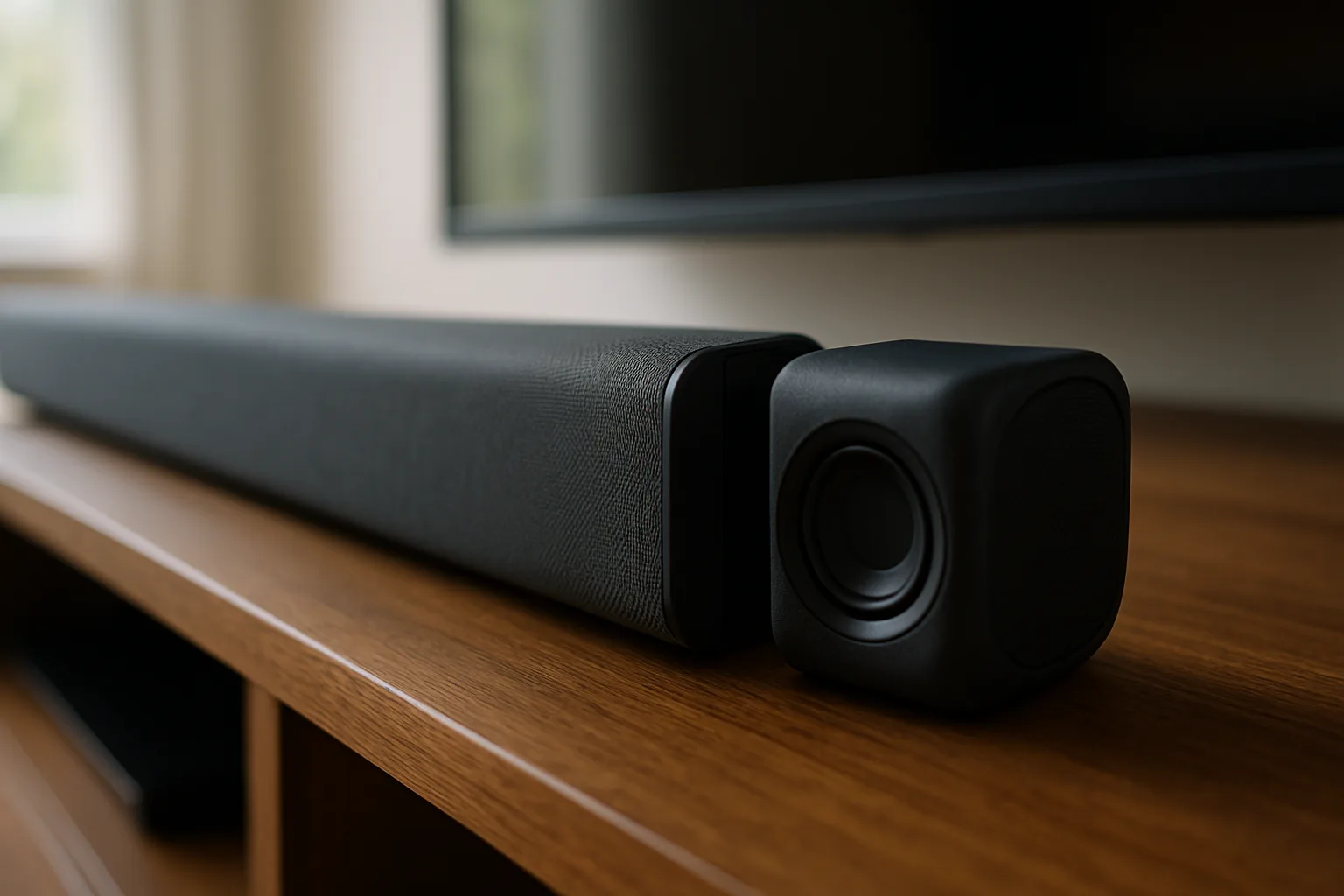
JBL Bar 1000Check today’s price on AmazonBuy on Amazon →
What the Bar 1000MK2 changes
The MK2 is an update rather than a redesign. JBL lists a higher peak power figure (960 watts, up from 880), its newer MultiBeam 3.0 processing and updated dialogue enhancement. Like the original, the surrounds recharge when docked on the bar, and JBL rates them at up to 10 hours per charge. Connections are the same useful set: three HDMI inputs with Dolby Vision and HDR10+ passthrough, plus an HDMI eARC port for the TV. Full details are in JBL's Bar 1000MK2 spec sheet.
RTINGS' side-by-side comparison rates the MK2 somewhat better overall, with stronger dynamics, less compression at high volume and more prominent Atmos height effects. It also notes a weakness: the battery satellites show a small delay in height audio compared with the rest of the system. Most viewers won't notice it in movies, but it's worth knowing for anyone sensitive to timing.
JBL Bar 1000MK2Check today’s price on AmazonBuy on Amazon →
Strengths and weaknesses
Strengths
- Real rear sound in one purchase. No separate rear speakers, stands or wires are needed.
- Flexible satellites. They can sit behind the couch for movies, stay docked for everyday TV, or be used on their own for music in another room.
- HDMI inputs. Three inputs with 4K passthrough let a game console or streaming box plug into the bar, which helps with TVs that have few ports.
- Big bass and volume. The 10-inch subwoofer fills a large living room.
Weaknesses
- Bass can overwhelm small rooms. In apartments or small dens, the subwoofer level often needs to come down in the app.
- Batteries add a chore. Satellites left off the bar eventually need a recharge before the next movie.
- Music is good, not class-leading. Reviewers generally rate Sonos higher for tonal refinement with music.
- Size. With the satellites attached, the bar is very wide and works best under TVs of about 65 inches and larger.
Setup and placement tips
Setup is straightforward: connect the bar to the TV's HDMI eARC port, plug in the subwoofer, and add the bar to the JBL One app on the home Wi-Fi network. The app runs a room calibration that uses microphones in the bar to measure the room and set levels and timing for each speaker.
- Center the bar below the TV and keep the up-firing drivers clear of shelves or cabinet tops above it.
- Place the satellites slightly behind and to the sides of the main seat, ideally at or above ear height, then run the calibration again.
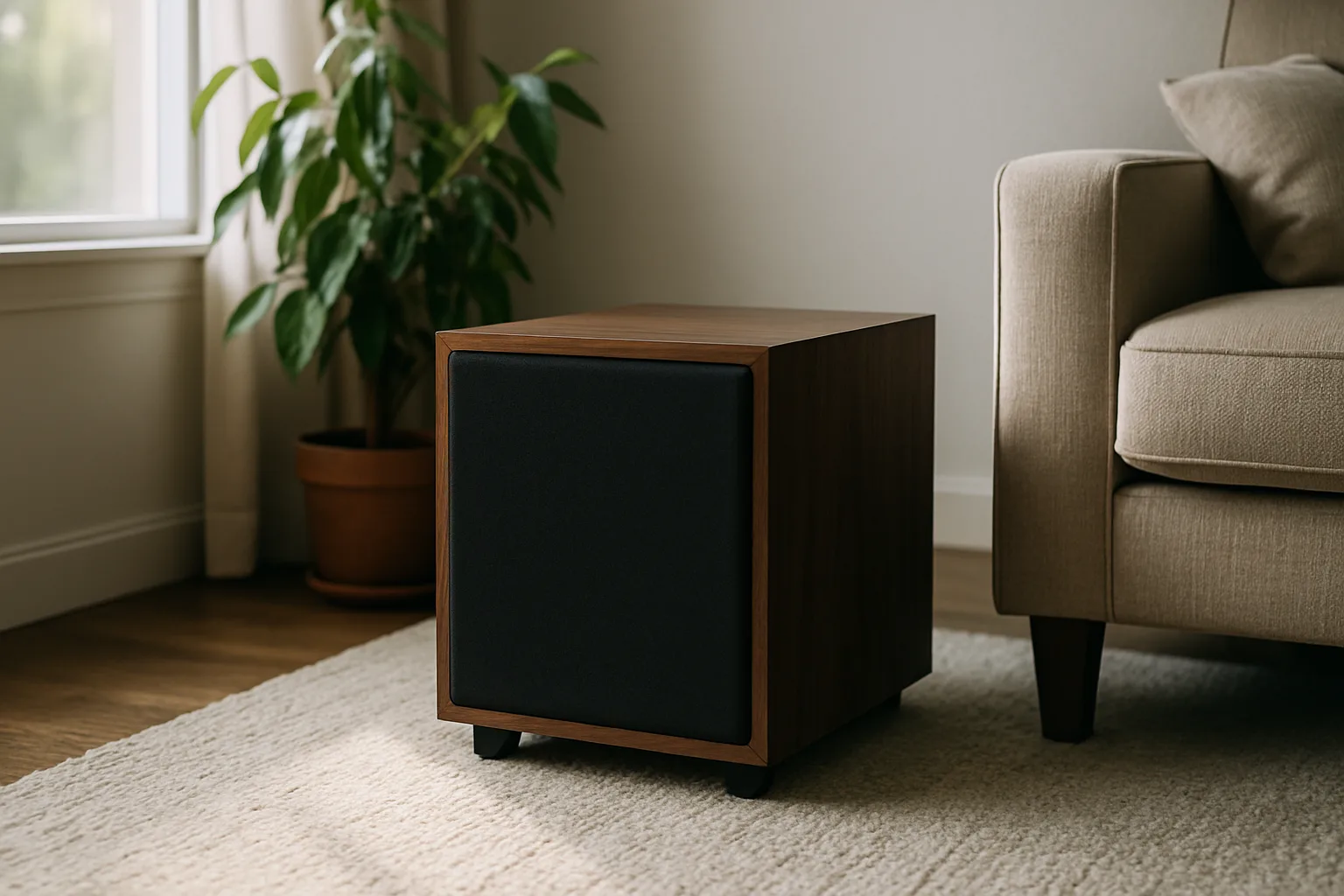
- Start the subwoofer near a front corner, then move it a foot or two out if the bass sounds boomy or makes cabinets rattle.
- Use the EQ and night settings for late viewing, lowering bass while keeping dialogue clear.
- Dock the satellites between movies so they stay charged.
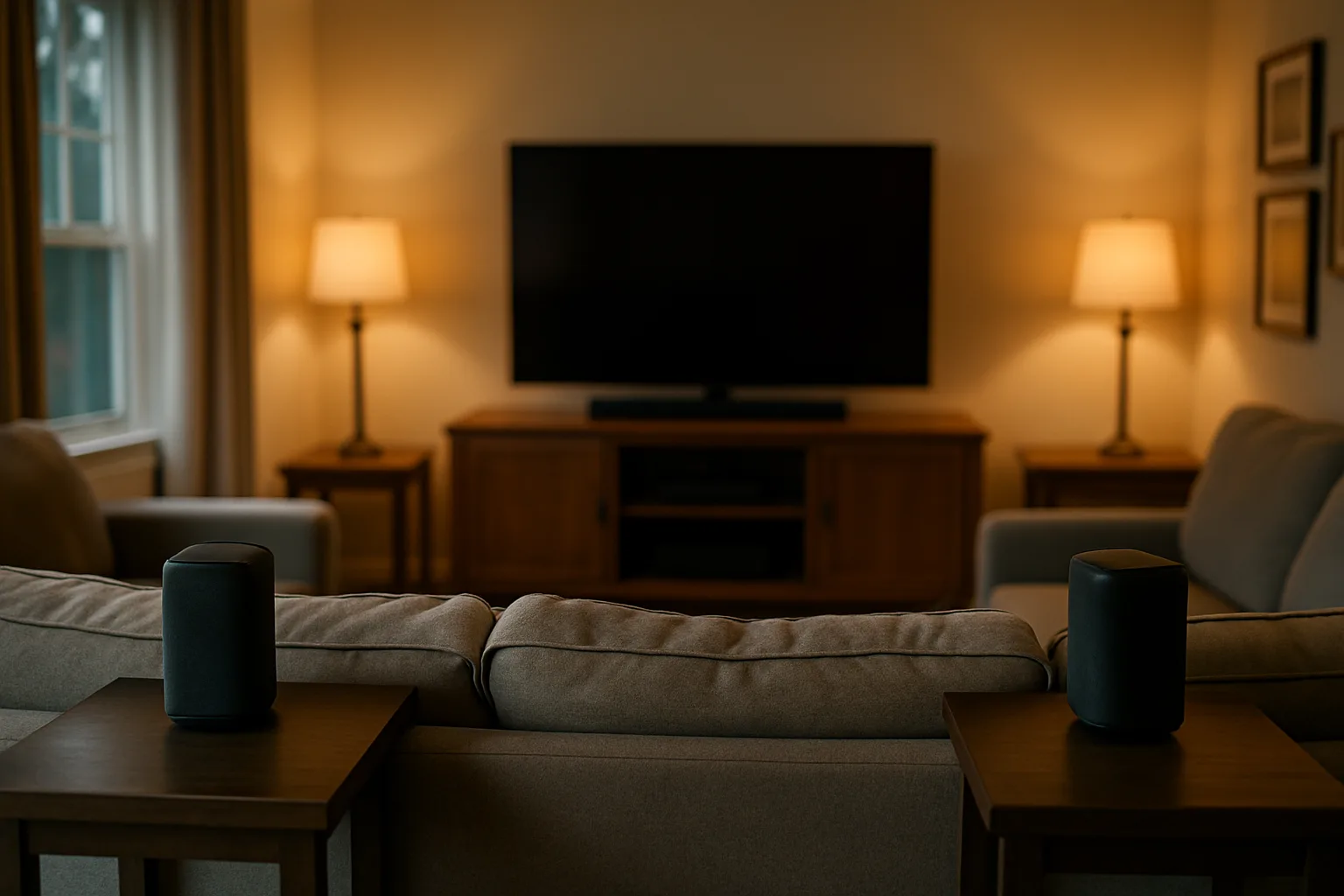
For more on seating distance, room treatment and lighting, see the guide to converting any room into a home theater.
Alternatives worth comparing
Sonos Arc Ultra
The Sonos Arc Ultra is a single bar with a 9.1.4 layout and Sonos's Sound Motion woofer, which gives it more bass than earlier Sonos bars. It is the stronger pick for music and for homes already using Sonos speakers. The catch is cost: a subwoofer and rear speakers are separate purchases, it has only one HDMI eARC port, and it doesn't support DTS:X.
Sonos Arc UltraCheck today’s price on AmazonBuy on Amazon →
Samsung HW-Q990F
The Samsung HW-Q990F includes a subwoofer and two wireless rear speakers with up-firing drivers, for an 11.1.4 layout. Its rears need a power outlet, so they stay put, but they don't need charging. With a Samsung TV, Q-Symphony lets the TV speakers and the soundbar play together. It is a good fit for a dedicated surround setup in a Samsung household.
Who should buy which
- Large living room, no way to run rear wires: JBL Bar 1000MK2. The detachable surrounds give real rear effects without permanent speakers.
- Shared space where speakers can't stay behind the couch: JBL Bar 1000 or 1000MK2, since the satellites go back on the bar after each movie.
- Music first, movies second: Sonos Arc Ultra, adding the sub and rears later as the budget allows.
- Samsung TV and a room with outlets behind the seating: Samsung HW-Q990F for the most speakers in the box and TV integration.
- Small den or apartment: a mid-size soundbar is often the better fit, since a 10-inch subwoofer can be more than the room needs and more than the neighbors want.
Is the JBL Bar 1000 worth it?
For a living room where running speaker wire isn't practical, the Bar 1000 family is one of the most complete Atmos systems available in a single box. The MK2 is the version to buy at a similar price, while the original remains a good deal when discounted. Buyers who mostly stream music, or who want to build a system one piece at a time, may be happier with Sonos. For smaller rooms and tighter budgets, the mid-size soundbar comparison covers more compact options, and the OLED TV comparison covers the screen side of a home theater.
Posted by Kristopher Larson
Frequently asked questions
What is the difference between the JBL Bar 1000 and the Bar 1000MK2?
Both are 7.1.4 Dolby Atmos systems with detachable battery-powered surround speakers and a 10-inch wireless subwoofer. The MK2 raises JBL's peak power rating from 880 to 960 watts, and uses newer MultiBeam 3.0 processing and updated dialogue enhancement. Independent testing rates the MK2 somewhat better for dynamics and Atmos height effects.
How long do the JBL Bar 1000 detachable speakers last on battery?
JBL rates the detachable surrounds at up to 10 hours per charge, depending on volume and content. They recharge when docked on the ends of the main bar, so most owners dock them between movies.
Does the JBL Bar 1000 support Dolby Atmos and DTS:X?
Yes. Both the Bar 1000 and Bar 1000MK2 decode Dolby Atmos and DTS:X, using up-firing drivers in the bar and in the detachable surrounds for the height channels.
Does the JBL Bar 1000 have HDMI inputs?
Yes. It has three HDMI inputs with 4K passthrough, including Dolby Vision and HDR10+ on the MK2, plus an HDMI eARC port that connects to the TV. That lets a console or streaming box connect through the soundbar, which helps when the TV has few HDMI ports.
Is the JBL Bar 1000 better than the Sonos Arc Ultra?
For surround sound out of one box, yes, because the JBL includes a subwoofer and rear speakers while Sonos sells them separately. The Sonos Arc Ultra is often preferred for music and fits homes that already use Sonos speakers, but it has only one HDMI eARC port and doesn't support DTS:X.
How should the JBL Bar 1000 be set up for the best sound?
Connect the bar to the TV's HDMI eARC port, center it below the screen with the up-firing drivers unobstructed, place the satellites slightly behind and to the sides of the main seat, and start the subwoofer near a front corner. Then run the room calibration in the JBL One app and lower the bass level if the room is small.
Keep reading
More from the blog

Costway Christmas Inflatables Reviewed: Snow Globe, Nativity, Santa on a Dinosaur and More

Best Christmas Tree Stand for a Real Tree: Steel vs. Plastic vs. Ratchet (Cinco, Jack-Post, Krinner)
C3 vs. C6 vs. C7 vs. C9 Christmas Lights: Which Bulb Size for Rooflines, Trees and Bushes