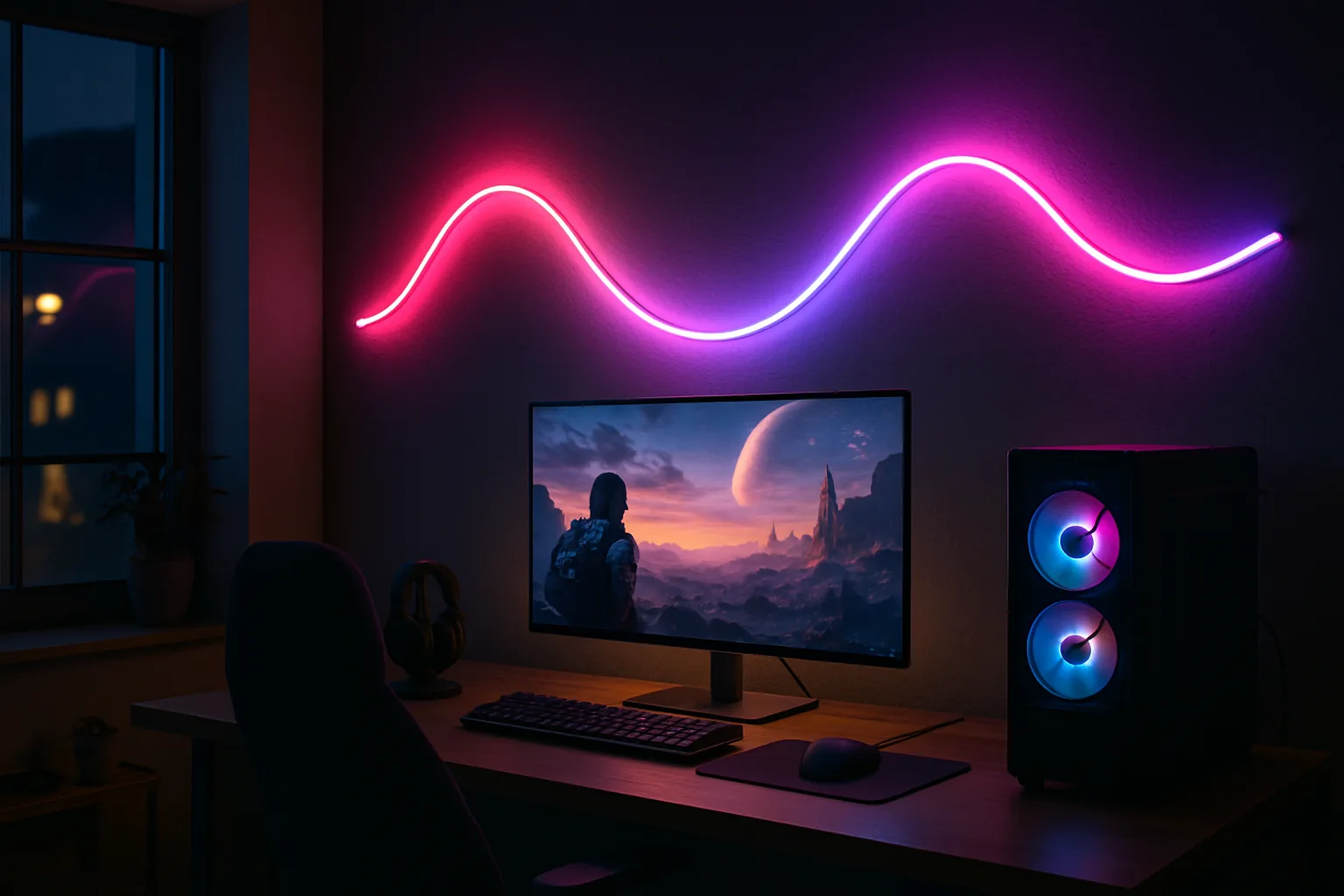
Govee Neon Rope Light 2 vs SwitchBot: Which to Buy and How to Install It
Govee Neon Rope Light 2 compared with the original and SwitchBot's neon rope: light quality, clips, bend limits, Matter, plus how to plan and hang one.
Neon rope lights look like a bar sign: one soft, solid line of color instead of a dotted LED strip. The Govee Neon Rope Light 2 is the one most people find first, and a good one, with smooth blends and the deepest scene library, plus habits worth knowing before you drill.
Below: how it compares with the original Govee rope, SwitchBot and Nanoleaf, then how to hang one.
Quick verdict
- Best all-around for most rooms: the Govee Neon Rope Light 2, 16.4 ft. Smooth gradients, metal clips for corners and the most scenes; stiff where the rope crosses itself.
- For a small wall or a short accent line: the Govee Neon Rope Light 2, 9.8 ft. Same rope; less to draw with.
- Easiest to hang: the SwitchBot Neon Rope Light, 16.4 ft. Most flexible rope, grippiest clips, brightest white; visible LED segments and the weakest app.
Neon rope lights side by side
| Rope light | Shop | Length | Look | Install | App and smart home |
|---|---|---|---|---|---|
| Govee Neon Rope Light 2, 16.4 ft |  View on Amazon | 16.4 ft, not cuttable | Smooth gradients; reds lean pink | Bendable metal clips, anchors; stiff at crossovers | Most scenes, shape mapping; Matter, Alexa, Google Assistant |
| Govee Neon Rope Light 2, 9.8 ft |  View on Amazon | 9.8 ft, not cuttable | Same as the 16.4 ft | Same clip system | Same app and Matter support |
| SwitchBot Neon Rope Light, 16.4 ft |  View on Amazon | 16.4 ft | Brightest white; visible segments | Most flexible; best clip grip | Weakest app; Matter pairing can be stubborn |
| Nanoleaf neon rope | 16.4 ft, white only | Smoothest of all, no visible segments | Thinnest rope; weakest clips, no bendable clips | Easiest app for custom scenes; best third-party support | |
| Original Govee Neon Rope Light | Cuttable | Brighter, truer white and deeper colors | Adhesive backing; hard to bend in some directions | Older app layout, fewer scene controls |
Best all-around
Govee Neon Rope Light 2, 16.4 ft
Smooth gradients, metal clips that hold corners, the deepest scene library and shape mapping so effects follow the design.
- 16.4 ft, not cuttable
- Matter, Alexa, Google
- Black or white backing
Good for
- Most rooms
- Homes with other Govee lights
Skip it if
- Designs full of crossovers (stiff rope)
How they actually differ
Light quality
All of these ropes light in small blocks of a few LEDs; the difference is how well the cover hides them. The Nanoleaf blends best, with no visible segments in any scene. The Govee is close behind, with smooth gradients. The SwitchBot shows its segments in every scene, almost down to individual pixels.
The SwitchBot wins on white: its pure white is the brightest of the three, and its solid greens, pinks and blues look the most like glass neon. The Govee and SwitchBot are rated at 48 watts, the Nanoleaf at 24, yet it looks as bright. All three have the power adapter built into the plug.
Flex and clips
Every neon rope makes smooth curves easily; sharp corners are harder, so Govee and SwitchBot add bendable metal clips. Their 16.4 ft kits include a mix of bendable and standard clips, which look identical but don't swap between brands.
Where the rope crosses over itself, the stiffer Govee barely stays put even with extra clips. The SwitchBot bends most easily and grips best, so it is the easiest to hang for a complicated design. The Nanoleaf is thinnest, about two-thirds the width of the others, but its clips grip least, so overlapping shapes slip. For simple designs with no crossovers, all three behave about the same.
Apps and ecosystem
The Govee Home app has the most built-in scenes and the deepest scene builder, but it is cluttered and confusing at first. Nanoleaf's app is the easiest for building a custom scene. SwitchBot's app is the weakest for lighting. Govee and Nanoleaf also tie into TV and monitor screen-sync systems and third-party light-show software; the SwitchBot works only through its app and Matter. Already own one brand's lights? Buy its rope; sync features stay inside each system.
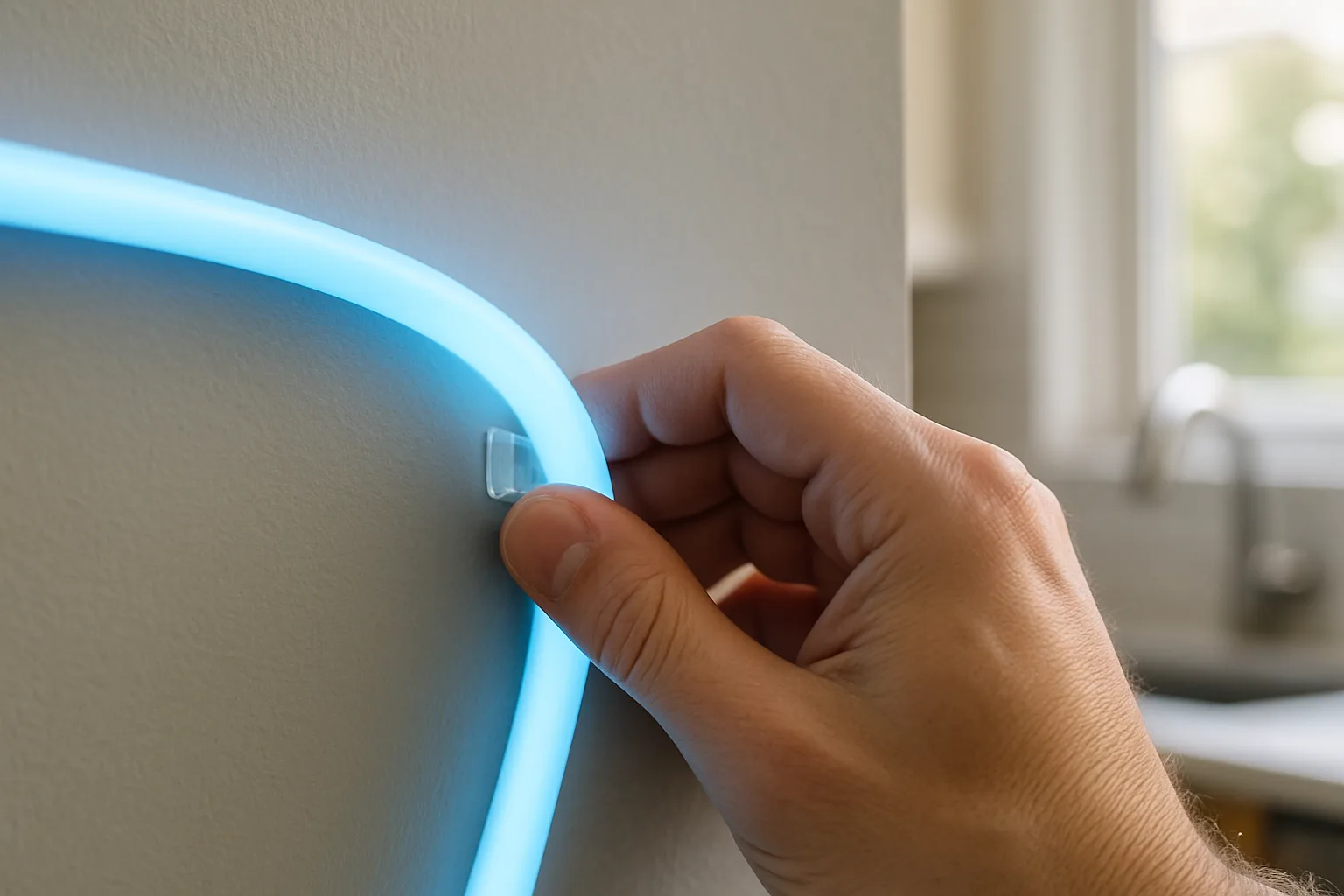
Neon Rope Light 2 vs. the original Govee rope
The second version uses a thinner, softer material (Govee says 14% more flexible), so it takes tighter bends; the original resisted bending in some directions. Color transitions are smoother instead of blocky, many scenes now let you change speed and direction, and pastels look better.
The original still wins on raw color: it is brighter, its white is truer (the new cool white has a blue tint and the warm white barely warms), and its reds are deeper where the new rope's lean pink. Also:
- The new rope can't be cut. The original could be trimmed to fit a desk; version 2 comes in fixed lengths.
- Old clips don't fit the new rope's thinner backing, and same-name scenes look different on the two.
Starting fresh, buy version 2. With a working original, there is little reason to switch, and mixing the two in one room shows the color mismatch.
For a small wall
Govee Neon Rope Light 2, 9.8 ft
The same rope, controller and app in a shorter length for a small shape or a short accent line.
- 9.8 ft
- Same app and Matter
Good for
- Small shapes and short lines
Skip it if
- Anything you may want to extend later (it can't be cut or extended)
How to install neon rope lights
1. Plan the shape and buy the long one
Sketch the design at full size first; an outline taped or projected onto the wall shows how large the shape really is. Because the Govee rope can't be cut, the length you buy is the length you hang. The 16.4 ft rope is just long enough for a real design; the 9.8 ft version suits a simple line or small shape. For ideas, the Govee app has about 100 suggested shapes, from an astronaut to a pineapple.
2. Set it up before it goes on the wall
Add the rope to its own app, update the firmware, and only then add it to a Matter controller; doing it the other way can leave the brand app unable to run scenes.
3. Choose clips, tape or anchors
Adhesive pads on the clips are fastest, but a clip pulled off to fix a mistake won't stick again without fresh tape, and tape can peel paint later. The Govee kit includes screws and drywall anchors: small holes are easier to patch than torn paint, and the rope never falls. Work from both ends toward the middle, and get spare clips for an intricate design.
4. Respect the bend limits
A bendable clip on the Govee rope holds about a 45-degree angle; push further and the rope kinks. Avoid designs where the Govee rope crosses over itself, since it barely stays put there. For lots of crossovers, the SwitchBot is easier.
5. Place the control box and map the shape
The control box is built into the cable, with on/off, brightness and scene buttons, and mounts with double-sided tape, so plan a spot where it won't spoil the look. Once the rope is up, photograph it in the Govee app to map the shape. If the app can't recognize it, draw the shape by hand and mark the power end so effects run in order.
What Matter does and doesn't do
All three connect over Wi-Fi (not Thread), with Bluetooth for setup. Matter brings on/off, brightness and one solid color for the whole rope into Apple Home or another controller, and lets one rope join several systems. Effects, gradients, scenes and music sync stay in the brand app; Govee's Siri Shortcuts support is the workaround for triggering scenes by voice. Apple's guide to pairing Matter accessories covers the Home side.
The Govee and Nanoleaf pair on the first scan; the SwitchBot can take repeated attempts and a well-timed unplug. Govee and SwitchBot put the Matter code on a sticker that can fall off, so photograph it first.
Easiest to hang
SwitchBot Neon Rope Light, 16.4 ft
The most flexible rope and grippiest clips, especially where the rope crosses itself, with the brightest white and the most neon-like colors.
- 16.4 ft
- Flexible rope
- Matter
Good for
- Designs full of crossovers
- Bright white
Skip it if
- Third-party integrations
- Smooth light (visible segments)
Where neon rope works best
- Gaming room or desk wall: the Govee, for its scenes and screen sync. Govee also sells desk neon versions and a longer rope; see the desk setup upgrades guide too.
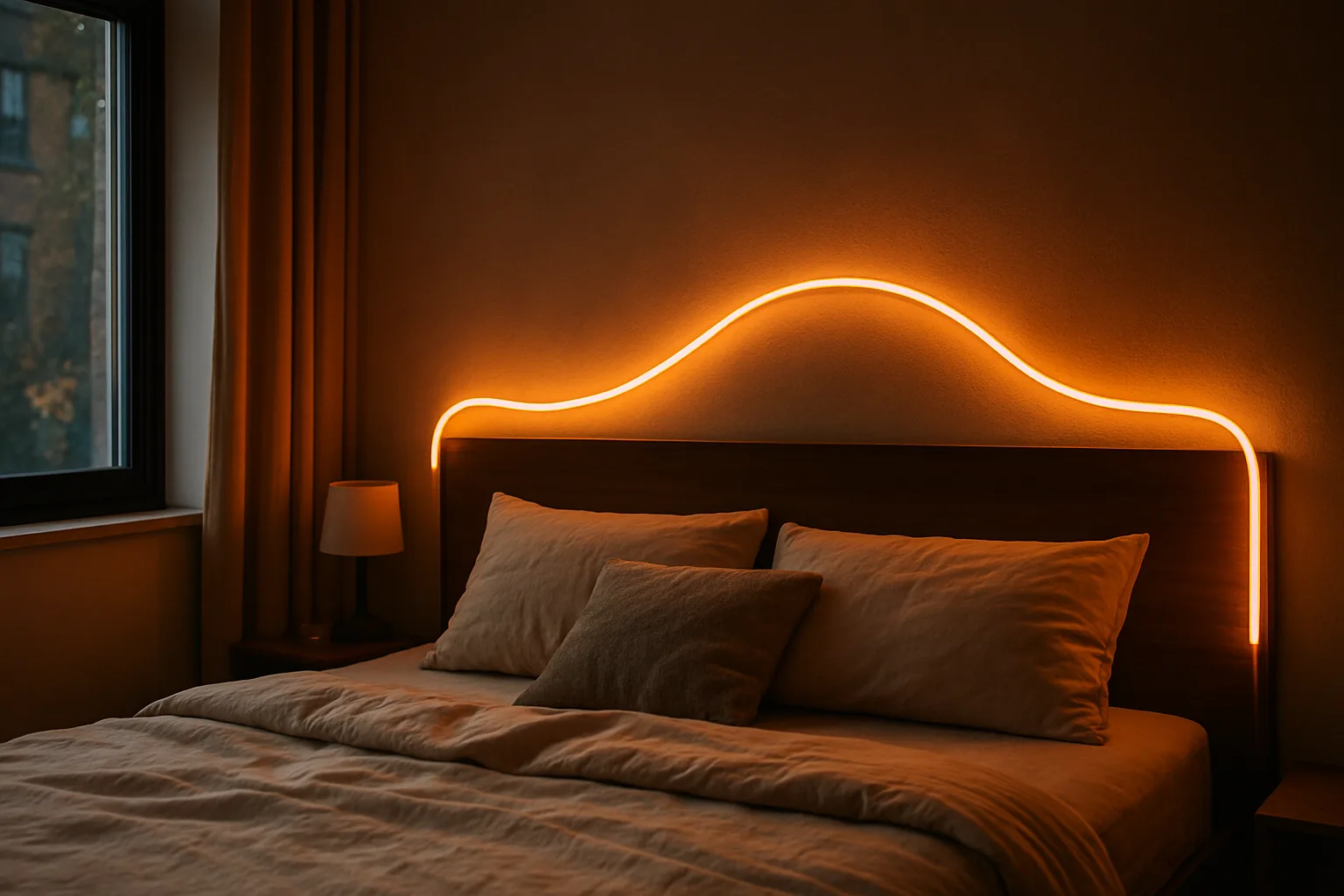
- Bedroom: the Govee or Nanoleaf; one soft color is bright enough to set the mood of the whole room.
- Living room accent or home bar: any of them; the SwitchBot looks most like a real neon sign.
Mixing brands? The Hue vs. Govee vs. WiZ vs. Lutron comparison explains how the systems fit together. For the outside of the house, see the permanent outdoor lights comparison.
The picks in detail
Govee Neon Rope Light 2, 16.4 ft
The best fit for most people: smooth gradients, metal clips that hold corners, and shape mapping so effects follow the design. It comes with a black or white backing. The trade-offs are a stiff rope at crossovers and an app that takes learning. Full specs are on Govee's Neon Rope Light 2 page.
Best all-around
Govee Neon Rope Light 2, 16.4 ft
Smooth gradients, metal clips that hold corners, the deepest scene library and shape mapping so effects follow the design.
- 16.4 ft, not cuttable
- Matter, Alexa, Google
- Black or white backing
Good for
- Most rooms
- Homes with other Govee lights
Skip it if
- Designs full of crossovers (stiff rope)
Govee Neon Rope Light 2, 9.8 ft
The same rope, controller and app, shorter. Choose it only for a truly small space, since it can't be cut or extended later.
For a small wall
Govee Neon Rope Light 2, 9.8 ft
The same rope, controller and app in a shorter length for a small shape or a short accent line.
- 9.8 ft
- Same app and Matter
Good for
- Small shapes and short lines
Skip it if
- Anything you may want to extend later (it can't be cut or extended)
SwitchBot Neon Rope Light, 16.4 ft
The easiest of the three to hang, especially where the rope crosses itself, with the most neon-like colors. Visible segments, a weak app, no third-party integrations and fussy Matter pairing hold it back.
Easiest to hang
SwitchBot Neon Rope Light, 16.4 ft
The most flexible rope and grippiest clips, especially where the rope crosses itself, with the brightest white and the most neon-like colors.
- 16.4 ft
- Flexible rope
- Matter
Good for
- Designs full of crossovers
- Bright white
Skip it if
- Third-party integrations
- Smooth light (visible segments)
Who should buy which
- Most rooms, or other Govee lights at home: Govee Neon Rope Light 2, 16.4 ft.
- A small shape or a short line: Govee Neon Rope Light 2, 9.8 ft.
- Bright white or a design full of crossovers: SwitchBot Neon Rope Light, 16.4 ft.
- The smoothest light and easiest app: Nanoleaf's rope, though its clips are the weakest.
Posted by Kristopher Larson
Frequently asked questions
Can you cut the Govee Neon Rope Light 2?
No. Unlike the original Govee neon rope, the Neon Rope Light 2 can't be trimmed, so pick the length before you buy. The 16.4 ft rope leaves room for a real shape; the 9.8 ft rope suits a short line or a small design.
Is the Govee Neon Rope Light 2 better than the original?
It bends more tightly, blends colors more smoothly, offers more adjustable scenes and adds Matter. The original is brighter, with a truer white and deeper reds. For a new setup, version 2 is the better buy; as a replacement for a working original, it is hard to justify, and the old clips don't fit it.
How sharp can a neon rope light bend?
With Govee's bendable metal clips, about 45 degrees before the rope starts to kink. Gentle curves are easy on every brand. The SwitchBot rope is the most flexible overall, and the Govee is stiffest where the rope has to cross over itself.
Should neon rope lights go up with tape or screws?
Tape is quicker, but a clip that comes off once rarely sticks again, and adhesive can lift paint on removal. The screws and drywall anchors in the Govee box hold permanently and leave small holes that are simple to fill.
What can Matter control on a neon rope light?
Only the basics: power, brightness and one color across the whole rope. Scenes, gradients, effects and music sync need the brand's own app. Set the rope up in that app first, then add it to Apple Home or another Matter controller.
Is SwitchBot or Govee neon rope better?
Govee has smoother gradients, far more scenes and screen-sync options. SwitchBot bends more easily, has grippier clips and a brighter white, but its LED segments show in color scenes and its app is weaker. Pick Govee for effects, SwitchBot for simple shapes.
Keep reading
More from the blog
Best Food Dehydrator: Cosori vs. Nesco vs. Excalibur vs. Magic Mill
Dyson Airwrap vs. Shark FlexStyle: Curls, Drying, Heat and Which Multi-Styler Fits Your Hair
Ring Drone Cam and Rover Cam: Release Dates, Prices and What Homeowners Should Know