Smart Home Products Worth Buying First, Prime Day or Not
The smart home products that make the biggest everyday difference, from Lutron switches and Hue bulbs to Aqara locks, doorbells and presence sensors.
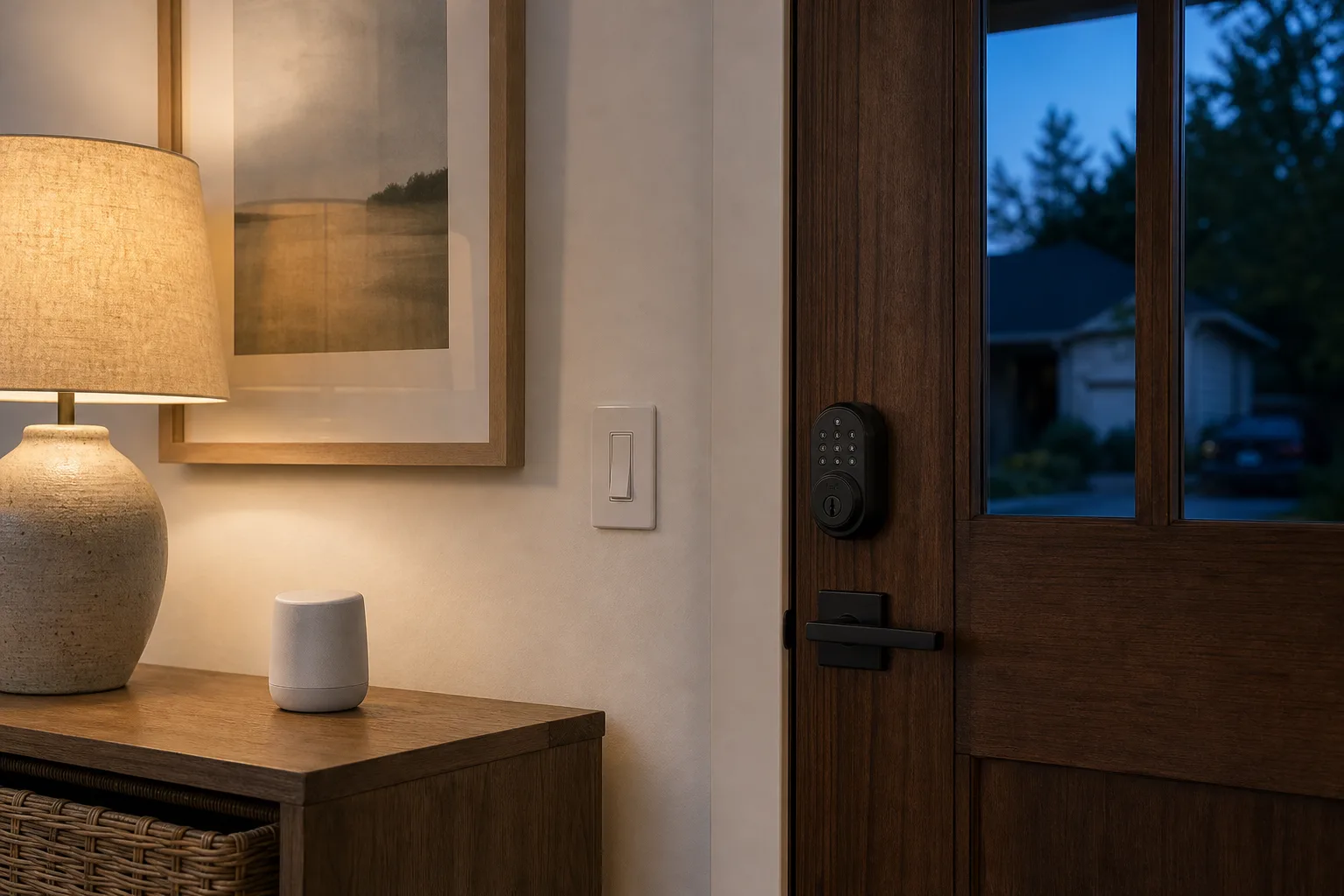
Prime Day and the other big shopping events tend to bury the smart home devices that matter under a pile of gadgets you will unplug in a month. The devices worth buying first are the ones that end up running every day without anyone thinking about them: a light switch that turns the kitchen off after everyone leaves, a lock the family opens without keys, a doorbell that shows who is outside on the TV.
This list ranks smart home products by how much difference they make once they are installed, based on years of daily use in real homes. It works whether you use Apple Home, Alexa or Google Home, since nearly everything here supports all three.
Quick verdict
- Best first upgrade: Lutron Caséta smart dimmer kit. The most reliable smart device in most homes, and it keeps a normal switch on the wall for everyone else.
- Best smart bulbs: Philips Hue starter kit. Balanced white and color light, its own hub, and bulbs that keep working for eight years or more.
- Best video doorbell: Aqara G410. Battery or wired, Apple HomeKit Secure Video, and no cloud subscription needed.
- Best smart lock: Aqara U400. Unlocks as you walk up with an iPhone or Apple Watch, plus fingerprint and PIN.
- Best for renters: Nuki Smart Lock with Keypad. Fits over your existing deadbolt, so the outside keys still work.
- Best automation helpers: Aqara FP300 presence sensor and Aqara mini switch. Lights that know you are in the room, and a button for anyone who does not want an app.
- Best everyday cleaner: SwitchBot K11+ robot vacuum. Small, quiet and good enough to run every morning and keep up with dog hair.
Smart home starter list at a glance
| Product | Shop | Category | Needs a hub | Works with | Why it is on the list |
|---|---|---|---|---|---|
| Lutron Caséta Diva Smart Dimmer Starter Kit |  View on Amazon | Light switch | Yes (included) | Apple Home, Alexa, Google | Most reliable device in the house |
| Philips Hue Starter Kit |  View on Amazon | Smart bulbs | Yes (included) | Apple Home, Alexa, Google | Long-lasting, rarely drops offline |
| Aqara G410 Doorbell |  View on Amazon | Video doorbell | No | Apple Home, Alexa, Google | No subscription, shows on Apple TV |
| Aqara U400 Smart Lock |  View on Amazon | Smart lock | No | Apple Home, Alexa, Google | Hands-free unlock with Apple devices |
| Nuki Smart Lock with Keypad |  View on Amazon | Retrofit lock | No | Apple Home, Alexa, Google | Renter-friendly, keeps your keys |
| Aqara FP300 Presence Sensor |  View on Amazon | Sensor | Depends on setup | Apple Home, Alexa, Google | Knows you are there even when still |
| SwitchBot K11+ |  View on Amazon | Robot vacuum | No | Matter | Daily cleaning that keeps up with pets |
| Aqara G100 Camera | 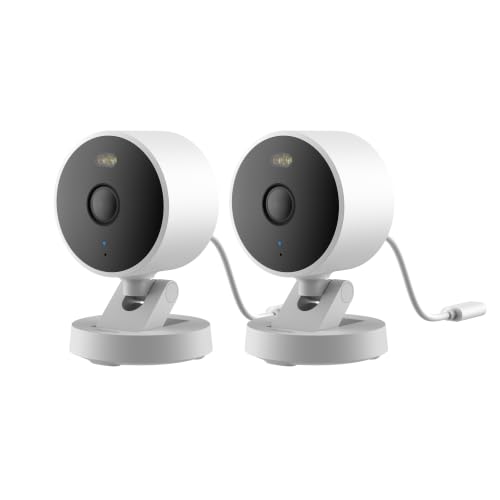 View on Amazon | Security camera | No | Apple Home, Alexa, Google | Local storage, no cloud fees |
Best first upgrade
Lutron Caséta Diva Smart Dimmer Kit
The most reliable smart switch system, with a hub, a dimmer and a remote, that keeps a normal switch on the wall.
- Dimmer, hub and remote
- Lutron Smart Bridge
- Works with Apple Home, Alexa, Google
Good for
- Kitchens, hallways and stairs
- Families who want physical switches
- Anyone building out a whole house
Skip it if
- Renters who cannot change wiring
- Single lamps, where a plug-in dimmer is simpler
The rule that saves the most money: buy systems that scale
The universal smart home where everything talks to everything is still more promise than reality, even with the Matter standard. The setups that age well pick one or two product families and build out from there. A lock, doorbell and thermostat from the same company can share features no mix of brands can: with Aqara's U400 lock, G410 doorbell and W200 thermostat, a doorbell ring shows a snapshot on the thermostat screen, and you can unlock the front door right from it.
The same goes for lighting. Sticking with one switch brand across the whole house means one app, one hub, matching switches and fewer surprises.
Smart switches beat smart bulbs in most rooms
A kitchen with six ceiling lights does not need six smart bulbs. One smart switch controls all of them, still works like a normal switch for guests and kids, and never leaves a bulb unreachable because someone flipped the wall switch off. Smart switches are the better choice for kitchens, hallways, stairs, garages and laundry rooms.
Lutron Caséta is the switch to buy. It costs more than most and needs Lutron's own hub, but it is the most reliable smart device in a lot of homes, the kind you never think about because it simply works. Those lights get used every day, so the cost spreads out fast, and automations can turn the kitchen lights off after everyone leaves for school or work. Caséta also covers ceiling fans and has a plug-in lamp dimmer that dims ordinary lamp bulbs and pairs with a small Pico remote.
Best first upgrade
Lutron Caséta Diva Smart Dimmer Kit
The most reliable smart switch system, with a hub, a dimmer and a remote, that keeps a normal switch on the wall.
- Dimmer, hub and remote
- Lutron Smart Bridge
- Works with Apple Home, Alexa, Google
Good for
- Kitchens, hallways and stairs
- Families who want physical switches
- Anyone building out a whole house
Skip it if
- Renters who cannot change wiring
- Single lamps, where a plug-in dimmer is simpler
Smart bulbs for lamps and color
Bulbs still make sense where you want color, or in lamps and fixtures without a switch you want to change. Philips Hue is the long-term pick: its bulbs have a good balance of white light and color, use their own Zigbee hub, rarely drop offline, and original Hue bulbs are still running after eight years or more. The cheaper Hue Essential line has less vivid color. Aqara bulbs are another good option with bright white light.
For LED strips, skip Hue's strips, which are expensive for what they do, and look at Govee's Matter strips instead. If you are deciding between bulbs and switches room by room, the smart bulbs vs. smart switches comparison goes deeper.
Best smart bulbs
Philips Hue Starter Kit
Balanced white and color light, a dedicated hub and bulbs that keep working for years.
- Bridge plus four bulbs
- Zigbee
- Works with Apple Home, Alexa, Google
Good for
- Living rooms and bedrooms
- Lamps and color lighting
- Morning and evening routines
Skip it if
- Rooms with many ceiling lights on one switch
- Tight budgets
Sensors and buttons make lights automatic
Motion sensors turn lights on when you walk in. Their weak spot is sitting still: an automation that turns lights off when motion stops can leave you in the dark at a desk or on the couch. A millimeter-wave presence sensor like the Aqara FP300 fixes that because it can tell someone is in the room even when they are not moving. In some rooms the older behavior is better: a plain motion sensor will not change a lighting scene while you sit at a desk, which is useful in an office. Philips Hue motion sensors are known to last for years.
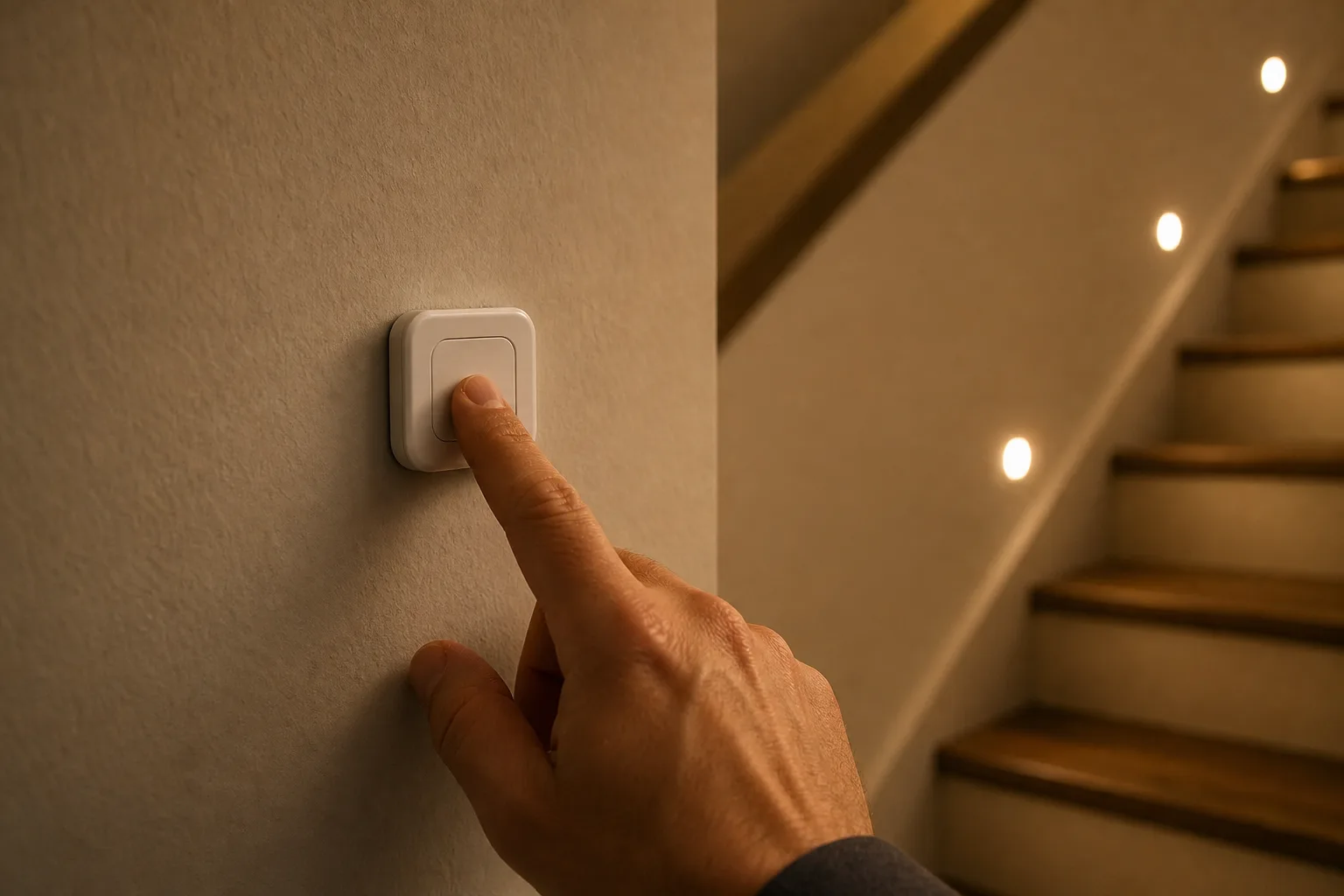
Smart buttons complete the picture and are the best way to give non-tech family members control. One Aqara mini switch can do three jobs: a single press turns a room off, a double press brings up a TV lighting scene, a long press adds extra light. A button at the bottom of the stairs can turn off every downstairs light and check that the front door is locked.
Best presence sensor
Aqara FP300 Presence Sensor
A millimeter-wave sensor that knows someone is in the room even when they sit still, so lights stay on.
- mmWave presence
- 5-in-1 sensor
- Wireless
Good for
- Living rooms and dining rooms
- Hands-free lighting
- Bedrooms with night lighting
Skip it if
- Offices where lighting scenes should not change
- Anyone without a smart home hub or Matter controller

Best smart button
Aqara Wireless Mini Switch
A small stick-on button with single, double and long press actions, which makes smart lights easy for everyone in the house.
- Zigbee
- Single, double and long press
- Stick-on mount
Good for
- Family members who skip apps
- Bedside and stair controls
- Scene shortcuts
Skip it if
- Homes without a compatible Zigbee hub
A video doorbell, ideally wired
A video doorbell is one of the most useful security devices in a house. Ring is popular and works well, but you need a cloud subscription to save video and it does not work with Apple Home. The Aqara G410 runs on battery or doorbell wiring, saves clips to iCloud through HomeKit Secure Video and pops up in the corner of an Apple TV when someone comes to the door.
Wire it if you can. Wired doorbells react faster; battery models often take a moment to wake up, so the clip can start after a fast delivery driver has already dropped the package. Eufy is the other brand without cloud fees, but check which models work with Apple Home before buying. There is a full comparison of video doorbells without a subscription as well.
Best video doorbell
Aqara G410 Doorbell
Battery or wired power, HomeKit Secure Video and no required subscription, with alerts on Apple TV.
- 2K video
- Chime included
- HomeKit Secure Video
Good for
- Apple Home users
- Anyone tired of camera subscriptions
- Homes with doorbell wiring
Skip it if
- Ring and Alexa households that want Ring features
A smart lock, or a retrofit if you rent
A smart lock ends the wait at the front door for whoever has the key. Everyone can have their own PIN or fingerprint. Aqara's ultra-wideband locks go a step further: they recognize an iPhone or Apple Watch, judge distance well, and unlock as you reach the door rather than when you are 10 feet away. You can even ignore approaches from one side, so walking past does not unlock it. The U400 pairs with the G410 and W200 for the snapshot-and-unlock feature; the U100 is a lower-cost Aqara lock with fingerprint and Apple Home Key.
Renters should look at a retrofit lock like Nuki. It fits on the inside of the door over the existing deadbolt, so the outside keys still work and nothing changes for the landlord. It is designed in Austria, built in stainless steel, and costs more than most retrofits. For security grades and more picks, see how smart lock security ratings work.
Best smart lock
Aqara U400 Smart Lock
Ultra-wideband unlocking as you walk up with an iPhone or Apple Watch, plus fingerprint and PIN for everyone else.
- UWB with Apple Home Key
- Fingerprint deadbolt
- Works with the G410
Good for
- Apple households
- Families tired of carrying keys
- Pairing with the Aqara doorbell and thermostat
Skip it if
- Android-only households who want hands-free unlock
- Renters
Best for renters
Nuki Smart Lock with Keypad
A retrofit deadbolt lock that mounts inside the door and keeps your existing keys working outside.
- Retrofit deadbolt
- Keypad included
- Stainless steel
Good for
- Renters
- Doors where you want to keep your key
- Keypad entry for guests
Skip it if
- Tight budgets
- Anyone who wants a fingerprint on the lock itself
A robot vacuum that runs every day
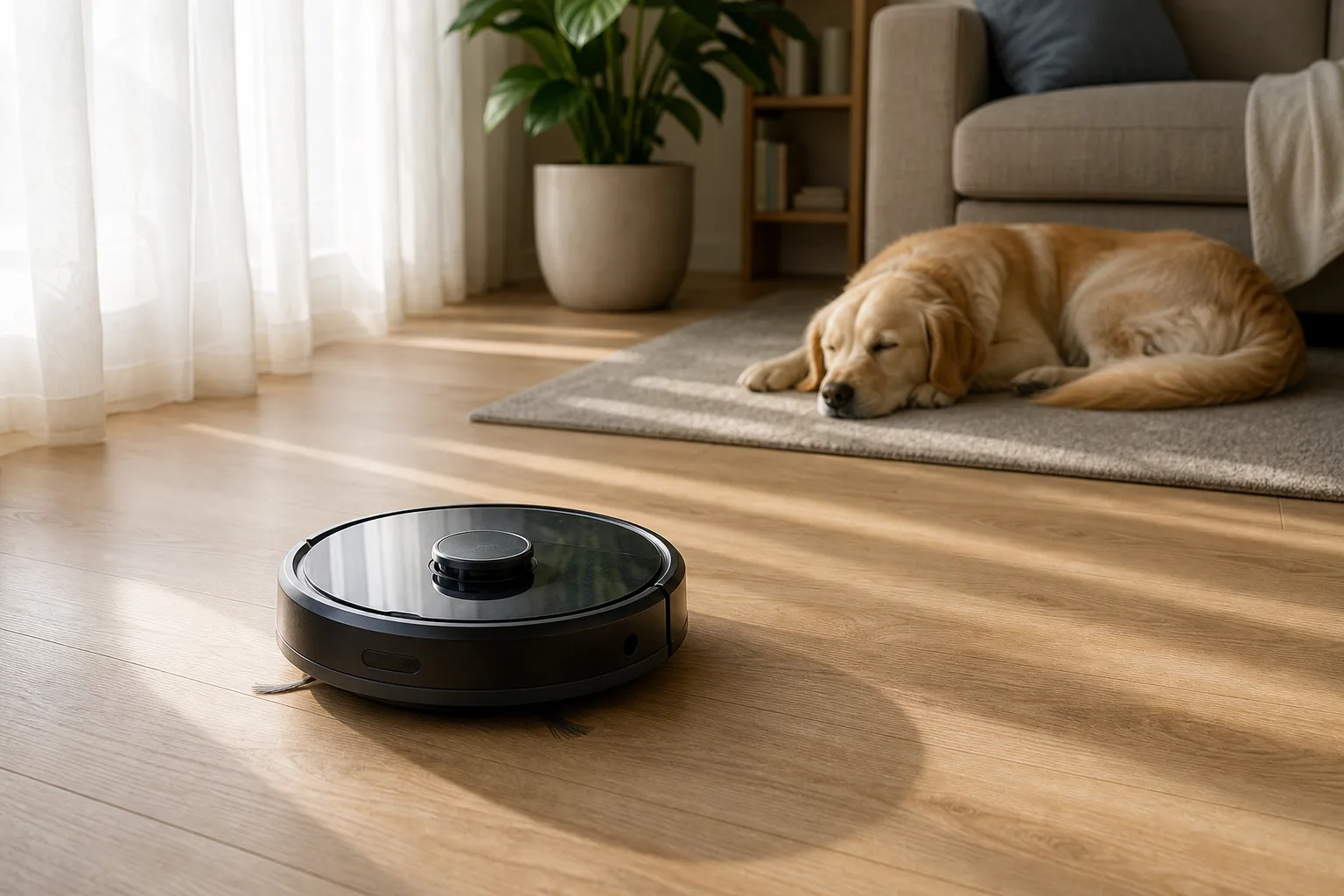
A robot vacuum does not clean as deeply as a good stick vacuum. The point is frequency: run one every morning and dirt and pet hair never build up enough to notice. Dogs usually ignore it as quickly as they ignore a regular vacuum. A small SwitchBot K11+ runs daily and keeps up with a large dog's shedding. It supports Matter, so it works with any assistant, including Apple Home. If you want a self-emptying dock and good mopping, Roborock is the brand to look at. The robot vacuum and mop buying guide covers docks and mops in detail.
Best everyday cleaner
SwitchBot K11+ Robot Vacuum
A compact robot vacuum and mop with Matter support that runs every morning and keeps up with dog hair.
- Compact size
- Vacuum and mop
- Matter
Good for
- Pet owners
- Daily scheduled cleaning
- Apple Home users who need Matter
Skip it if
- Deep carpet cleaning
- Anyone who wants hands-off mopping with a self-washing dock
Cameras: wired and local
Inside cameras are a personal choice; a good outdoor camera is close to essential. Wired cameras respond much faster than battery cameras. The Aqara G100 is the budget pick: it records to a microSD card, works with HomeKit Secure Video and can record around the clock because it is always powered, with no cloud fees. The trade-off is running power to it. For color night vision and local storage in a premium camera, Aqara's G5 Pro is the step up.
Best budget camera
Aqara G100 Camera (2-Pack)
Inexpensive indoor/outdoor cameras with microSD storage and HomeKit Secure Video, so no cloud fees.
- 2K video
- microSD storage
- HomeKit Secure Video
Good for
- Covering a driveway or yard on a budget
- Apple Home users
- 24/7 recording
Skip it if
- Spots with no power outlet
- Anyone who needs battery cameras
Nice to have: curtains, Wi-Fi and the thermostat
Curtain and blind openers. A SwitchBot curtain opener that opens the living room at 7:30 a.m. and closes a couple of hours before sunset is the kind of small automation that runs for years. It helps most in rooms where afternoon sun cooks the space. SwitchBot's Blind Tilt does the same for blinds with a twist rod. Both need a SwitchBot hub to work with voice assistants, and a Matter hub to work with Apple Home.
Wi-Fi. Every device above depends on it. For a set-it-and-forget-it network, eero is the easy choice, and its Pro models double as Thread border routers for smart home devices. Network enthusiasts can look at Ubiquiti instead. See the mesh Wi-Fi comparison for sizing.
Thermostat. The Aqara W200 supports Apple's adaptive temperature feature and shows doorbell snapshots when paired with the G410.

Nice to have
SwitchBot Curtain 3
A clip-on curtain motor that opens and closes existing curtains on a schedule.
- Rod-mounted
- Bluetooth remote
- Schedules
Good for
- Sunny west-facing rooms
- Morning wake-up routines
- Renters
Skip it if
- Anyone without a SwitchBot or Matter hub who wants voice control

Easiest Wi-Fi
eero Pro 7
A mesh Wi-Fi 7 router that sets up quickly and doubles as a Thread border router.
- Wi-Fi 7
- Tri-band mesh
- Thread border router
Good for
- Less technical households
- Large homes with dead spots
- Thread smart home devices
Skip it if
- Networking enthusiasts who want advanced controls

Best thermostat for Apple Home
Aqara W200 Thermostat
A smart thermostat with Apple's adaptive temperature that shows doorbell snapshots with the Aqara G410.
- Apple adaptive temperature
- Touchscreen
- Works with the G410
Good for
- Apple Home users
- Aqara lock and doorbell owners
Skip it if
- Alexa or Google homes that want a learning thermostat
What to buy first
- Smart switches for the rooms you use every day.
- A video doorbell, wired if possible.
- A smart lock, or a retrofit lock if you rent.
- Sensors and buttons so lights take care of themselves.
- A robot vacuum on a daily schedule.
- Bulbs, cameras, curtains and the rest as you go.
Two more tips: if you use Apple Home, an Apple TV 4K with Ethernet and Thread works as the home hub and a streaming box, and HomePod minis extend the Thread network while adding speakers. And whatever platform you use, check for Matter support before buying, since it keeps your options open; the Connectivity Standards Alliance explains how Matter works.
Posted by Kristopher Larson
Frequently asked questions
What smart home device should I buy first?
Smart light switches for the rooms you use every day, such as the kitchen and hallways. A system like Lutron Caséta is extremely reliable, still works like a normal switch for everyone in the house, and lets you automate lights that would otherwise be left on.
Are smart switches or smart bulbs better?
Switches are better for rooms with several ceiling lights on one switch, because one switch controls them all and nobody can cut power to the bulbs by flipping the wall switch. Bulbs are better for lamps, fixtures without a switch you want to replace, and anywhere you want color.
Which video doorbells work without a subscription?
The Aqara G410 saves clips to iCloud through Apple HomeKit Secure Video, so no doorbell subscription is needed, and Eufy doorbells store video locally. Ring needs a paid plan to save video and does not work with Apple Home. Wired doorbells respond faster than battery models.
Can I use a smart lock if I rent?
Yes, with a retrofit lock. The Nuki Smart Lock mounts on the inside of the door over your existing deadbolt, so the outside keys still work and nothing visible changes for the landlord. Remove it when you move out.
What is the difference between a motion sensor and a presence sensor?
A motion sensor detects movement, so lights can turn off while you sit still. A millimeter-wave presence sensor, like the Aqara FP300, detects that someone is in the room even when they are not moving, which keeps lights on while you read, work or watch TV.
Do I need Matter for my smart home?
It is not required, but it helps. Matter-certified devices like the SwitchBot K11+ robot vacuum work with Apple Home, Alexa and Google Home, which keeps your options open if you change platforms later.
Keep reading
More from the blog
Dyson Airwrap vs. Shark FlexStyle: Curls, Drying, Heat and Which Multi-Styler Fits Your Hair
Ring Drone Cam and Rover Cam: Release Dates, Prices and What Homeowners Should Know

Best Cold Brew Coffee Maker: OXO vs. Takeya vs. County Line Kitchen