In-Depth Amazon Echo Hub Review: Features, Performance, and Smart Home Integration
Amazon Echo Hub review: 8-inch wall panel hardware, built-in Zigbee/Thread/Matter hub, PoE and in-wall mounting, dashboard limits, and Echo Hub vs. Echo Show 8 and Show 11.
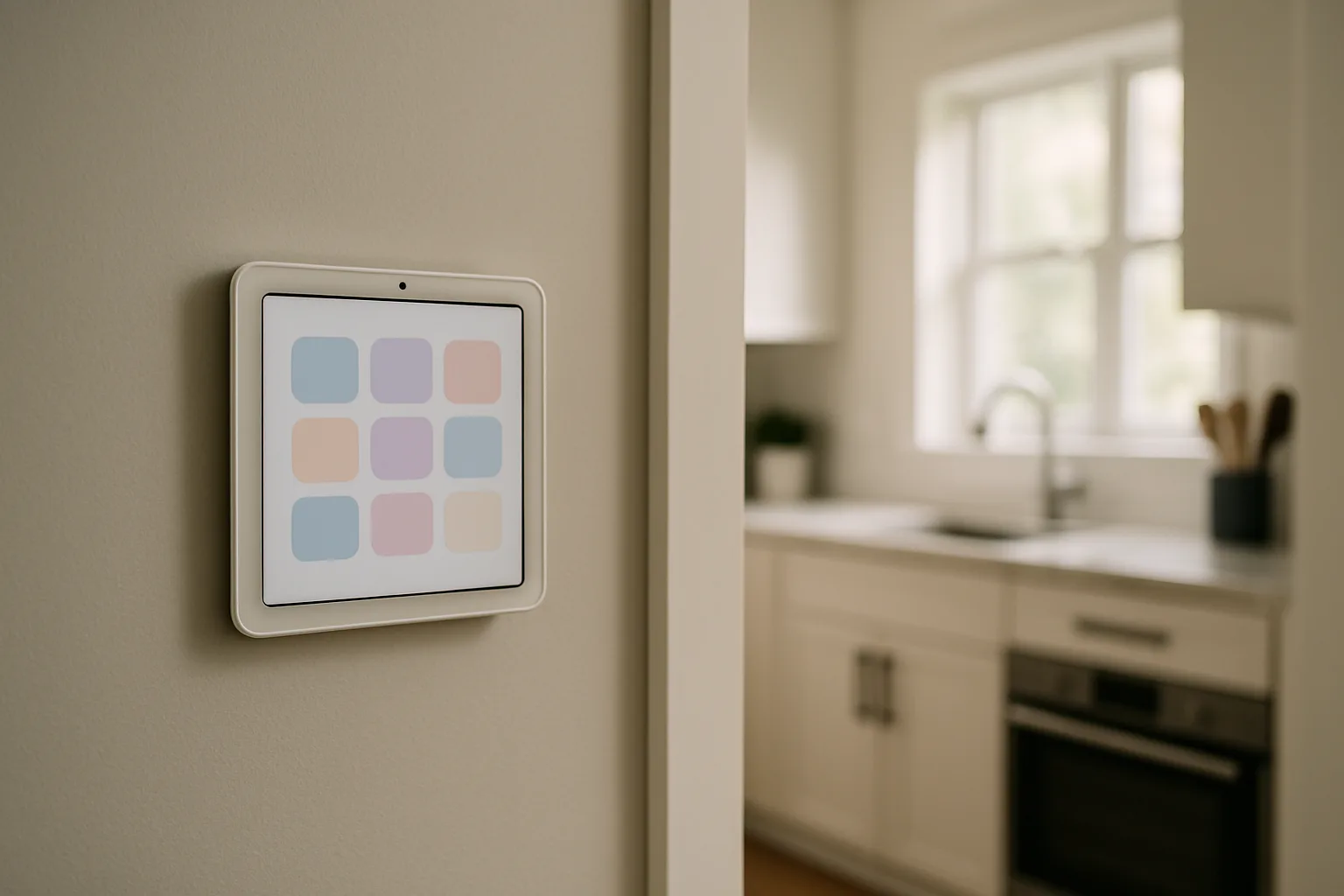
The Amazon Echo Hub is an 8-inch touchscreen built for one job: controlling a smart home. Unlike the Echo Show, which is a kitchen screen for video calls, recipes and streaming, the Echo Hub is meant to hang on a wall like a control panel, showing lights, locks, cameras and routines one tap away. It also contains a smart home hub of its own, so Zigbee, Thread and Matter devices can connect to it directly.
This review covers the Echo Hub's hardware, installation options, everyday controls and limits, and how it compares with the Echo Show 8 and Echo Show 11 for buyers trying to decide which Alexa screen belongs on the wall.
As an Amazon Associate, Best Utah Real Estate earns from qualifying purchases.
Quick verdict
- Buy the Echo Hub for a dedicated, wall-mounted smart home panel in an Alexa home with lights, plugs, locks, a thermostat or Ring cameras to control.
- Choose an Echo Show 8 instead for a countertop screen that also handles video calls, music and streaming, with the same smart home hub radios.
- Choose an Echo Show 11 for a larger, sharper kitchen or family-room display that can still act as a control center.
Echo Hub vs. Echo Show 8 vs. Echo Show 11
| Feature | Echo Hub | Echo Show 8 (newest model) | Echo Show 11 |
|---|---|---|---|
| Screen | 8-inch touchscreen | 8.7-inch HD | 11-inch Full HD |
| Camera | None | 13 MP with auto-framing | 13 MP with auto-framing |
| Built-in hub | Zigbee, Thread, Matter, Bluetooth | Zigbee, Thread, Matter | Zigbee, Thread, Matter |
| Designed for | Wall-mounted control panel | Countertop or stand | Countertop or stand |
| Mounting | Wall mount included; stand sold separately | Built-in base; stand optional | Stand (bundle shown) or separate |
| Power over Ethernet | Yes, with a USB-C PoE adapter | No | No |
| Speaker | Small, for voice replies and alerts | Full-range with spatial audio | Full-range with spatial audio |
| Price tier | Mid-range | Mid-range | Upper mid-range |
| Shop |  Buy on Amazon Buy on Amazon
|  Buy on Amazon Buy on Amazon
|
All three run Alexa and work with Alexa+, Amazon's newer conversational assistant, which is included with Prime or available as a separate subscription. Check Amazon's current terms, since plans and pricing change.
Echo Hub hardware
The Echo Hub is a thin, light panel with a white bezel around an 8-inch touchscreen. There is no camera, which many households prefer for a device that hangs in a hallway or kitchen. A small sensor at the top detects when someone walks up and wakes the screen, and a microphone-off button sits on the edge next to the volume buttons.
Inside is a full smart home hub. The Echo Hub works as a Zigbee hub, a Thread border router and a Matter controller, and it supports Bluetooth Low Energy and Amazon Sidewalk. In practice that means many Zigbee bulbs, sensors and plugs, and newer Matter-over-Thread devices, can pair to it without a separate bridge.
The speaker is small and tuned for Alexa replies, timers and alerts rather than music. Anyone who wants a screen that doubles as a kitchen speaker will be happier with an Echo Show.
Amazon Echo HubCheck today’s price on AmazonBuy on Amazon →
Installation and placement
The Echo Hub comes with a wall mount, and the cleanest installation hides the power cable inside the wall. There are three common approaches:
- Next to an outlet. Mount the panel above an outlet and run the cord down the wall, using a paintable cord cover for a tidier look.
- In-wall cable pass-through. Amazon sells kits that route the power cable behind the drywall to an outlet below. Check local code for running low-voltage cable inside walls.
- Power over Ethernet. The Echo Hub has no Ethernet port, but it can run on PoE through a compatible USB-C adapter such as the PoE Texas at-HUB PoE+ to USB-C adapter. Amazon specifies an 802.3at (PoE+) or 802.3bt switch or injector, and the adapter must support both 5V/2.4A and 9V/3A output, so check the adapter's listing before buying.
For a tabletop, Amazon sells a separate stand. Mount the panel at roughly light-switch to shoulder height near the main entry, the kitchen or the hallway between bedrooms, where it gets used on the way in and out. A strong Wi-Fi signal at the mounting spot matters; the guide to mesh Wi-Fi systems covers fixing dead zones.
Getting it ready before mounting
A little preparation in the Alexa app makes the dashboard far more useful on day one:
- Clean up device names. Rename devices so they read clearly on a small tile, such as "Kitchen pendants" instead of a model number.
- Build rooms and groups. Assign every device to a room. The Echo Hub organizes its screen by room, so unassigned devices are harder to find.
- Create a few routines. "Good night," "Leaving" and "Movie time" routines become one-tap buttons on the panel.
- Pair hub devices last. Once the Echo Hub is powered and online, add Zigbee or Thread devices through the Alexa app so they connect to the hub instead of another bridge.
Everyday control and the dashboard
The Echo Hub doesn't replace the Alexa app; it displays what the app already knows. Devices, rooms, groups and routines are set up in the Alexa app on a phone first, then appear on the dashboard. The home screen shows rooms and favorite devices, and a tap opens a room to switch lights, set brightness or check whether a door is locked.
Widgets fill the rest of the screen: scenes and routines, a thermostat card, camera snapshots, weather, a calendar, a shopping list and music controls. Owners can add, remove and rearrange widgets so the most used controls sit on the first screen. Early reviews found widget editing and multi-light commands slow; Amazon has updated the software since, so recent reviews and the current Alexa app notes give a better picture of responsiveness than launch-era impressions.
Thermostats, locks and cameras
Thermostat cards show the current temperature and allow set-point changes, and some modes and advanced settings still work best by voice or in the thermostat's own app. For which thermostat to pair with an Alexa home, see the Nest vs. ecobee comparison.
Camera support is strongest with Ring, which Amazon owns. Ring cameras and doorbells appear as live views and recent snapshots, and multiple cameras can show at once. Many other brands that work with Alexa also stream to the screen. When a doorbell rings, the Echo Hub can show who is at the door. The video doorbell comparison covers which doorbells work with Alexa without a monthly fee.
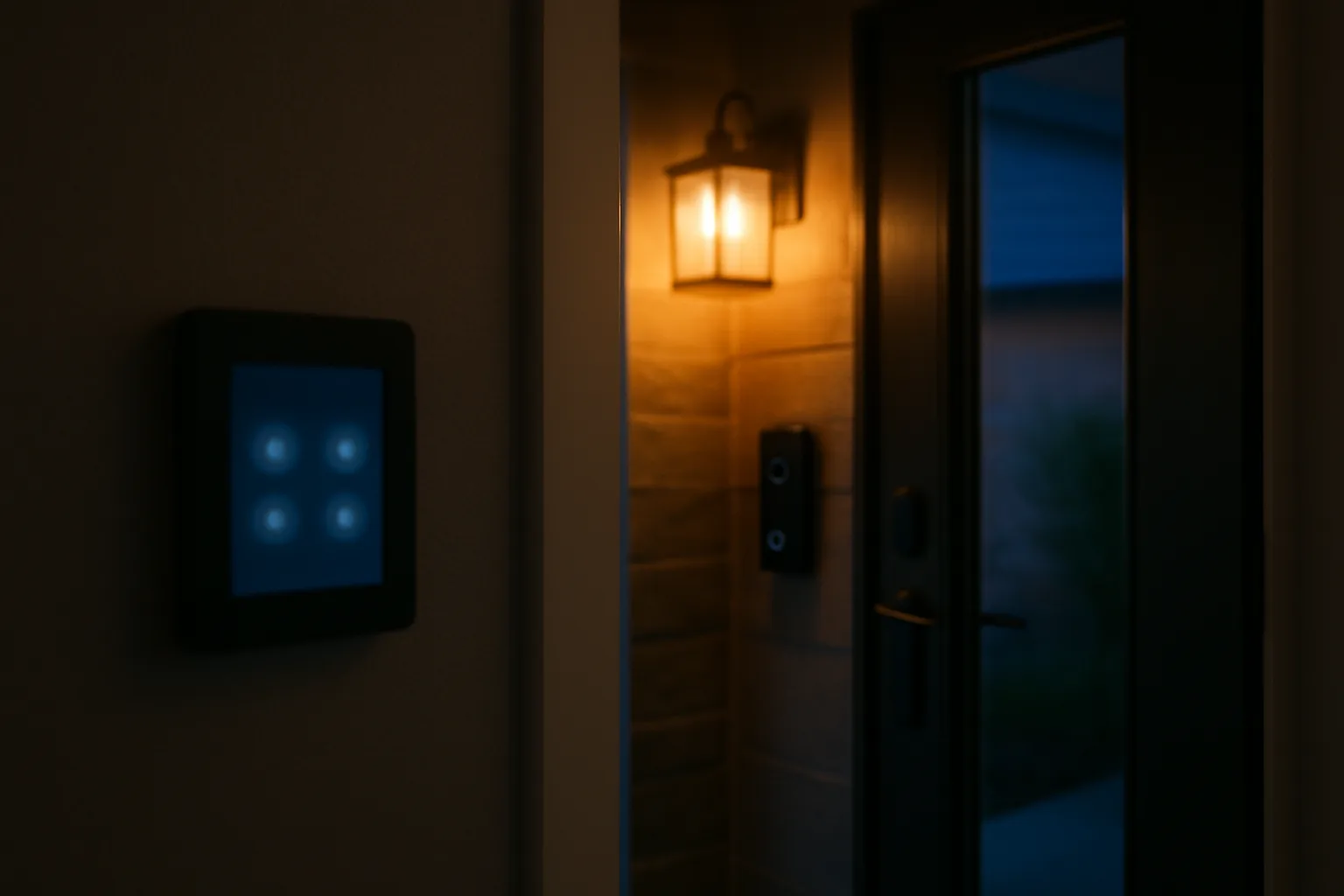
Photo frame and presence detection
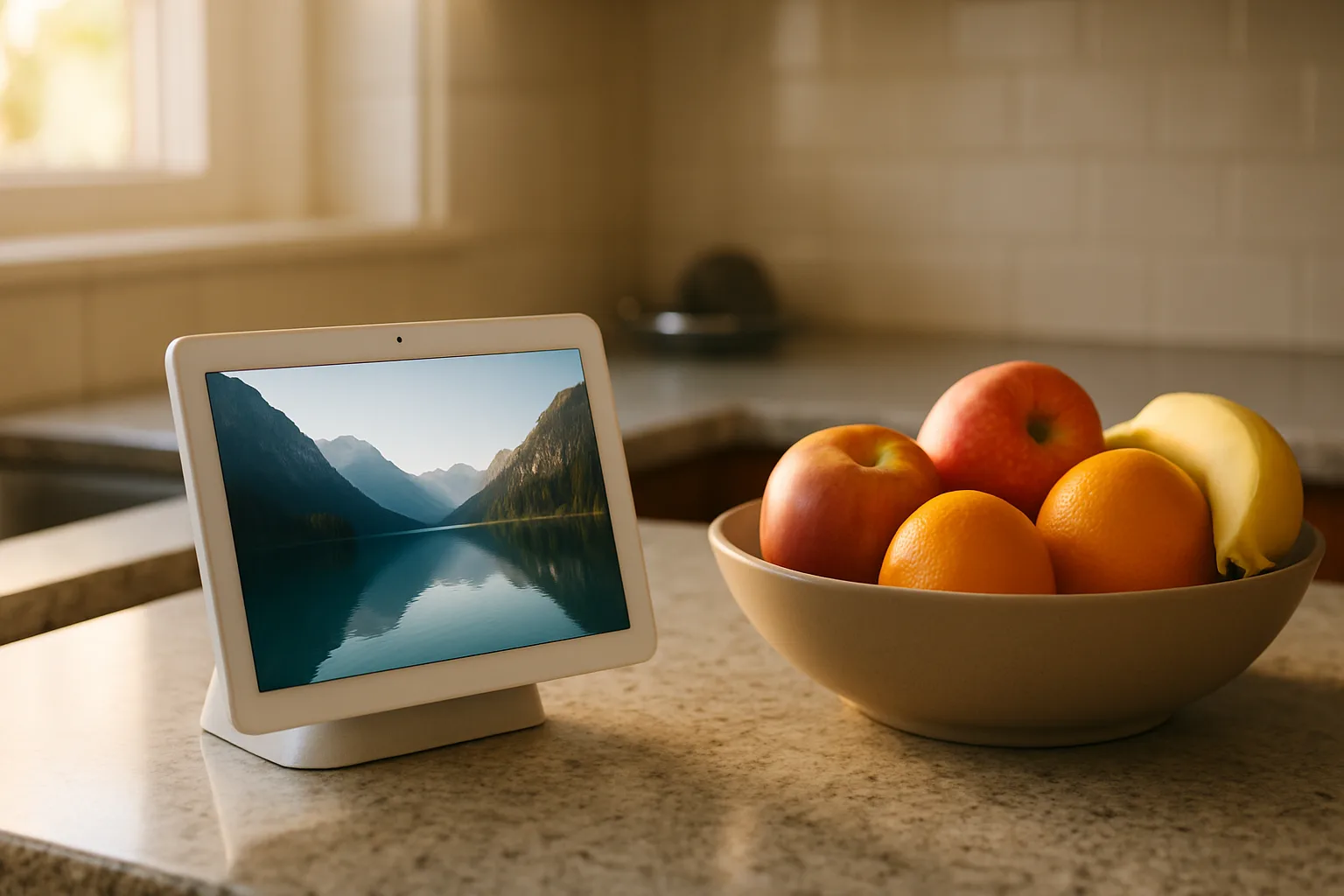
When nobody is using it, the Echo Hub can rotate personal photos from Amazon Photos or curated art and nature collections, so it looks like a picture frame rather than a blank screen. When someone approaches, it wakes and returns to the dashboard, then falls back to the photo display after a short idle period.
Limitations to know
- Alexa only. It doesn't control Google Home or Apple Home directly. Matter devices can be shared between platforms, but the dashboard itself is Alexa's.
- Weak speaker. It is not a music speaker.
- Not every control is on screen. Some device settings still require the phone app or a voice command.
- Power planning. A clean wall install needs an outlet nearby, an in-wall kit or PoE.
Echo Hub vs. Echo Show: which to buy
The Echo Hub is the right choice for a home with enough connected devices that a shared control panel saves everyone a trip to the phone, especially when the panel will be wall-mounted near an entry. Households with smart locks will find it useful for a quick lock check on the way to bed; the smart lock security guide covers lock choices.
The Echo Show 8 is the better buy for a countertop. It adds a camera for video calls, a fuller speaker and streaming apps while keeping the same Zigbee, Thread and Matter radios, so it can serve as the home's hub as well.
 Amazon Echo Show 8Check today’s price on AmazonBuy on Amazon →
The Echo Show 11 suits a kitchen or family room where a larger, sharper screen is worth the space, for recipes, video and a bigger smart home dashboard.
Amazon Echo Show 11Check today’s price on AmazonBuy on Amazon →
Posted by Kristopher Larson
Frequently asked questions
What is the difference between the Echo Hub and an Echo Show?
The Echo Hub is designed as a wall-mounted smart home control panel. It has no camera, a small speaker and a dashboard built around rooms, devices and routines. Echo Show models are countertop screens with a camera for video calls, fuller speakers and streaming apps. Current Echo Show 8 and Echo Show 11 models also include Zigbee, Thread and Matter radios, so they can serve as a smart home hub too.
Does the Echo Hub have a camera?
No. The Echo Hub has no camera. It uses a small presence sensor to wake the screen when someone approaches, and it has a microphone-off button for privacy.
Can the Echo Hub run on Power over Ethernet?
Yes, with a compatible USB-C to PoE adapter, since the Echo Hub has no Ethernet port. Amazon specifies an 802.3at (PoE+) or 802.3bt switch or injector and an adapter that supports both 5V/2.4A and 9V/3A output.
Does the Echo Hub come with a stand?
It ships with a wall mount. A tabletop stand is sold separately, as are in-wall cable kits and PoE adapters.
Which smart home devices work with the Echo Hub?
Any device set up in the Alexa app can appear on the dashboard, including lights, plugs, switches, locks, thermostats and many cameras, with Ring cameras best supported. The built-in hub also connects Zigbee, Thread and Matter devices directly without a separate bridge.
Does the Echo Hub work with Alexa+?
Yes. The Echo Hub is listed among the devices designed for Alexa+, Amazon's newer assistant. Alexa+ is included with a Prime membership or available as a separate subscription; check Amazon's current terms.
Keep reading
More from the blog
Costway Christmas Inflatables Reviewed: Snow Globe, Nativity, Santa on a Dinosaur and More
Best Christmas Tree Stand for a Real Tree: Steel vs. Plastic vs. Ratchet (Cinco, Jack-Post, Krinner)
C3 vs. C6 vs. C7 vs. C9 Christmas Lights: Which Bulb Size for Rooflines, Trees and Bushes